Introduction
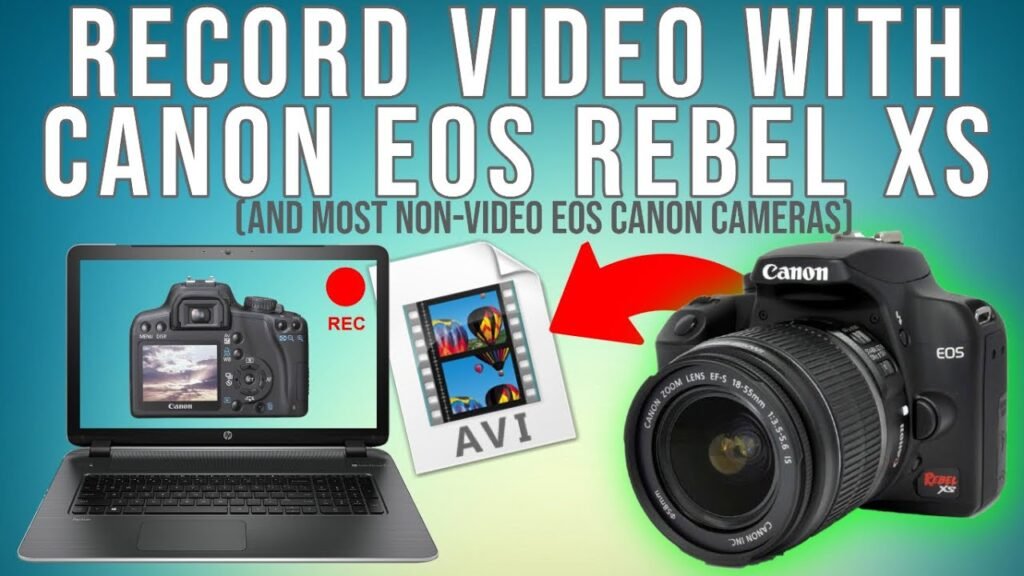
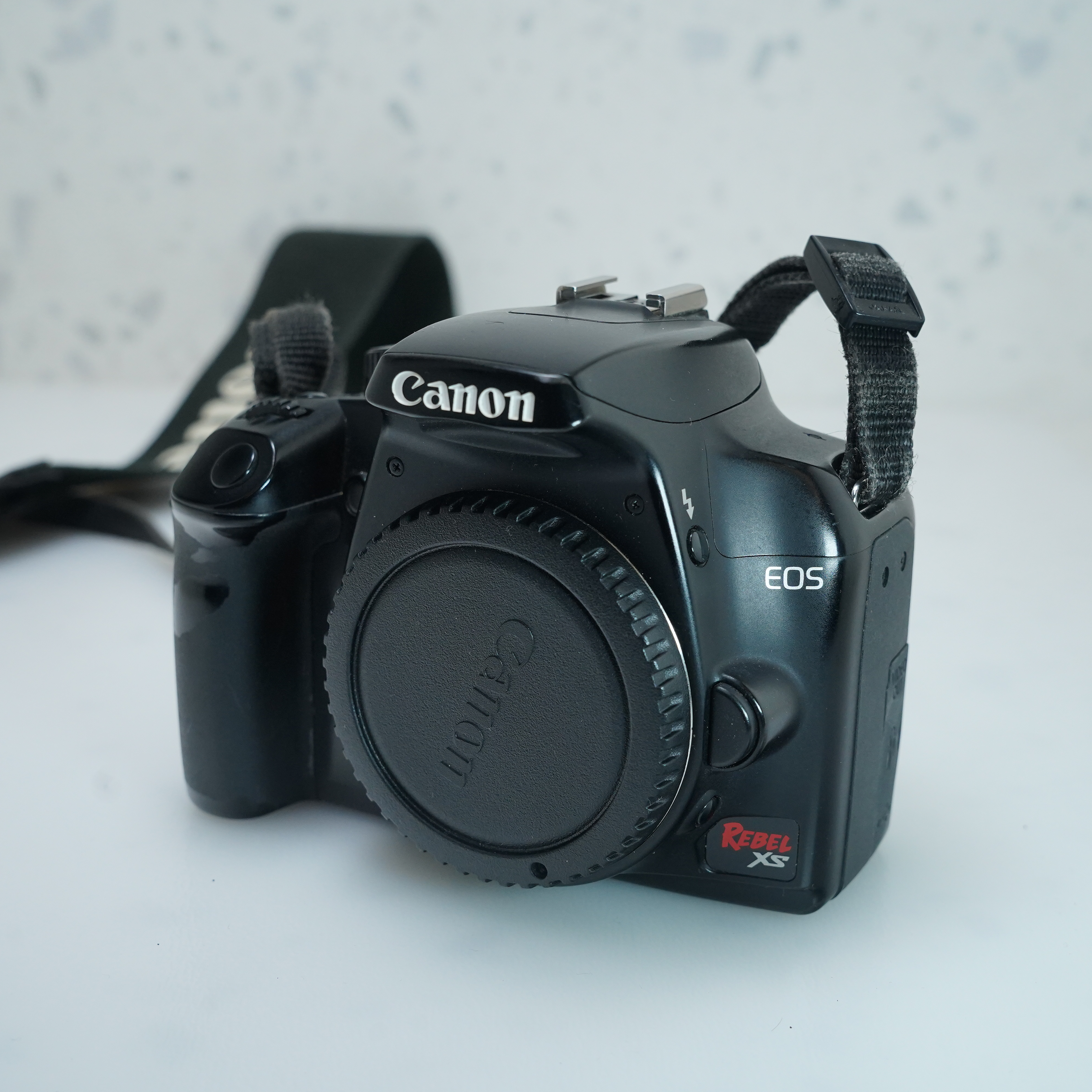
No. The Canon Rebel XS cannot record video. The U.S. version of this entry-level DSLR, also known as the Canon EOS 1000D, records still photos only. It has no movie mode, no video file format, and no built-in way to save moving images to its memory card.
The Rebel XS does include Live View for framing still photos on its rear screen. However, Live View does not mean video recording is available. The camera can show a live image on the LCD, but it cannot capture that image as a movie.

Why the Canon Rebel XS Cannot Record Video
The Canon Rebel XS was designed as a still-photo DSLR. Its image sensor and processor can display a live preview, but Canon did not include the movie-recording functions needed to create video files.
A camera needs more than a live screen to record video. It also needs:
- A movie-recording mode
- Continuous sensor readout
- Video compression
- Movie file creation
- Audio recording support
- A control to start and stop recording
The Rebel XS does not provide these functions. Its Live View system is for composing and focusing still images, not for filming.
The camera’s technical specifications and user documentation list still-image capture modes but do not list movie recording. The absence of a movie mode is a documented camera limitation, not a setting that is hidden in the menu.
Live View is not the same as video
Live View lets you see the scene on the rear LCD before taking a photo. It can help when shooting from a low angle, using a tripod, or focusing manually.
When you press the shutter button, the Rebel XS takes a still image. It does not continue saving frames as a video. Think of Live View as an electronic viewfinder on the back of the camera, not as a recording feature.
Can a Firmware Update Add Video Recording?
No. A firmware update cannot turn the Canon Rebel XS into a video camera.
Firmware can sometimes improve existing functions or fix errors. It cannot normally add hardware features that the camera was not designed to support. The Rebel XS lacks the complete movie-recording system required for video, including the appropriate firmware controls, processing support, and audio features.
Unofficial firmware projects may appear in online discussions, but they do not provide a reliable or supported way to add video to the Rebel XS. Installing unofficial firmware can also create risks such as:
- A failed update
- Camera malfunction
- Loss of manufacturer support
- Battery or storage errors
- A camera that will not start
For this model, the practical answer is simple: do not expect a firmware update to enable video recording.

Can an HDMI or USB Cable Record Video From the Rebel XS?
No. A cable cannot make the Rebel XS record video.
The Rebel XS may connect to a computer or television for transferring or viewing photos. These connections do not create a movie signal that the camera can save internally.
An external capture device also cannot produce normal video if the camera does not provide a suitable continuous video output. A device may display a still or live preview in some situations, but that is not the same as supported movie recording.
The camera’s USB connection is mainly for data transfer and communication with a computer. It is not a webcam mode or a video-output feature.

Does the Canon Rebel XS Have a Movie Mode?
The Canon Rebel XS does not have a Movie mode. Its mode dial is built around still photography, with settings such as:
- Program AE
- Shutter-priority AE
- Aperture-priority AE
- Manual exposure
- Portrait
- Landscape
- Close-up
- Sports
- Night Portrait
- Flash Off
If you turn the dial and do not see a movie-camera icon, that is expected. The Rebel XS was released before Canon added video recording to many of its consumer DSLR models.
The first Canon EOS Rebel model widely associated with built-in DSLR video is the Canon EOS Rebel T1i, also called the EOS 500D. Later models, such as the Rebel T2i, added more capable video features.
Can You Use the Canon Rebel XS as a Webcam?
Not through an official built-in webcam mode. The Canon Rebel XS is too old to offer the modern USB webcam features found on many newer Canon cameras.
A third-party video-capture setup would still require a usable live video output from the camera. Even if an adapter could display the camera’s signal, the setup would not give the Rebel XS normal internal movie recording.
For video calls, streaming, or online classes, a USB webcam or a newer camera with supported webcam software will be more practical. The Rebel XS can still work well for basic still photography, but it is not a convenient webcam camera.

What Can the Canon Rebel XS Do Instead?
The Rebel XS can still produce good results for still photography when paired with a suitable lens and used in good light. It supports common Canon EF and EF-S lenses, allowing users to choose wide, standard, telephoto, or macro options.
Useful still-photo applications include:
- Family and casual photography
- Landscapes
- Portraits
- Product photos
- Basic macro work
- Learning manual exposure
- Long-exposure work with a tripod
The camera can also record images in JPEG and RAW formats. RAW files preserve more editing data, while JPEG files are smaller and ready to share.
If you need a moving image, the normal workaround is to use a separate device for video. A smartphone, compact camera, camcorder, or newer DSLR can record the video while the Rebel XS handles still photos.

What to Check Before Buying a Used Rebel XS for Video
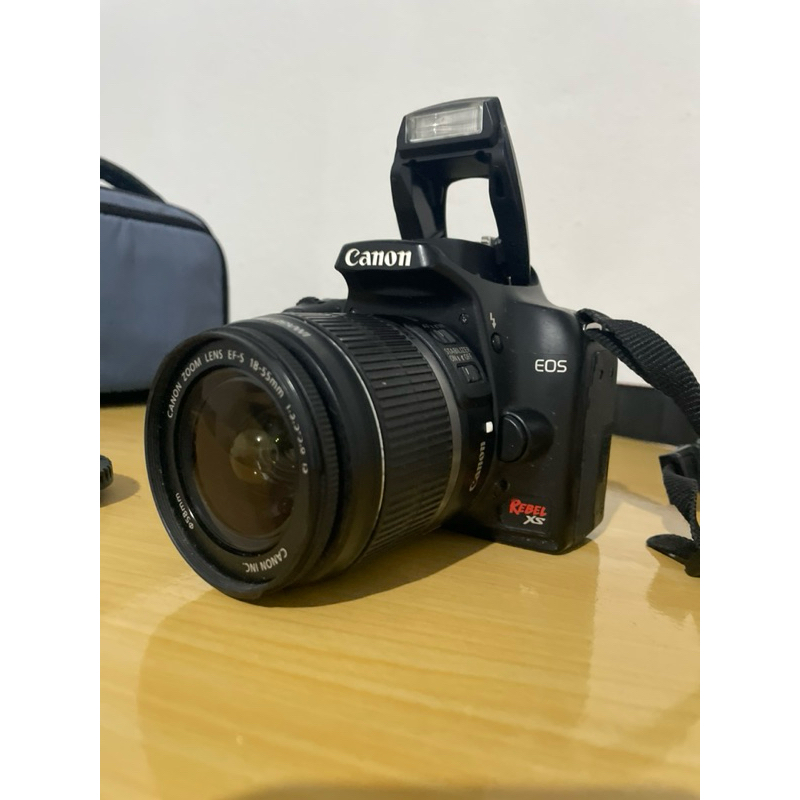
If you are considering a used Canon Rebel XS, check the listing carefully. Some sellers may describe the camera as having “Live View,” which can confuse buyers into thinking it records video.
Look for these terms:
| Listing term | What it means |
|---|---|
| Live View | Shows a live preview for still photos |
| Movie mode | A real video-recording function |
| Full HD or 1080p | A video resolution |
| Microphone input | A port for recording external audio |
| Webcam support | A camera feature for computer video |
| Video output | A signal sent to another display or recorder |
A Rebel XS listing should not claim built-in video recording. If the seller says it records movies, ask for a photo of the mode dial and menu screen. Also confirm that the model is the EOS Rebel XS, not a newer Rebel model with a similar appearance.
Canon Rebel XS vs. Canon Rebel T1i for Video
The Canon Rebel T1i is a much better choice than the Rebel XS if video is required. The T1i added movie recording and was designed to capture video to a memory card.
| Feature | Canon Rebel XS | Canon Rebel T1i |
|---|---|---|
| Still photos | Yes | Yes |
| Live View | Yes | Yes |
| Built-in video recording | No | Yes |
| Movie mode | No | Yes |
| External microphone input | No | Limited, depending on setup and region |
| Best use | Still photography | Still photography and basic video |
The T1i is also an older camera, so buyers should check battery health, memory-card compatibility, autofocus behavior, and overall condition. A newer used camera may offer better video autofocus, stronger low-light performance, and easier computer connectivity.
The key buying rule is this: if video is essential, skip the Rebel XS and choose a camera that explicitly lists movie recording in its specifications.

Common Mistakes About Canon Rebel XS Video
“It has Live View, so it must record video”
Live View only provides a real-time preview. Many older cameras had Live View without any movie function.
“A larger memory card will enable video”
A memory card stores files. It cannot add a movie mode to a camera. A larger card may hold more photos, but the Rebel XS will still not create video files.
“A computer program can unlock video”
Computer software cannot add the missing camera hardware and firmware support needed for normal video recording.
“The video-out port is a recording port”
A video-out connection is for sending an image to another display. It does not mean the camera can save movies internally.
“The Rebel XS and Rebel T1i are nearly the same”
Both are Canon Rebel DSLRs, but they are different models with different features. The T1i includes video recording; the XS does not.

Frequently Asked Questions
Can the Canon Rebel XS shoot time-lapse videos?
Not by itself. The camera can take a series of still photos with suitable equipment or manual control, but it cannot combine those photos into a time-lapse video internally. You would need to create the time-lapse on a computer or mobile device.
Can the Canon Rebel XS record sound?
No. It does not record video, and it has no normal movie-audio recording system.
Can I record the Rebel XS screen with another camera?
You can point another camera at the Rebel XS’s LCD or use an external display setup, but this does not create video from the Rebel XS. The result would be a recording of the screen, not a file made by the camera.
Does the Canon EOS 1000D record video?
No. The EOS 1000D is the model name used in many markets for the Canon Rebel XS. It is a still-photo DSLR without built-in movie recording.
What is the cheapest practical option for Canon DSLR video?
A used Canon DSLR that clearly lists a Movie mode is a better starting point. Models such as the Rebel T1i and later Rebel cameras support video, but condition and battery life matter when buying used equipment.
Sources and Verification Notes
The answer is based on the Canon Rebel XS/EOS 1000D product specifications, user documentation, and Canon’s model feature information. The most useful primary references are:
- Canon USA support and product information
- Canon Camera Museum
- Canon EOS Rebel XS product documentation
When checking a used camera, verify the exact model number on the camera body and compare it with the official manual. Similar-looking Canon Rebel models do not all have the same video features.
Conclusion
The Canon Rebel XS cannot record video. Its Live View feature is for composing still photos, and no memory card, cable, software, or normal firmware update can add built-in movie recording.
Use the Rebel XS for still photography, or pair it with a separate video device. If one camera must handle both photos and video, choose a Canon model that explicitly includes a Movie mode in its specifications.