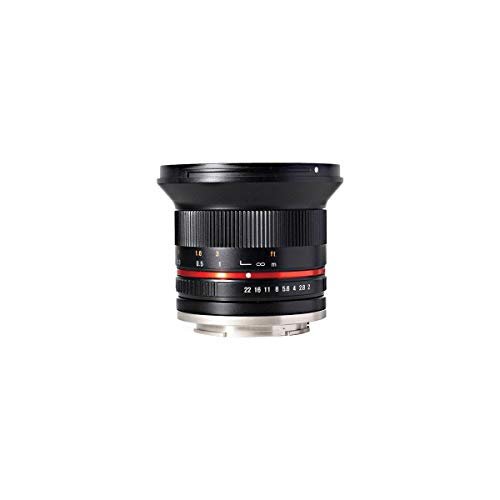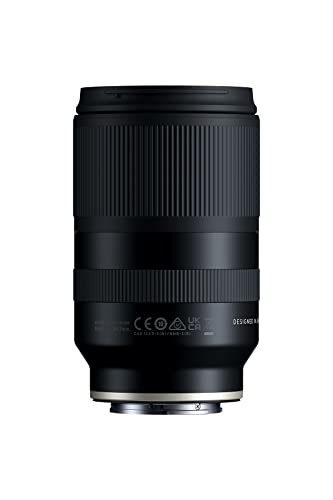
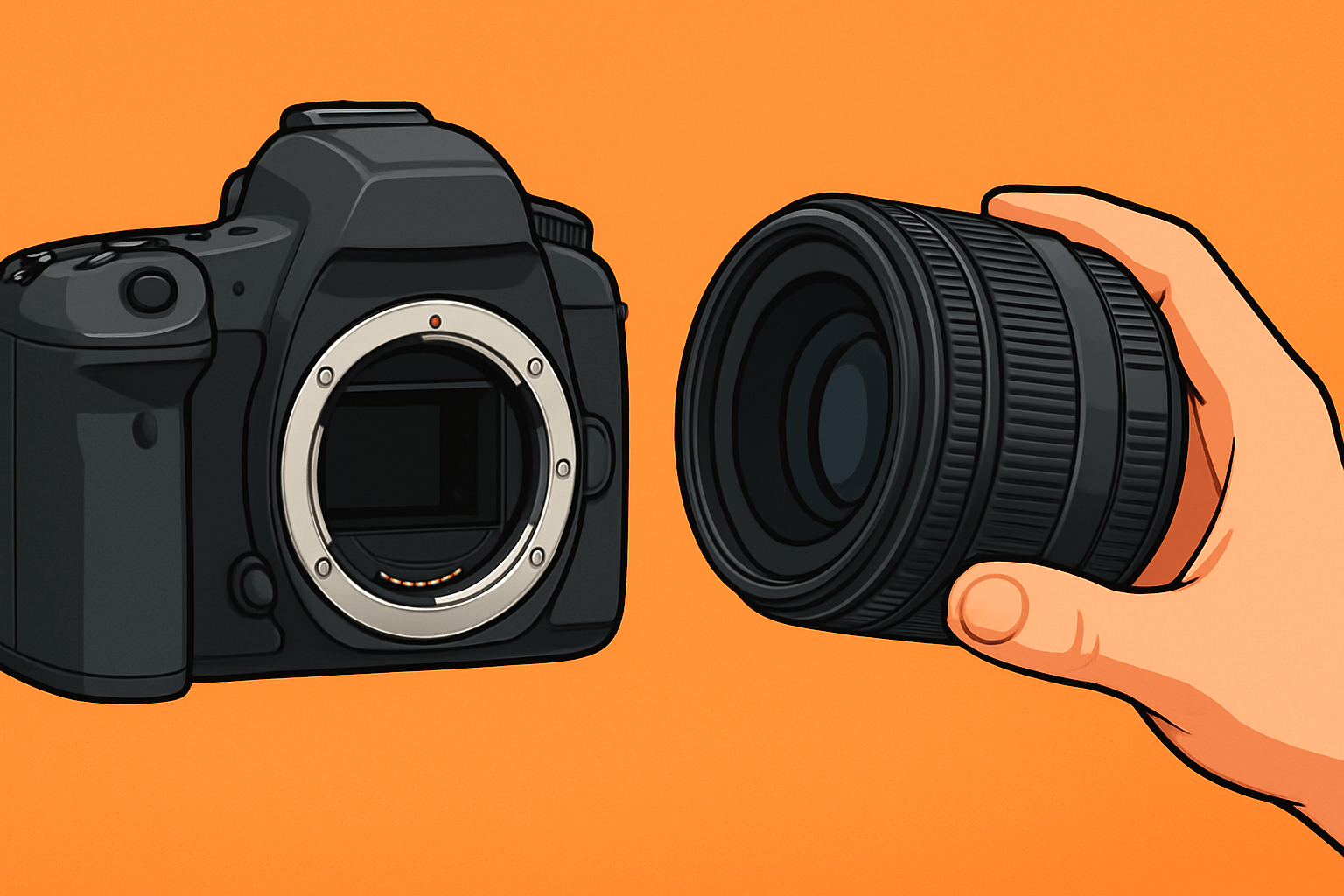
The lens that fits your camera must match its lens mount. It should also suit the camera’s sensor size and support the features you need, such as autofocus, image stabilization, and aperture control.
For photographers in the United States, the fastest way to find the right lens is to check the exact camera model and the mount printed in its manual or listed on the manufacturer’s US product page. Do not choose a lens by brand name alone. Canon, Nikon, Sony, and other brands use more than one mount.
A Canon RF lens fits a Canon EOS R camera. It does not fit a Canon DSLR. A Nikon Z lens fits a Nikon Z camera. It does not directly fit a Nikon DSLR. The camera body, lens mount, sensor size, and adapter all affect the answer.

The Short Answer: Match the Lens Mount to the Camera
A lens fits your camera when its mount is made for that camera or when a suitable adapter supports the combination.
Use this order:
- Find your camera’s exact model.
- Identify its lens mount.
- Match the lens mount.
- Check the sensor format.
- Confirm autofocus, aperture, and stabilization support.
- Check whether an adapter is needed.
- Read the manufacturer’s compatibility notes before buying.
The mount is the mechanical connection between the lens and the camera. It also carries electronic signals on most modern cameras. These signals control autofocus, aperture, lens data, and sometimes image stabilization.
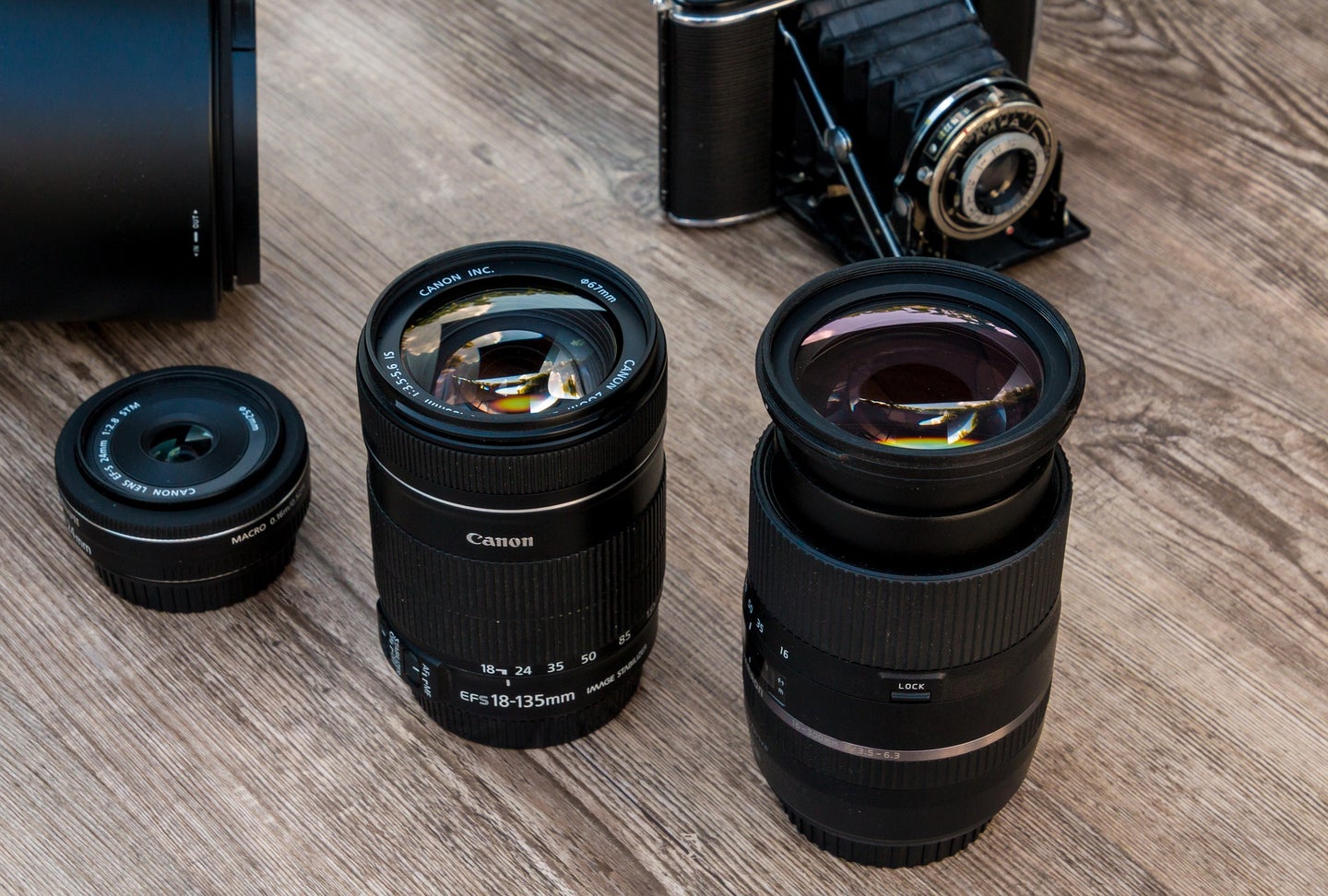
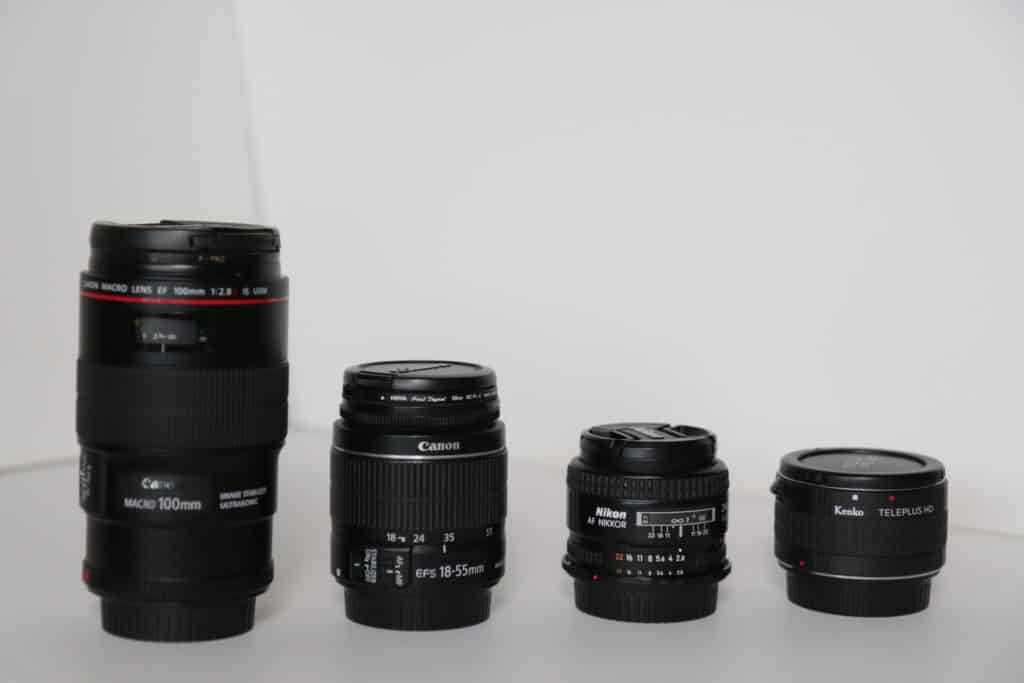
A lens can have the same brand name as your camera and still not fit. For example, Canon EF, Canon EF-S, Canon EF-M, and Canon RF are different mounts.
How to Find Your Camera’s Lens Mount
The exact model name is the best starting point. Look on the front, top, or bottom of the camera. You can also check the camera menu, original box, battery compartment, or the label near the tripod socket.
Then check one of these sources:
- The camera’s US instruction manual
- The manufacturer’s US product page
- The manufacturer’s lens compatibility chart
- The mount name printed in the camera specifications
- A trusted camera store listing that gives the exact mount
Do not rely only on the lens cap or the name of the camera series. A camera family may include several mounts.
Common camera mounts in the United States
| Camera type | Common mount examples | Typical camera families |
|---|---|---|
| Canon DSLR | EF, EF-S | EOS 5D, 6D, 7D, 90D, Rebel series |
| Canon mirrorless | RF, RF-S, EF-M | EOS R, EOS R7, EOS R50, EOS M |
| Nikon DSLR | Nikon F | D3, D4, D5, D7xxx, D5xxx, D3xxx |
| Nikon mirrorless | Nikon Z | Z5, Z6, Z7, Z8, Zf, Z50 |
| Sony mirrorless | Sony E | Alpha a6000 series, a7 series, a9, a1 |
| Sony DSLR-style cameras | Sony A or Alpha mount | Older SLT and DSLR models |
| Fujifilm mirrorless | Fujifilm X, G mount | X-T, X-S, X-H, X-Pro, GFX |
| Micro Four Thirds | Micro Four Thirds | OM System and Panasonic Lumix G |
| Leica and Panasonic full-frame mirrorless | L mount | Leica SL, Panasonic S, Sigma fp |
| Pentax DSLR | Pentax K | Pentax K-1, K-3, K-70 |
These are broad groups, not a complete compatibility list. The exact lens and camera version still matter.
Camera Lens Mount Compatibility by Brand
The mount system matters more than the camera brand. Use the sections below as a starting point, then confirm the exact model.
Canon lenses
Canon has used several major lens mounts.
| Canon lens mount | Cameras it is designed for | Key point |
|---|---|---|
| EF | Canon EOS DSLR cameras | Works on full-frame and APS-C Canon DSLRs |
| EF-S | Canon APS-C DSLRs | Designed for smaller DSLR sensors |
| EF-M | Canon EOS M mirrorless cameras | Not a direct fit on Canon RF cameras |
| RF | Canon EOS R full-frame mirrorless cameras | Made for the RF mount |
| RF-S | Canon EOS R APS-C mirrorless cameras | RF mount lens with APS-C coverage |
Canon EF and EF-S lenses can often be used on Canon EOS R cameras with a Canon EF-EOS R adapter. The adapter preserves many electronic functions, but performance can vary by lens and camera firmware.
Canon EF-M lenses are a separate system. They are designed for EOS M cameras. They do not directly fit Canon EOS R cameras, and there is no normal official path that turns an EF-M lens into a practical RF lens.
A Canon EF-S or RF-S lens can produce a cropped image on a full-frame body, depending on the camera. The camera may switch to a crop mode, or the image may show dark corners.
Nikon lenses
Nikon uses two main modern systems:
- Nikon F mount for Nikon DSLRs
- Nikon Z mount for Nikon mirrorless cameras
Nikon F lenses fit Nikon F-mount DSLR cameras. Many Nikon F lenses can also be used on Nikon Z cameras with the Nikon FTZ or FTZ II adapter.
Compatibility depends on the lens type. Older manual lenses may not support autofocus. Some lenses may also lose electronic aperture control, metering, or other functions.
Nikon Z lenses are made for Nikon Z cameras. They do not directly fit Nikon F-mount DSLRs. The Z mount has a different physical design and flange distance.
A Nikon DX lens is designed for an APS-C sensor. On a full-frame Nikon Z or DSLR body, the camera may use a DX crop mode. The result has a smaller image area and lower output resolution than a full-frame lens.
Sony lenses
Sony uses two systems that are easy to confuse:
- Sony E mount for mirrorless cameras
- Sony A mount for older DSLR and SLT cameras
Sony E lenses fit Sony E-mount cameras, including many Alpha mirrorless models. This includes APS-C cameras such as the a6400 and full-frame cameras such as the a7 series.
Sony FE lenses are full-frame E-mount lenses. They fit both full-frame and APS-C Sony E-mount cameras. On an APS-C body, the camera uses a smaller portion of the lens image circle.
Sony E lenses made for APS-C cameras may work on full-frame Sony bodies in crop mode. They may not cover the full sensor at all focal lengths.
Sony A-mount lenses do not directly fit Sony E-mount cameras. An adapter may provide compatibility, but autofocus performance depends on the adapter, lens, and camera model.
Fujifilm lenses
Fujifilm has two important interchangeable-lens systems:
- Fujifilm X mount for APS-C mirrorless cameras
- Fujifilm G mount for medium-format GFX cameras
Fujifilm X lenses fit cameras such as the X-T, X-S, X-H, and X-Pro series. They do not fit GFX cameras.
Fujifilm G-mount lenses fit GFX cameras. They are larger and designed for a larger sensor.
A lens made for one Fujifilm mount should not be forced onto the other. The mount diameter, electronic contacts, and image coverage differ.
Micro Four Thirds lenses
Micro Four Thirds lenses fit Micro Four Thirds cameras from OM System and Panasonic Lumix.
This system is shared by more than one brand. That gives users a wider lens selection, but electronic features can vary between brands and models.
A Micro Four Thirds camera has a smaller sensor than an APS-C or full-frame camera. A 25mm lens gives a view similar to a 50mm lens on a full-frame camera when using the common 2× comparison. The actual focal length remains 25mm.
Leica, Panasonic, and Sigma L-mount lenses
Leica, Panasonic, and Sigma make cameras and lenses for the L-mount system. An L-mount lens can fit an L-mount camera, but features may vary.
Autofocus, aperture control, correction profiles, and stabilization may work best when the lens and camera come from the same maker. Check the lens maker’s compatibility list before assuming every feature will work.
Lens Mount Is Only the First Compatibility Check
A lens may physically attach to a camera and still be a poor match. Check four other factors.
1. Sensor size and image coverage
The lens must project an image large enough to cover the camera sensor.
Common sensor formats include:
- Full frame
- APS-C
- Micro Four Thirds
- Medium format
A full-frame lens usually works on a smaller sensor. The camera uses the center of the lens image circle.
A smaller-format lens may not cover a larger sensor. This can cause dark corners, also called vignetting.
| Lens format | Smaller sensor camera | Larger sensor camera |
|---|---|---|
| Full-frame lens on APS-C | Usually works | Not applicable |
| Full-frame lens on Micro Four Thirds | Usually works | Not applicable |
| APS-C lens on full frame | May use crop mode | May show dark corners |
| Micro Four Thirds lens on full frame | Generally not suitable | Not applicable |
| Medium-format lens on smaller compatible system | Depends on adapter and coverage | Not automatically compatible |
Sensor size also changes the field of view. The lens focal length does not change, but the smaller sensor records a narrower view.
2. Focal length
Focal length controls the lens’s angle of view.
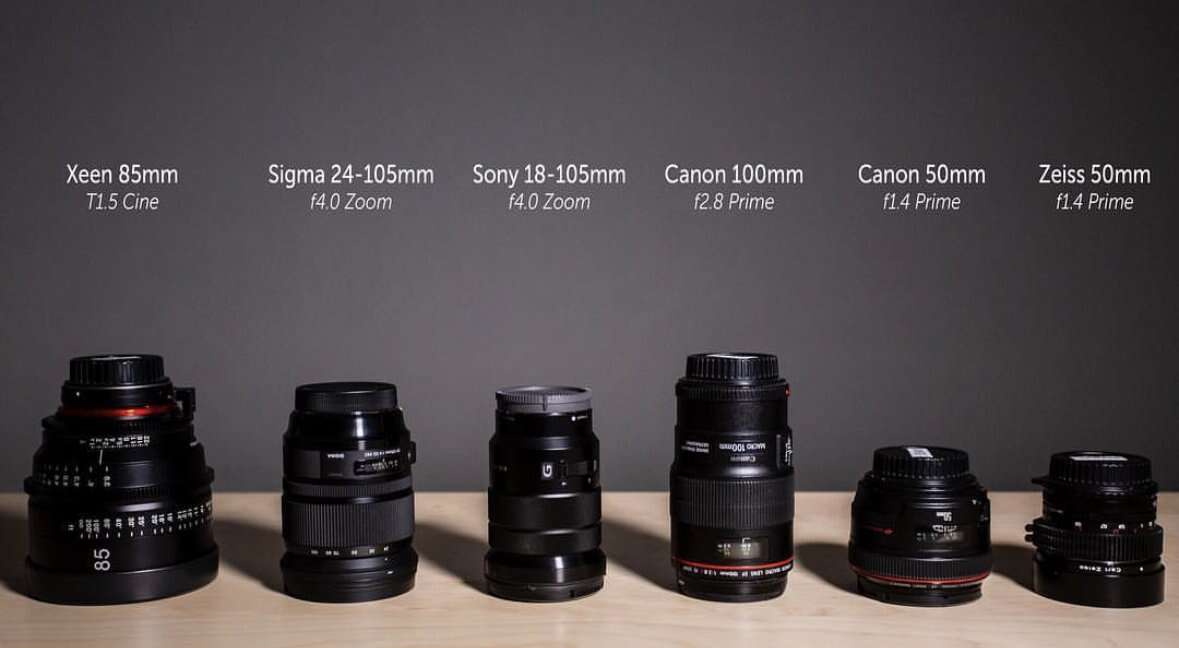
Typical uses include:
- Ultra-wide angle: landscapes, interiors, and architecture
- Wide angle: travel, street scenes, and groups
- Standard range: everyday photos and portraits
- Short telephoto: portraits and events
- Telephoto: wildlife, sports, and distant subjects
- Macro: close-up work
A 50mm lens on a full-frame camera is often called a standard lens. On an APS-C camera, it gives a narrower view that is closer to a short telephoto lens.
For a rough comparison:
- Canon, Nikon, Sony, and Fujifilm APS-C: multiply focal length by about 1.5×
- Canon APS-C: often estimated at about 1.6×
- Micro Four Thirds: multiply focal length by about 2×
These are field-of-view comparisons. They do not change the real focal length or aperture marking.
3. Maximum aperture
The maximum aperture is the widest opening of the lens. It is shown by an f-number such as f/1.8, f/2.8, or f/4.
A wider aperture can help you:
- Shoot in lower light
- Use a faster shutter speed
- Create a blurrier background
- Separate a subject from its surroundings
A smaller f-number means a wider opening. An f/1.8 lens opens wider than an f/4 lens.
4. Electronic features
Check whether the lens supports the functions you need:
- Autofocus
- Eye detection
- Aperture control from the camera
- Optical image stabilization
- Lens correction data
- Focus tracking
- Video focus
- EXIF lens information
Older lenses may attach through an adapter but work only with manual focus. Some third-party lenses may need a firmware update for newer camera bodies.

Do I Need a Lens Adapter?
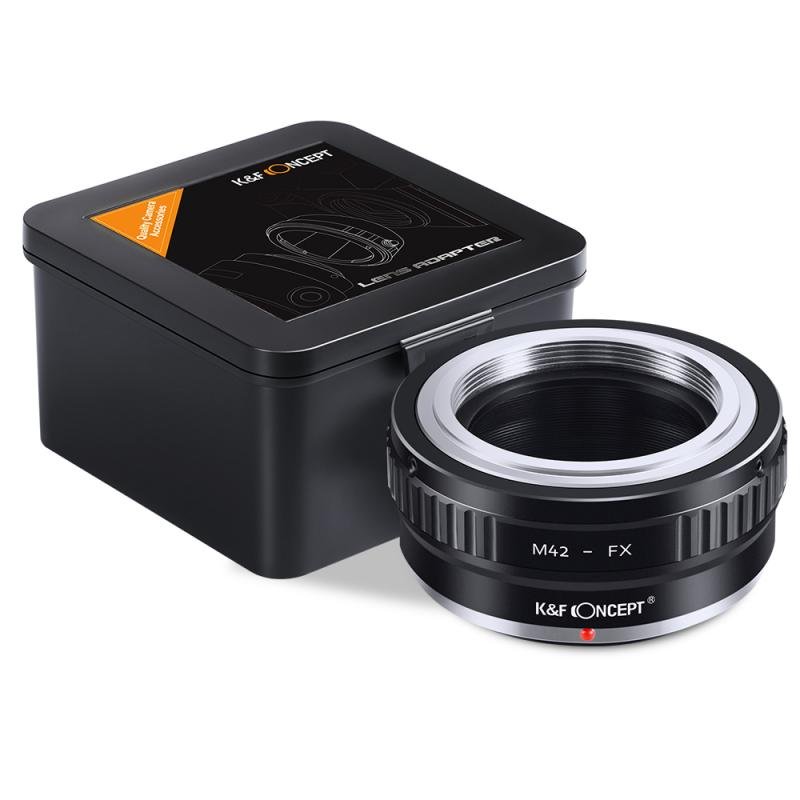
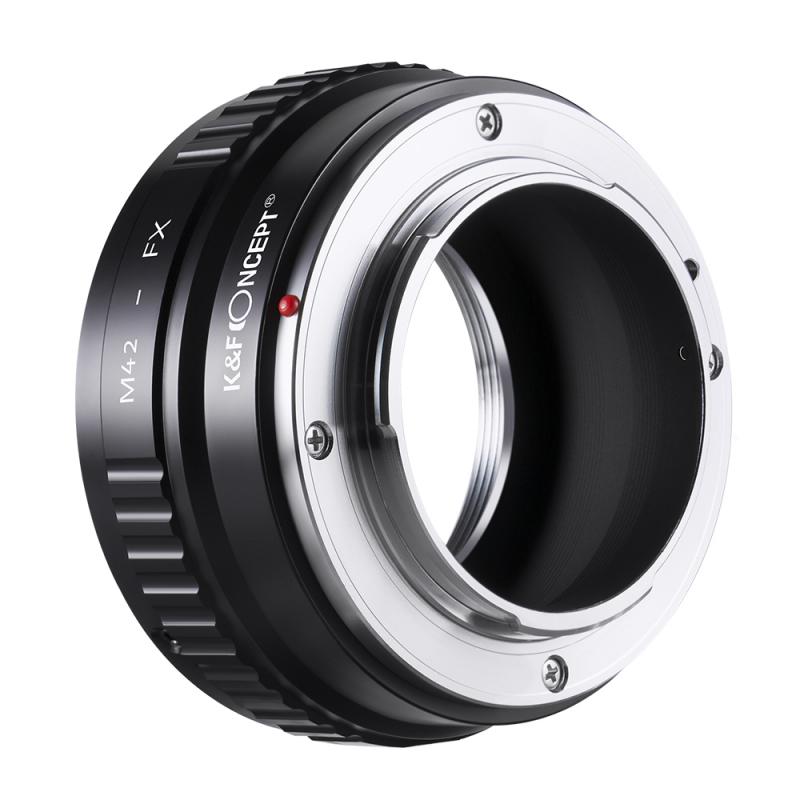
You need an adapter when the lens mount and camera mount are different. An adapter is not always a complete solution.
There are two basic types.
Mechanical adapters
A mechanical adapter changes the physical connection. It may support a lens with no electronic communication.
With a mechanical adapter, you may need to:
- Focus manually
- Set the aperture on the lens
- Use manual exposure
- Enter the focal length in the camera menu
- Correct exposure by checking the screen or meter
Mechanical adapters are common for vintage lenses.
Electronic adapters
An electronic adapter has contacts that pass signals between the lens and camera. Depending on the system, it may support:
- Autofocus
- Aperture control
- Lens data
- Image stabilization
- Camera correction profiles
Support is not guaranteed. The same adapter can perform differently with different lenses and camera bodies.
Adapter direction matters
Many older DSLR lenses can adapt to newer mirrorless cameras. The reverse direction is often difficult or impossible without losing infinity focus.
This is because mirrorless cameras usually have a shorter distance between the lens mount and sensor. The adapter can add the missing distance. DSLR bodies often cannot accept a mirrorless lens without placing the lens too far from the sensor.
Do not force an adapter or lens. If the mount does not align easily, stop and check the design.

Common Lens and Camera Compatibility Examples
These examples show how to reason through common questions.
“Which lens fits my Canon EOS R50?”
The EOS R50 uses the Canon RF mount and has an APS-C sensor.
Look for:
- Canon RF lenses
- Canon RF-S lenses
- Compatible third-party lenses made for Canon RF mount
Canon EF and EF-S DSLR lenses can be used with the appropriate EF-to-RF adapter. Canon EF-M lenses are not a direct match.
A full-frame RF lens also fits the R50. It will give the camera a narrower field of view than it would on a full-frame EOS R body.
“Which lens fits my Canon Rebel T7?”
The Canon Rebel T7 uses the Canon EF mount and accepts EF and EF-S lenses.
The camera has an APS-C sensor. EF-S lenses are designed for this sensor size. Full-frame EF lenses also fit, but they may cost more and can be larger than needed.
Canon RF, RF-S, and EF-M lenses do not directly fit the Rebel T7.
“Which lens fits my Nikon Z50?”
The Nikon Z50 uses the Nikon Z mount and an APS-C sensor.
Use:
- Nikon Z lenses
- Compatible third-party Nikon Z lenses
- Nikon F-mount lenses with an FTZ or FTZ II adapter
The camera can use full-frame Nikon Z lenses. DX lenses are smaller and often better matched to the camera’s size and sensor.
“Which lens fits my Sony a6400?”
The Sony a6400 uses Sony E mount and has an APS-C sensor.
Use:
- Sony E lenses
- Sony FE lenses
- Third-party lenses made for Sony E mount
FE lenses fit the camera, but they are designed to cover a full-frame sensor. Sony A-mount lenses require a suitable adapter.
“Which lens fits my Fujifilm X-T5?”
The Fujifilm X-T5 uses Fujifilm X mount and an APS-C sensor.
Use:
- Fujifilm X lenses
- Third-party Fujifilm X-mount lenses
Fujifilm G-mount lenses do not fit the X-T5.

How to Read a Lens Name
Lens names often include the information you need. Look for the mount code and sensor format.
Examples include:
- Canon RF 24-70mm F2.8: RF mount
- Canon EF-S 10-18mm: EF-S mount
- Nikon Z 24-70mm: Z mount
- Nikon DX 16-50mm: Nikon Z or F mount must be checked; DX describes the sensor format
- Sony FE 24-70mm: Sony E mount with full-frame coverage
- Fujifilm XF 18-55mm: Fujifilm X mount
- Panasonic Lumix G 25mm: Micro Four Thirds mount
Do not confuse these terms:
- Mount: how the lens attaches to the camera
- Focal length: how wide or narrow the lens view is
- Sensor format: the sensor size the lens is designed to cover
- Aperture: how much light the lens can let through
- Image stabilization: a system that reduces camera shake
A lens listing should clearly state the mount. If it only says “for Canon” or “for Nikon,” find the full mount name before buying.
A Quick Compatibility Decision Table
Use this table when comparing a lens and camera.
| Question | If the answer is yes | If the answer is no |
|---|---|---|
| Does the lens have the same mount? | It may attach directly | Check for a compatible adapter |
| Does the lens cover the sensor? | Image corners should be usable | Expect crop mode or dark corners |
| Does the camera support the lens electronics? | Autofocus and aperture may work | Plan for manual operation or limited control |
| Does the adapter support the lens? | Functions may be retained | Check the exact lens and adapter list |
| Does the focal length suit the subject? | The lens matches your intended view | Choose a different focal-length range |
| Does the aperture suit the light? | Exposure and background blur may meet your needs | Consider a wider or more suitable lens |
The word may matters here. Compatibility is often model-specific. A mount match is necessary, but it does not guarantee every feature.
Common Mistakes to Avoid
Buying by brand only
“Canon lens” is not enough. A Canon EF lens and Canon RF lens do not mount in the same way.
Ignoring the camera’s sensor
A lens can fit physically but produce a crop or dark corners. Check whether the lens is full frame, APS-C, Micro Four Thirds, or medium format.
Assuming all adapters preserve autofocus
Some adapters are mechanical. Others support electronic features. Even electronic adapters may have limits with tracking, video focus, or older lenses.
Confusing focal length with mount
A 35mm lens is not a “35mm mount.” The 35mm number describes focal length. The mount may be Canon RF, Sony E, Nikon Z, Fujifilm X, or another system.
Assuming third-party lenses work exactly like native lenses
A third-party lens can be fully compatible, but support may depend on firmware and camera model. Check the manufacturer’s current compatibility notes.
Forgetting physical clearance
Some lenses or adapters can extend into the camera body. Never use a combination unless the lens maker or adapter maker says it is safe for that camera.
Buying a vintage lens without checking the adapter
Vintage lenses may use mounts such as M42, Canon FD, Minolta SR, or older Nikon F versions. The adapter may not control the aperture or preserve autofocus.
What to Do If the Lens Does Not Fit
If the lens will not attach, stop. Do not twist harder.
Check these items in order:
- Remove the rear lens cap and body cap.
- Confirm the lens and camera mount names.
- Check the alignment marks.
- Make sure the lens is not already locked in the wrong position.
- Confirm whether an adapter is required.
- Check for a locking pin or electronic contact mismatch.
- Read the camera and lens manuals.
- Inspect the mount for damage or bent contacts.
- Contact the manufacturer or a qualified camera repair shop if the fit remains unclear.
If the lens attaches but the camera shows an error, check:
- Lens contacts
- Camera battery level
- Firmware versions
- Electronic adapter support
- Manual lens settings
- Camera menu settings for “release without lens”
- Whether the lens is locked fully into place
If the camera takes photos but the image has black corners, the lens may not cover the sensor. If autofocus does not work, the adapter or lens may not support electronic focus.
The Best Way to Choose a Lens After It Fits
Once compatibility is confirmed, choose the lens by the photo you want to make.
For travel, a standard zoom offers flexibility. For portraits, a short telephoto lens can give comfortable working distance and background separation. For wildlife, reach, autofocus, and shutter speed matter more than a very wide aperture.
For low-light interiors, a wide lens with a wide maximum aperture may help. For landscapes, focal length and corner coverage may matter more than autofocus speed.
Your camera mount limits the lens pool, but your subject determines the best lens within that pool.
Frequently Asked Questions
Can any lens fit any camera with an adapter?
No. An adapter must match both mounts and provide the correct physical spacing. It must also clear the camera body and support any electronic functions you need.
Can I use a full-frame lens on an APS-C camera?
Usually, yes, if the mount is compatible. The camera records a narrower field of view than a full-frame camera. The lens still has its stated focal length and aperture.
Can I use an APS-C lens on a full-frame camera?
Sometimes, but the camera may switch to crop mode or show dark corners. Check the lens and camera manuals before using that combination.
Is a mirrorless lens compatible with a DSLR?
Usually not directly. Mirrorless and DSLR mounts use different designs and sensor-to-mount distances. Some older DSLR lenses can adapt to mirrorless cameras, but the reverse is often limited.
Why does my lens fit but autofocus not work?
The lens may be manual focus, the adapter may be mechanical, the contacts may be dirty, or the camera and lens may need a firmware update. Check the exact adapter and lens compatibility list.
Final Checklist
Before buying a lens, confirm:
- The exact camera model
- The camera’s lens mount
- The lens mount
- Sensor coverage
- Adapter requirements
- Autofocus support
- Aperture control
- Image stabilization support
- Firmware limits
- The focal length for your subject
- The maximum aperture for your light and style
The simplest answer to “which lens fits my camera?” is this: match the exact lens mount first, then verify sensor coverage and electronic support. If you share the camera model and the lens model, the manufacturer’s compatibility chart or manual can confirm the final details before you buy.