
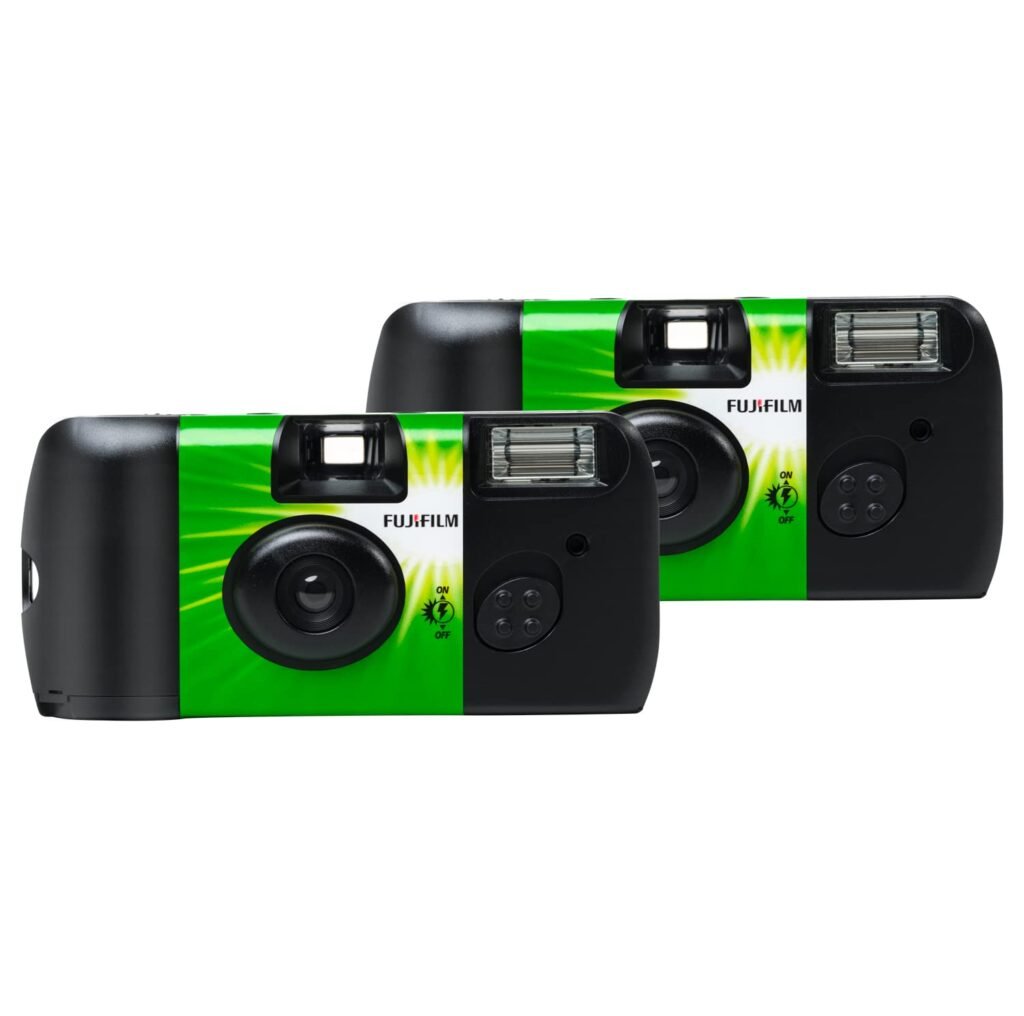
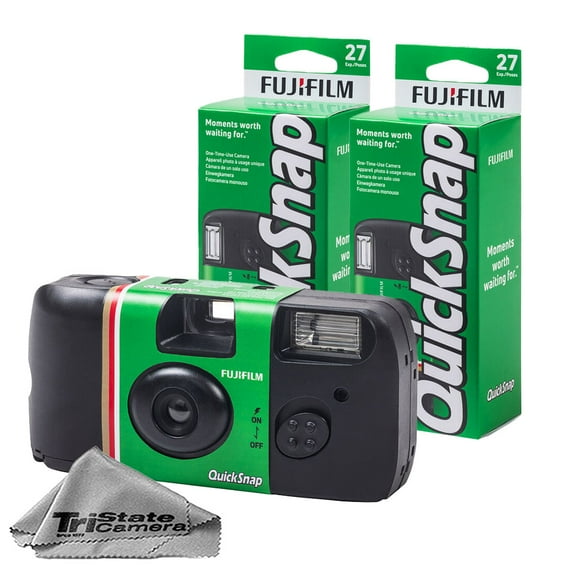
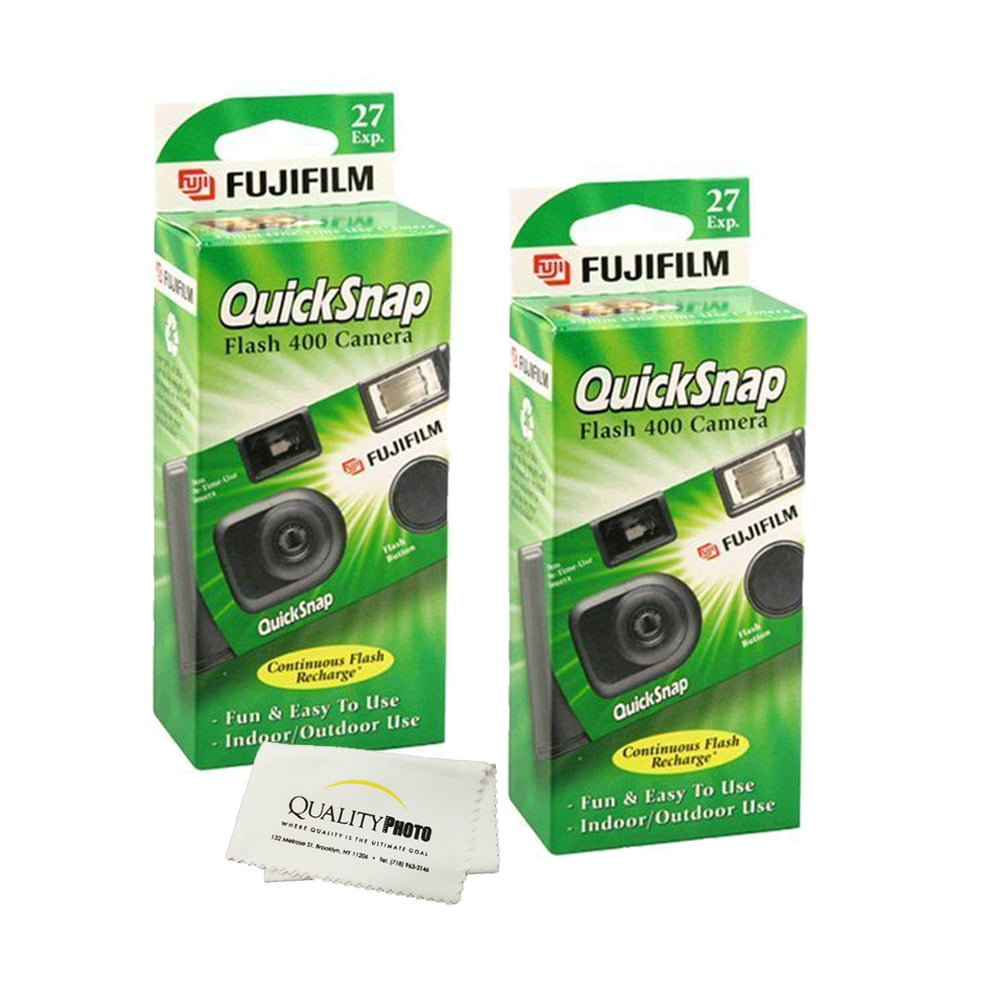
For people in the United States who want simple film photos without buying a reusable camera, the Fujifilm QuickSnap Flash 400 One-Time-Use Camera 2-Pack is a practical option. Each camera comes loaded with color film, includes a built-in flash, and is ready to use after you remove the packaging.
The two cameras are useful for weddings, vacations, parties, school events, and backup photos. They are also a good fit for people who like the look and delay of film but do not want to learn manual camera settings.

What Is the Fujifilm QuickSnap Flash 400 2-Pack?
The Fujifilm QuickSnap Flash 400 is a disposable, or one-time-use, 35mm film camera. The camera is preloaded at the factory. After the film is used, the entire camera is normally given to a photo lab for film processing.
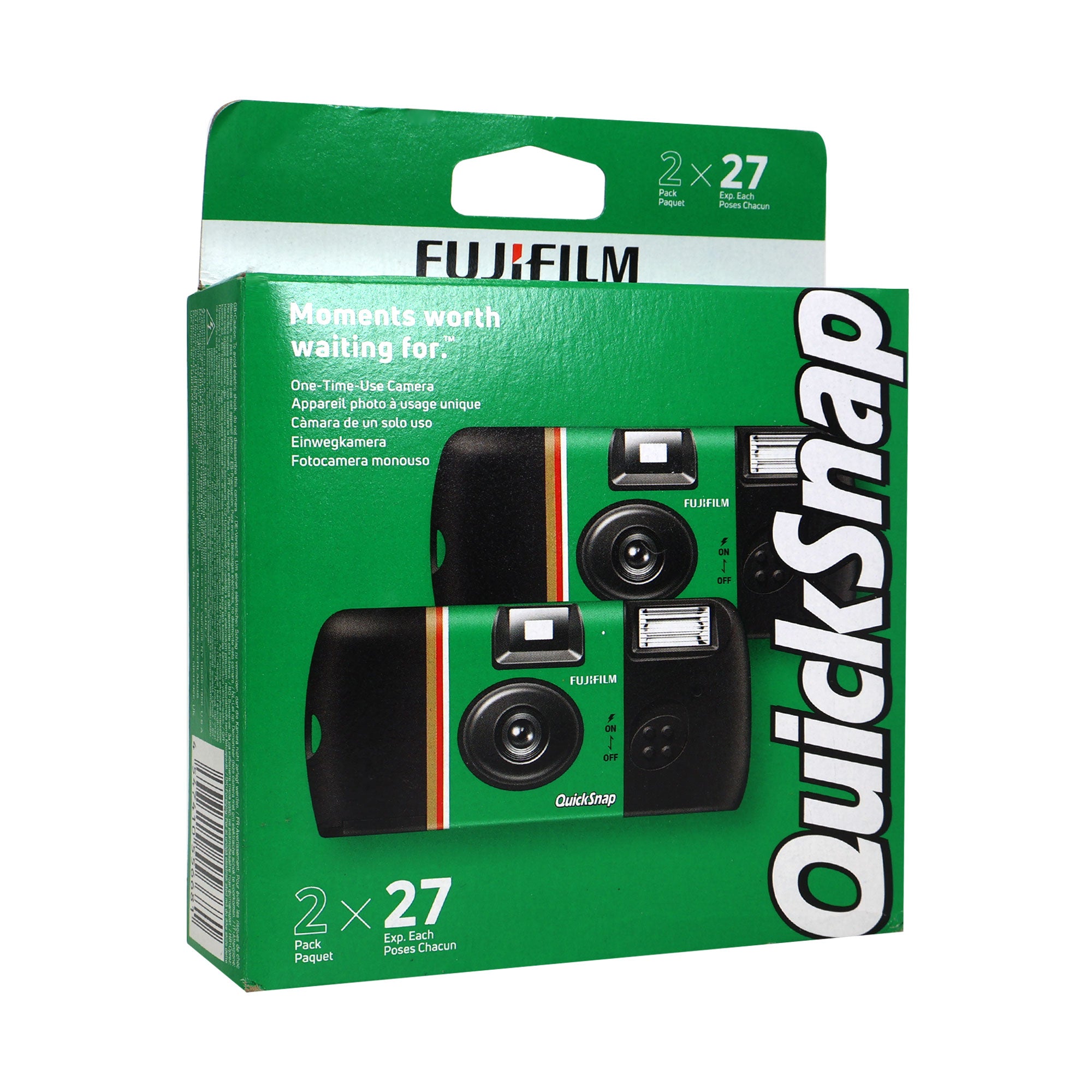
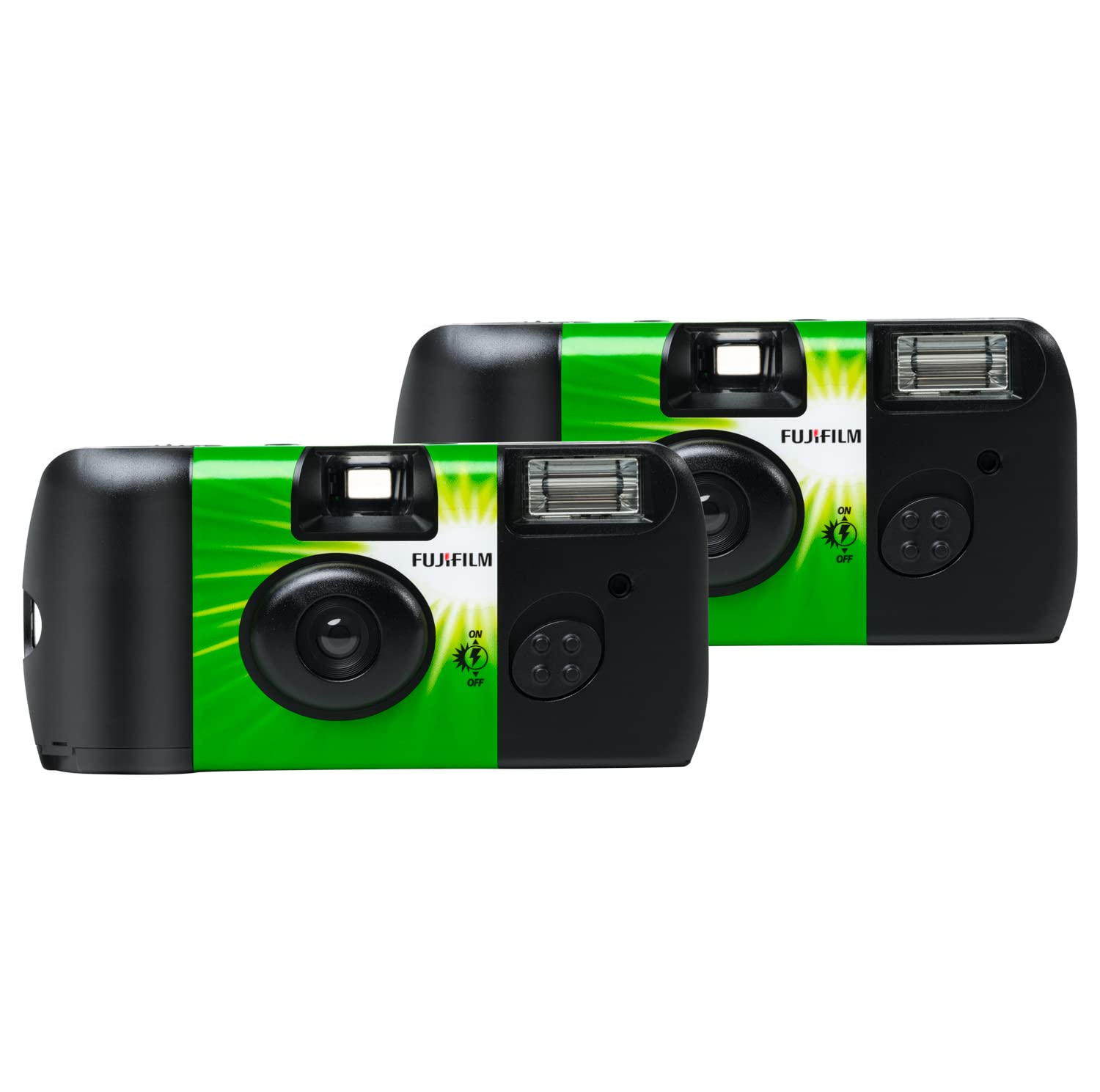
The two-pack contains two separate cameras. Each camera generally includes:
- Fujifilm color negative film
- Up to 27 exposures
- ISO 400 film
- A fixed-focus lens
- A built-in flash
- A manual film advance wheel
- A built-in battery for the flash
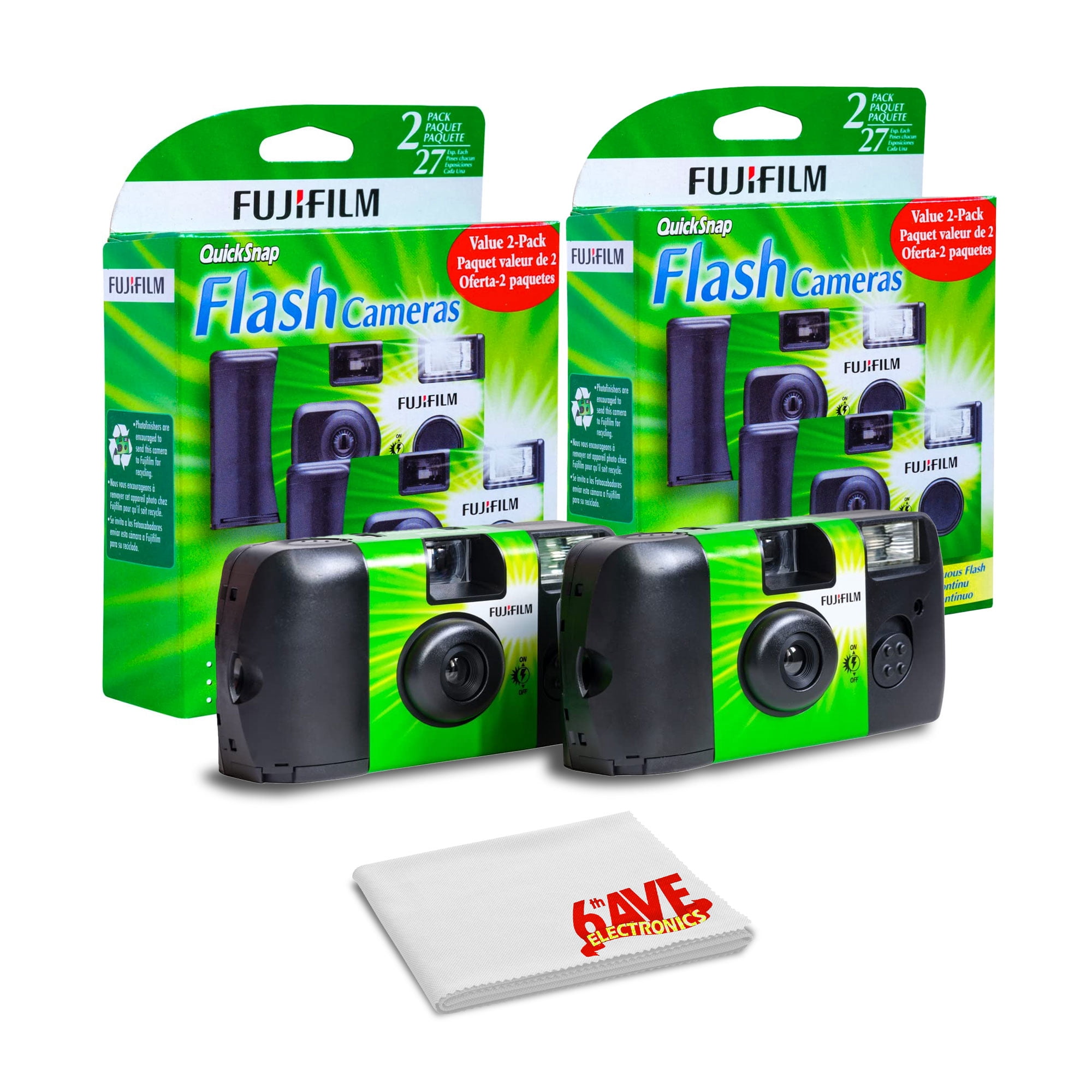
The exact package design and wording may vary by seller or production run. Check the box for the current exposure count, film type, and processing instructions before purchase.
What “Flash 400” means
“Flash” refers to the built-in electronic flash. “400” refers to the film speed, also called ISO 400. ISO 400 film is more flexible than slow film in mixed light, but it still needs enough light for clear images.
The flash does not make the camera suitable for every dark scene. It works best when the subject is fairly close. A distant subject may still look dark, even when the flash fires.
What “one-time-use” means
The QuickSnap is not designed for normal film replacement. Do not open the body or try to reload it at home. Opening the camera can expose the film to light, damage the camera, and create a possible electrical risk from the flash circuit.
After the last frame, rewind or advance the film as instructed on the camera. Then take the camera to a film lab that accepts disposable cameras.
Fujifilm QuickSnap Flash 400 Specifications
The following table summarizes the commonly listed features of the U.S. Fujifilm QuickSnap Flash 400 camera. Package details can change, so treat the product box as the final source for the specific pack you buy.
| Feature | Typical specification or function |
|---|---|
| Camera type | One-time-use 35mm film camera |
| Film | Color negative film |
| Film speed | ISO 400 |
| Exposures | Usually 27 per camera |
| Pack size | Two cameras |
| Lens | Fixed-focus wide-angle lens |
| Flash | Built-in electronic flash |
| Controls | Shutter button, film advance, flash control |
| Focus | Automatic fixed focus |
| Film processing | Standard color-negative processing, often called C-41 |
| Reuse | Not intended for normal consumer reuse |
A 27-exposure camera does not always produce exactly 27 usable pictures. Film labs may return fewer images if the first frame was not loaded correctly, if the film was advanced too far, or if a frame was damaged.
Lens and framing
the QuickSnap uses a fixed lens. You cannot zoom in or change the focus. This makes the camera easy to use, but it limits creative control.
A fixed wide-angle lens works well for:
- Small groups
- Travel scenes
- Indoor gatherings
- Street photos
- Landscapes
- Casual snapshots
The lens may not be ideal for distant subjects. Move closer when possible, but do not stand so close that faces become distorted.
Flash range
The built-in flash is intended for nearby subjects. Fujifilm packaging and listings commonly describe a flash range of about 10 feet, but the useful distance depends on the room, subject color, and available light.
Dark walls and dark clothing absorb light. A pale room with reflective surfaces may look brighter. For the best result, place people within the flash’s working range and keep the flash aimed directly at the subject.
How to Use the Fujifilm QuickSnap Camera
The QuickSnap needs no menus, charging cable, or memory card. Follow the simple sequence below.
1. Remove the outer packaging
Take the camera out of its wrapper and inspect the body. Do not remove the camera’s internal shell or attempt to open the film compartment.
Keep the camera away from water, extreme heat, and direct sunlight. Film can be damaged by heat and strong light.
2. Turn on the flash when needed
Use the flash indoors, in shade, or in low light. Most QuickSnap models require you to press or slide the flash control and wait for the ready indicator.
A flash that has not charged may produce a dark image. Wait for the ready light or other signal before pressing the shutter.
3. Frame the subject
Look through the viewfinder and keep the camera steady. Leave some space around heads and hands. The viewfinder does not show the exact image area with perfect accuracy, especially at close range.
For group photos, check that everyone’s face is visible before taking the picture.
4. Press the shutter
Press the shutter button smoothly. A firm but gentle press helps reduce camera movement.
The camera chooses the exposure for you. You cannot adjust shutter speed, aperture, or ISO.
5. Advance the film
Turn the film advance wheel until it stops or until the frame counter moves to the next number. Do this after each photo.
If the wheel will not turn, do not force it. The film may have reached the end, or the camera may have a mechanical problem.
6. Use all available frames
Do not remove the camera after only a few pictures. The remaining film still needs processing, and the lab will develop the frames that were exposed.
After the final frame, follow the camera’s instructions. Keep the camera closed and take it to a film processor.
Signs that the camera is working
The camera is likely operating normally when:
- The frame counter advances
- The film advance wheel turns between photos
- The flash charges and shows a ready signal
- The shutter button moves normally
- You hear or feel the shutter release
These signs do not guarantee perfect pictures. They only show that the basic camera functions are responding.
How to Get Better Photos From the QuickSnap Flash 400
The biggest improvement comes from using enough light and keeping the camera steady. The camera has limited controls, so technique matters more than settings.
Use the flash indoors
Turn on the flash for indoor rooms, evening events, and shaded areas. The film may record a bright scene differently from how your eyes see it.
For a group photo, keep people reasonably close to the camera. A flash cannot light a large room evenly.
Avoid bright backlight
Do not place your subject directly in front of a bright window or the low sun. The camera may expose for the bright background and leave the face too dark.
If possible, turn the subject toward the light or move to a place with even illumination.
Keep the lens clean
Fingerprints, dust, and smudges can make photos look hazy. Wipe the lens gently with a clean, soft lens cloth. Do not use liquid inside the camera.
Hold the camera level
A tilted camera can make buildings, horizons, and group photos look uneven. Hold the camera with both hands and keep your elbows close to your body.
Leave space around close subjects
The fixed lens can capture more of the scene than expected. At close range, faces near the edge may look stretched. Step back slightly for portraits and center the subject when possible.
Protect the film from heat
Do not leave the camera in a hot car, on a dashboard, or in direct summer sun. High temperatures can harm film quality before the roll is processed.
For travel in the United States, keep the camera in a carry-on bag when practical. If you are concerned about airport screening, ask the screening staff whether a hand inspection is available for unprocessed film. Approval is not guaranteed, and policies can vary.
How to Develop a Fujifilm QuickSnap Camera in the United States
Take the complete camera to a photo lab that accepts disposable cameras or 35mm color film. Many local camera stores and independent film labs provide this service, while retail drop-off options vary by store and location.
Before handing it over, ask these questions:
- Does the lab process disposable cameras?
- Does it develop color-negative film?
- Will it return prints, scans, or both?
- What image size and scan resolution are available?
- Will the camera body be returned or recycled?
- How long will processing take?
Most disposable-camera color film uses the standard C-41 process. A lab may list this as “35mm color film” or “C-41 processing.” Do not choose black-and-white processing unless the lab confirms that it is suitable for the film inside the camera.
Prints versus digital scans
Prints give you physical photos. Digital scans make it easier to share images by text, email, or social media.
A useful option is to order both. The scans preserve the images for online use, while prints provide a physical record. Prices and scan quality vary widely, so compare the lab’s sample scans and order details when available.
When to develop the camera
Develop the film soon after use, especially if the camera has been exposed to heat or moisture. Keep the camera in a cool, dry place until you take it to the lab.
Do not open the camera to remove the film. The lab has the tools and darkroom equipment needed to process it safely.

Fujifilm QuickSnap Flash 400: Advantages and Limitations
The QuickSnap is convenient, but it is not a replacement for every type of camera. Its strengths come from simplicity. Its limits come from the fixed design.
Main advantages
- Very simple operation: There are no menus or complicated settings.
- Film look: Color negative film can produce grain, contrast, and color that differ from phone photos.
- No charging during use: The camera is ready without a USB cable.
- Easy to share: A two-pack lets two people carry cameras at the same event.
- Useful for groups: Guests can take pictures without learning camera controls.
- Good backup camera: It can provide a second way to record an event if a phone battery fails.
Main limitations
- Limited control: You cannot change focus, exposure, shutter speed, or film speed.
- No instant review: You will not see the image until the film is processed.
- Processing costs extra: The purchase price does not usually include developing, scans, or prints.
- Fixed number of photos: Each camera has a limited roll.
- Flash range is short: Distant subjects may remain dark.
- Results vary by light: Low light and backlighting can reduce image quality.
- The camera is not normally reusable: It creates more waste than a reusable film camera.
The QuickSnap makes the most sense when convenience and shared use matter more than control, low long-term cost, or high image quality.
QuickSnap 2-Pack Compared With Other Camera Options
The right choice depends on whether you value convenience, control, cost, or immediate results.
| Camera type | Best for | Main benefit | Main drawback |
|---|---|---|---|
| Fujifilm QuickSnap 2-pack | Events and casual film photos | Simple, ready-to-use design | Limited control and processing cost |
| Reusable 35mm camera | Regular film photographers | Replaceable film and more control | Requires more learning and maintenance |
| Instant camera | Photos you want right away | Physical image appears quickly | Film cost per photo can be high |
| Smartphone | Everyday documentation | Immediate review and sharing | No traditional film workflow |
| Digital point-and-shoot | Simple digital photography | Low cost per additional photo | Less of the analog film experience |
A reusable 35mm camera may cost less over time for someone who plans to shoot many rolls. The QuickSnap may be better for a single event, a guest table, or a user who does not want to manage lenses and settings.
Common Problems and Troubleshooting
The flash does not fire
Check whether the flash control is turned on and whether the ready indicator has appeared. Wait a little longer before pressing the shutter.
If the flash still does not work, the internal battery may be depleted or the camera may be faulty. Do not open the camera. Use available light if possible, then ask the lab or retailer whether an exchange is available.
The photos are dark
Dark images often result from low light, a distant subject, or a flash that was not ready. Move closer, use the flash, and avoid photographing subjects against bright windows.
If all frames are dark, the film may have been exposed to light or the camera may have a mechanical fault.
The photos are blurry
Blur can come from camera movement, subject movement, or insufficient light. Hold the camera with both hands and use the flash indoors.
A disposable camera cannot freeze every moving subject. Fast action in a dark room is outside its strongest use case.
The film advance wheel is stuck
Stop turning the wheel if it resists. The roll may be finished, or the film may not have advanced correctly.
Do not force the wheel or open the camera. Take the camera to a lab and explain what happened.
The photo counter does not move
A counter that does not change can indicate that the film did not advance. Try turning the advance wheel gently while watching the counter.
If the counter still does not move, stop forcing the mechanism. The film may still be inside, and a lab may be able to identify the problem.
The film was exposed to an X-ray or strong light
Do not open the camera. Some exposure may cause little visible damage, while stronger exposure can create fog or color shifts. Ask the film lab to process it and explain what happened.

Is the Fujifilm QuickSnap Flash 400 2-Pack Worth It?
The Fujifilm QuickSnap Flash 400 2-Pack is worth considering for U.S. buyers who want a low-learning-curve film camera for an event, trip, or social gathering.
It is a particularly good fit when:
- Several people will take photos
- You want a simple film experience
- You do not need to review photos immediately
- You want a camera that works without a phone
- You accept the added cost of film processing
It may not be the best value when you plan to shoot many rolls, need strong low-light performance, or want control over focus and exposure. In those cases, a reusable 35mm camera or digital camera may serve you better.
Before buying, compare the total cost: camera price, processing, scans, prints, and shipping if you use a mail-in lab. The camera itself is only part of the final expense.
Frequently Asked Questions
Does the Fujifilm QuickSnap Flash 400 come with film?
Yes. The camera is sold preloaded with color film. Each camera commonly holds 27 exposures, but confirm the count on the package you purchase.
Can I reuse the Fujifilm QuickSnap?
The QuickSnap is designed as a one-time-use camera. Some specialist services may rebuild certain disposable cameras, but normal users should not open or reload it.
Does the QuickSnap need batteries?
The camera uses a built-in battery for its electronic flash. The camera does not require a charger or user-installed battery during normal use.
Can I use the QuickSnap without flash?
Yes, when there is enough available light. Use the flash indoors, in shade, or in dim conditions. Without enough light, photos may be dark or blurry.
Can I develop the camera at home?
Home processing is possible only with the correct equipment, chemicals, temperature control, and safe handling. For most users, a professional photo lab is the simpler and safer option.
How many pictures does the two-pack take?
If each camera contains 27 exposures, the two-pack offers up to 54 exposures. Actual usable images may be lower because of loading, advancing, or exposure problems.
Is the QuickSnap waterproof?
Do not assume that it is waterproof. Keep the camera away from rain, pools, and underwater use unless the exact package clearly states a water-resistant rating.
Final Recommendation
The Fujifilm QuickSnap Flash 400 One-Time-Use Camera 2-Pack is a straightforward way to take 35mm film photos in the United States. Its fixed lens, built-in flash, and preloaded film make it easy for parties, travel, weddings, and shared events.
Use the flash when light is low, keep subjects close, protect the camera from heat and moisture, and send the sealed camera to a film lab after use. Choose a reusable film camera instead if you want lower long-term costs or more creative control.

