
Introduction
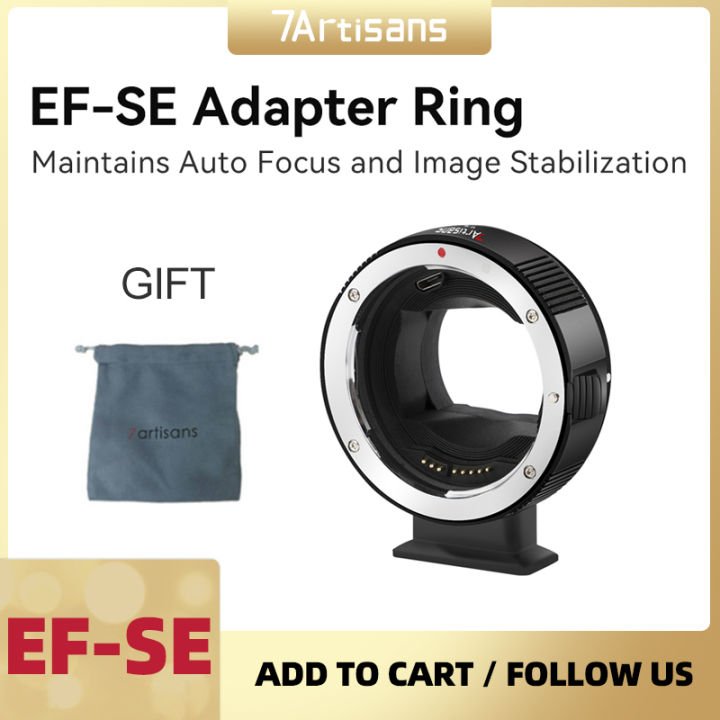
The 7artisans EF-SE Lens Adapter is made for photographers in the United States who want to use Canon EF or EF-S lenses on Sony E-mount cameras. It acts as a bridge between the lens and camera body. The adapter may support electronic aperture control, autofocus, lens data, and image stabilization, but performance depends on the exact adapter version, lens, camera, and firmware.
This adapter can be useful when you already own Canon DSLR lenses and want to use them with a Sony mirrorless camera. It may save the cost of replacing an entire lens collection. However, an electronic adapter does not always match the focus speed, tracking, or reliability of a native Sony lens.
Quick answer: The 7artisans EF-SE adapter is best viewed as a practical tool for adapting Canon EF lenses to Sony E-mount bodies, not as a guarantee of native-lens autofocus performance. Check the exact model, supported camera, lens type, firmware, and return policy before buying.
What Is the 7artisans EF-SE Lens Adapter?
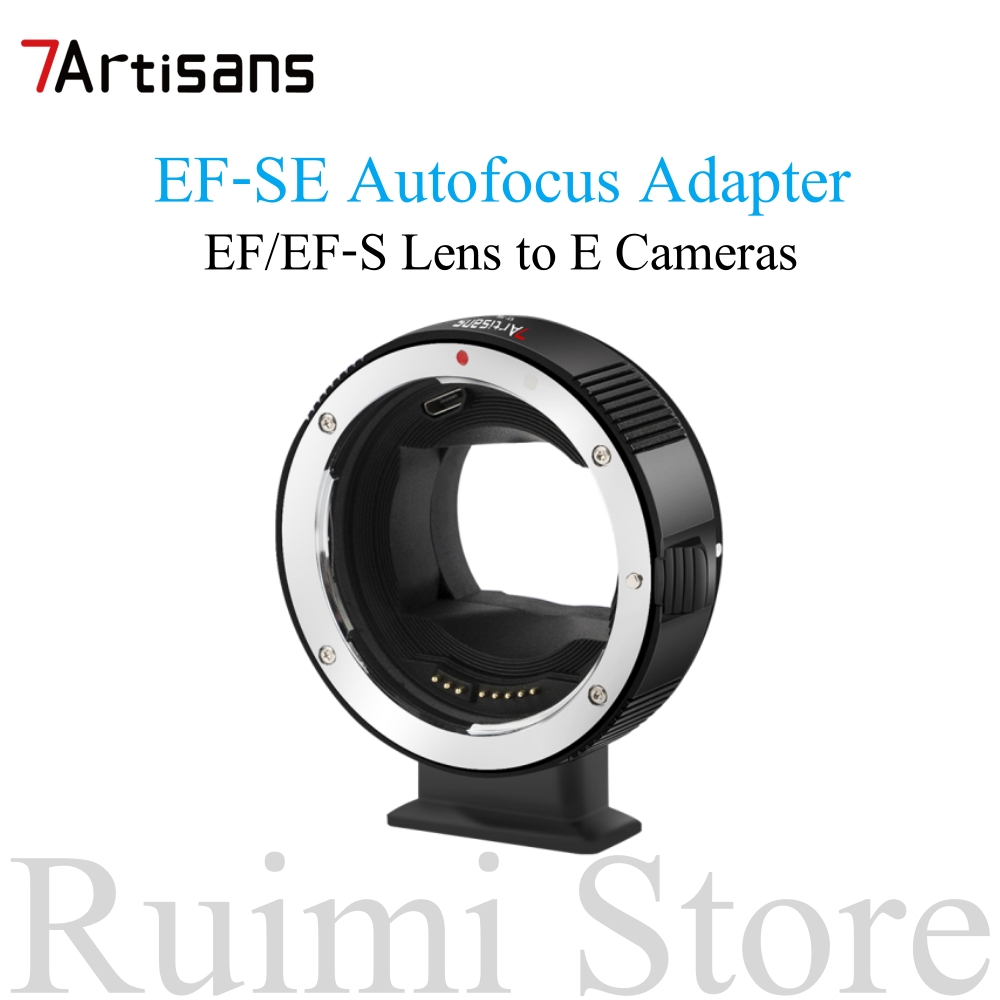
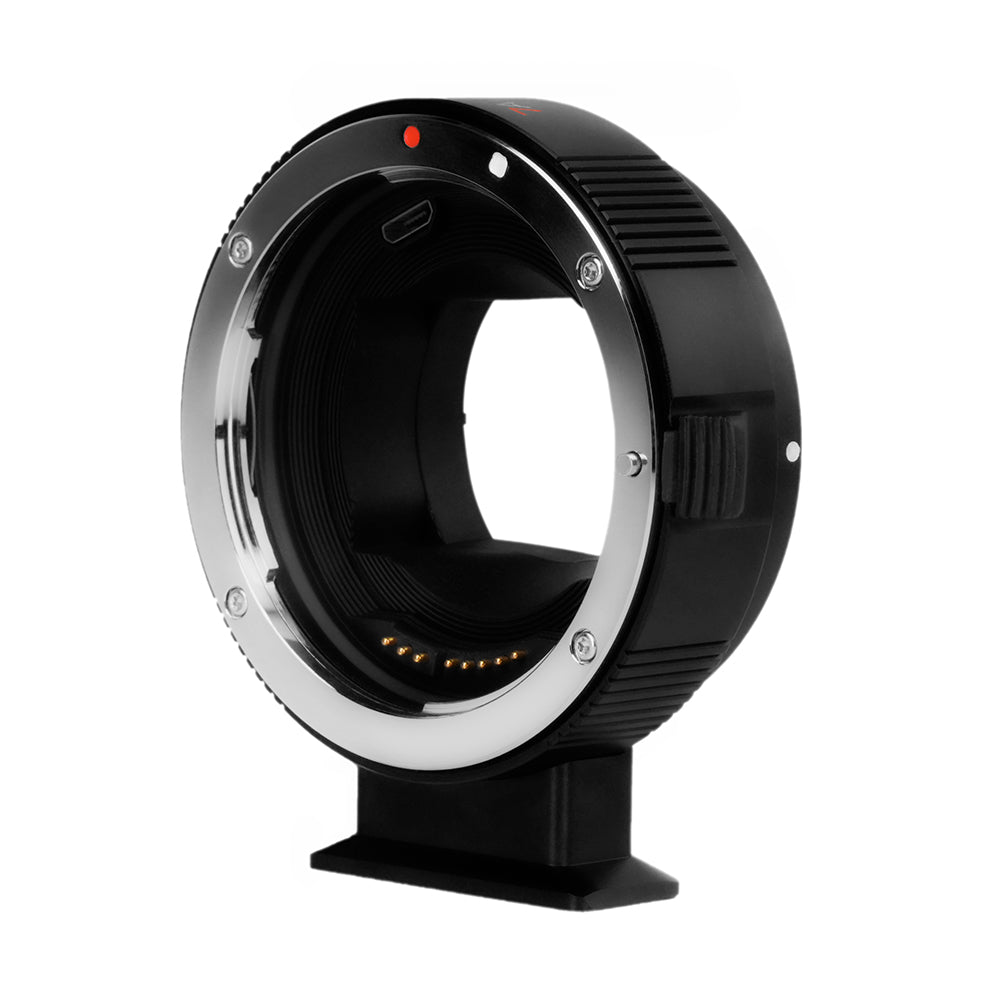
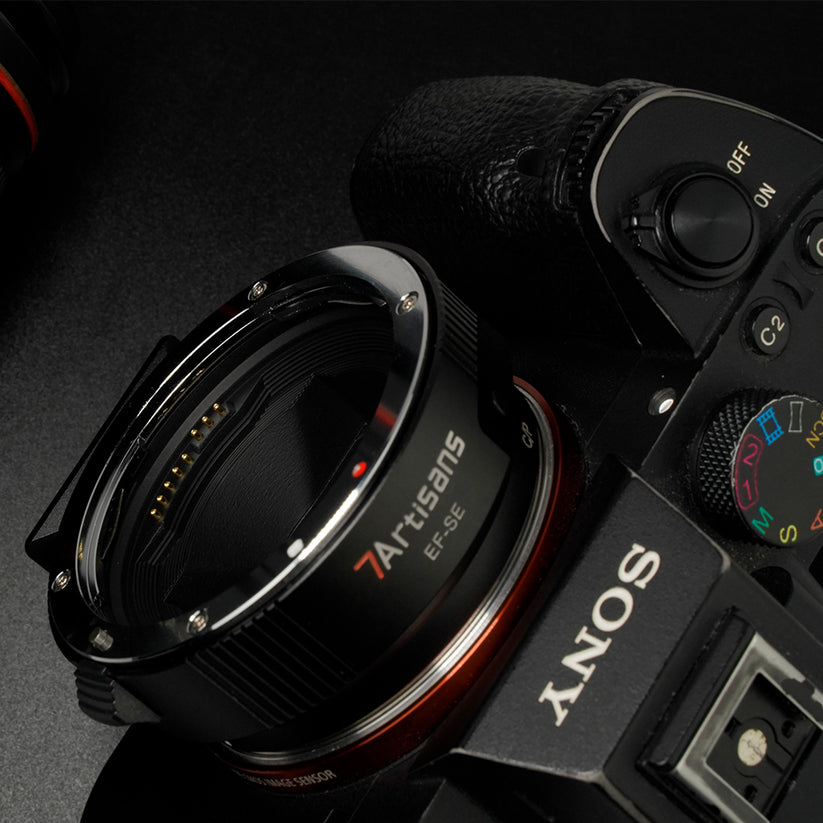
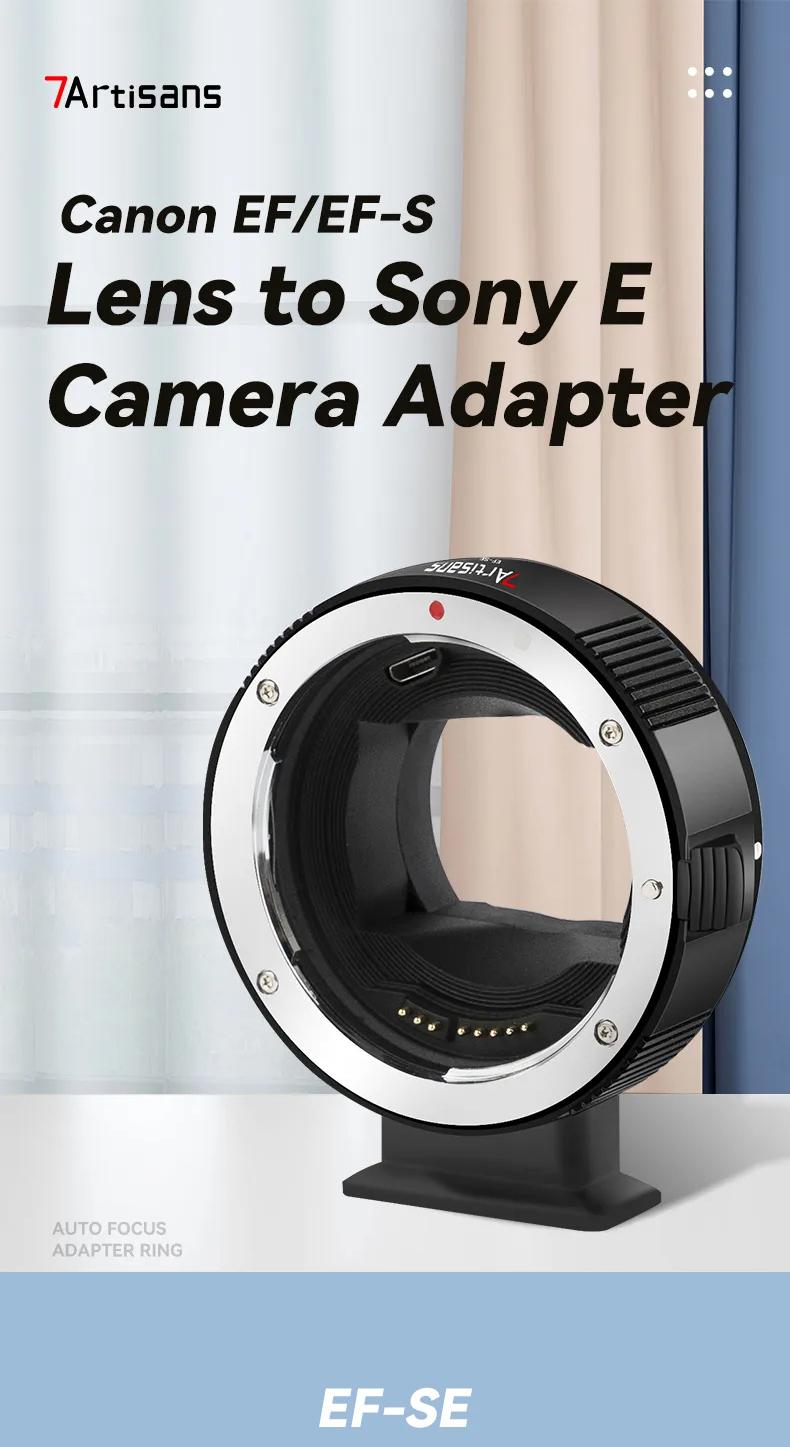
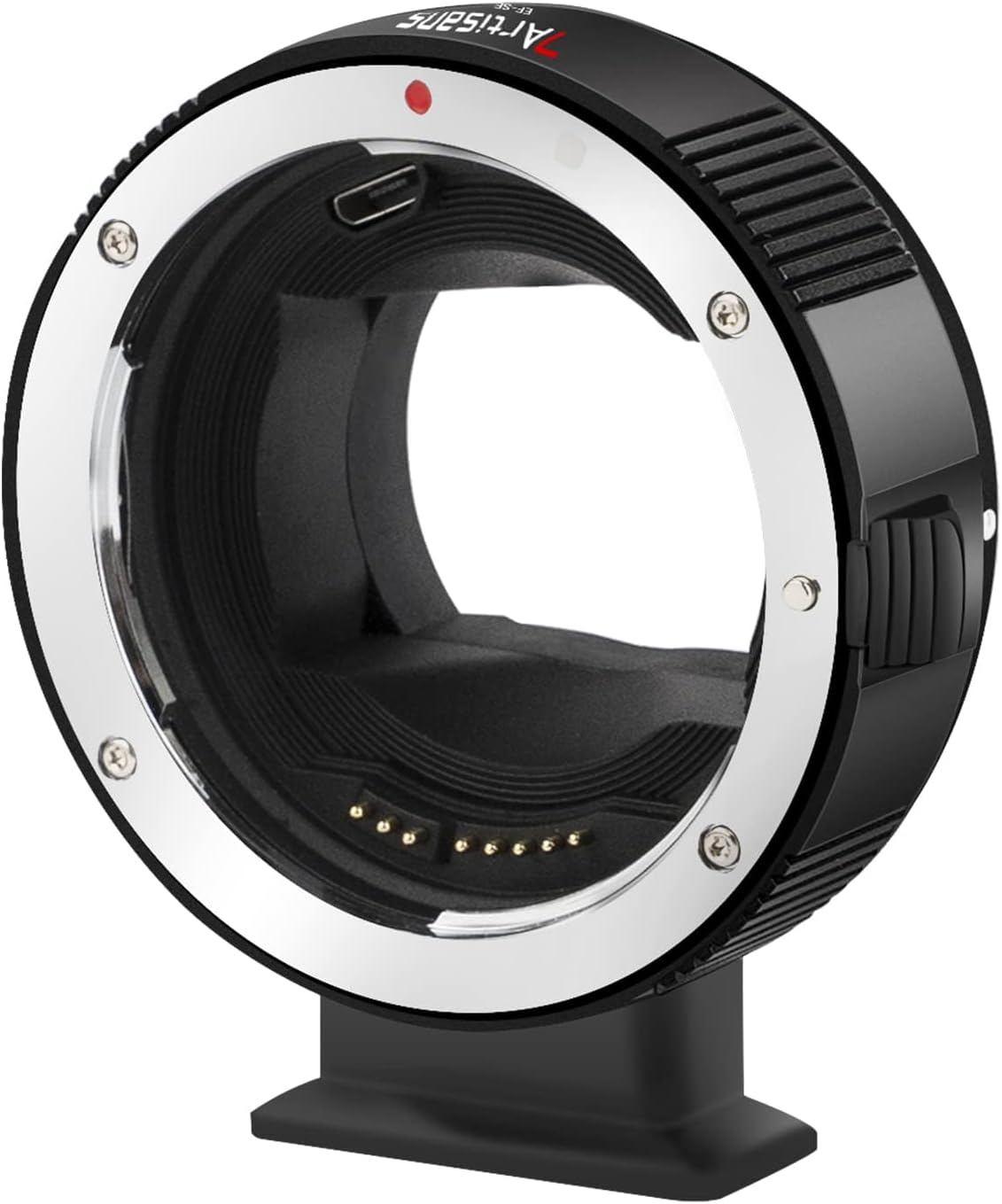
The 7artisans EF-SE is an electronic lens adapter, also called a converter ring. It connects a Canon EF or EF-S lens to a Sony E-mount camera. The “EF” side accepts the Canon lens, while the “SE” side fits the Sony camera mount.
Unlike a simple manual adapter, an electronic EF-to-Sony E adapter uses contacts to pass some signals between the lens and camera. Depending on the specific version, these signals may control:
- Lens aperture
- Autofocus commands
- Electronic image stabilization
- Lens identification
- Focal length or aperture data
- Camera-controlled exposure
The exact feature list can vary. Product names and listings may use similar wording for different revisions, so the printed model name alone is not enough to confirm every function.
Canon EF and EF-S compatibility
Canon EF lenses are made for full-frame Canon DSLR cameras. Canon EF-S lenses are made for APS-C Canon DSLR cameras. Both use the Canon EF-style physical mount, but they do not project the same image circle.
An EF-S lens can usually be mounted on a Sony APS-C E-mount camera when the adapter supports EF-S lenses. On a full-frame Sony camera, an EF-S lens may cause dark corners or force the camera into a crop mode. This depends on the lens and camera settings.
A full-frame Canon EF lens is generally more flexible. It can be used on both full-frame and APS-C Sony cameras, although the camera’s crop factor changes the field of view.
Sony E-mount compatibility
Sony E-mount includes both APS-C and full-frame mirrorless cameras. Examples include many cameras in the Sony Alpha, a6000, a7, a9, and a1 families. The mount is related, but camera behavior differs by model.
A lens adapter may work on one Sony camera and offer limited functions on another. Older bodies may lack newer autofocus features. Newer bodies may still restrict autofocus with adapted lenses. Always confirm support for the exact camera model, not only the mount name.
How to Install and Use the Adapter
Install the 7artisans EF-SE adapter with both the camera and lens powered off. This reduces the chance of poor contact, accidental movement, or an electronic fault during mounting.
Step-by-step setup
-
Turn off the camera.
Remove the Sony camera body cap and the rear cap from the adapter. -
Attach the adapter to the camera.
Match the mounting marks. Turn the adapter until it locks into place. -
Attach the Canon lens.
Align the Canon lens with the EF-side markings. Rotate it until the lens release button clicks into position. -
Turn on the camera.
Wait for the camera to recognize the adapted lens. -
Select an exposure mode.
Start with Aperture Priority or Manual mode. These modes make it easier to see how the adapter controls the lens. -
Test the aperture.
Change the aperture on the camera. Watch the lens opening or the exposure preview to confirm that the setting changes. -
Test autofocus in good light.
Begin with a stationary subject. Use a single focus point before trying face detection or subject tracking. -
Check image stabilization.
If the lens or camera has stabilization, test it separately. Adapted stabilization may require the focal length to be entered manually. -
Review the recorded data.
Open a test photo and check whether the camera records lens name, focal length, and aperture data.
Signs that the adapter is working
A working connection may show one or more of these signs:
- The camera displays an aperture value.
- The lens aperture changes when the camera setting changes.
- Autofocus moves the lens.
- The camera records exposure information.
- Image stabilization activates when supported.
- The camera does not display a “lens not attached” warning.
These signs do not prove that every feature works. Test autofocus, aperture, stabilization, and data recording one at a time.
Does the 7artisans EF-SE Adapter Support Autofocus?
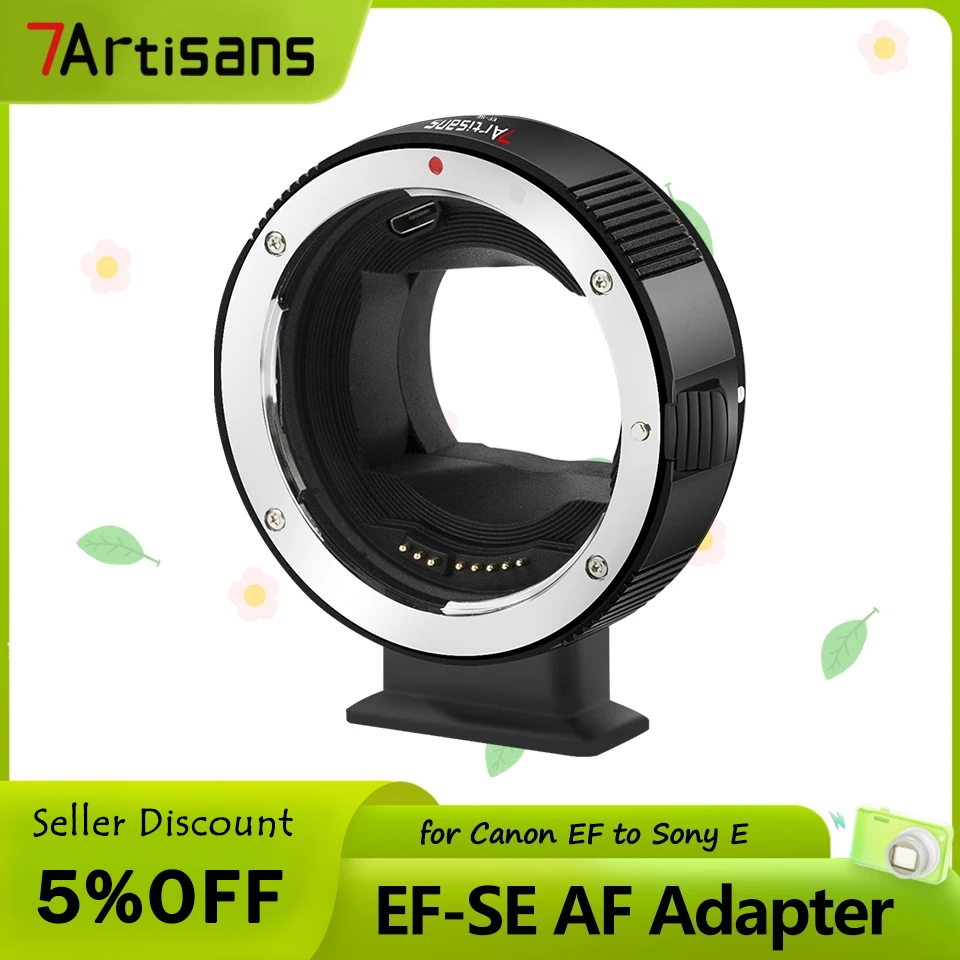
The adapter is intended to provide autofocus with compatible Canon EF lenses and Sony E-mount cameras. In practice, autofocus performance is often the most variable part of an electronic lens adapter.
Autofocus may work well for still subjects in bright light. It can be slower or less reliable in low light, with moving subjects, or when using continuous tracking. Native Sony lenses are designed for the camera’s autofocus system and usually offer more predictable results.
Autofocus factors that matter
| Factor | Possible effect |
|---|---|
| Canon lens motor | Some lenses focus more smoothly than others |
| Sony camera model | Newer bodies may offer better adapted-lens support |
| Brightness | Low light can slow or prevent focus |
| Focus mode | Single AF may work better than continuous AF |
| Subject movement | Tracking may be less reliable |
| Lens firmware | Older lens firmware can cause communication issues |
| Adapter firmware | Updates may improve compatibility |
| Aperture setting | Wide apertures can make focus errors easier to see |
Do not treat “autofocus” as one single feature. Single-shot autofocus, continuous autofocus, eye autofocus, face detection, and subject tracking can behave differently.
Best settings for initial testing
Start with these simple settings:
- Single-shot autofocus
- Center or flexible spot focus
- A stationary subject
- Good daylight
- A mid-range aperture
- Electronic front-curtain shutter, if available
- Image review at 100 percent magnification
Once basic focus works, test continuous autofocus and tracking. If the adapter struggles, that does not necessarily mean it is defective. The limitation may come from the lens, camera, firmware, or the interaction between all three.
When native lenses are the better choice
A native Sony E-mount lens is usually the safer option for:
- Sports
- Wildlife
- Weddings
- Fast-moving children
- Video with smooth focus changes
- Critical paid work
- Reliable eye-tracking
The adapter may still be useful for portraits, landscapes, travel, studio work, and casual photography where focus speed is less urgent.
Aperture, Stabilization, and Lens Data
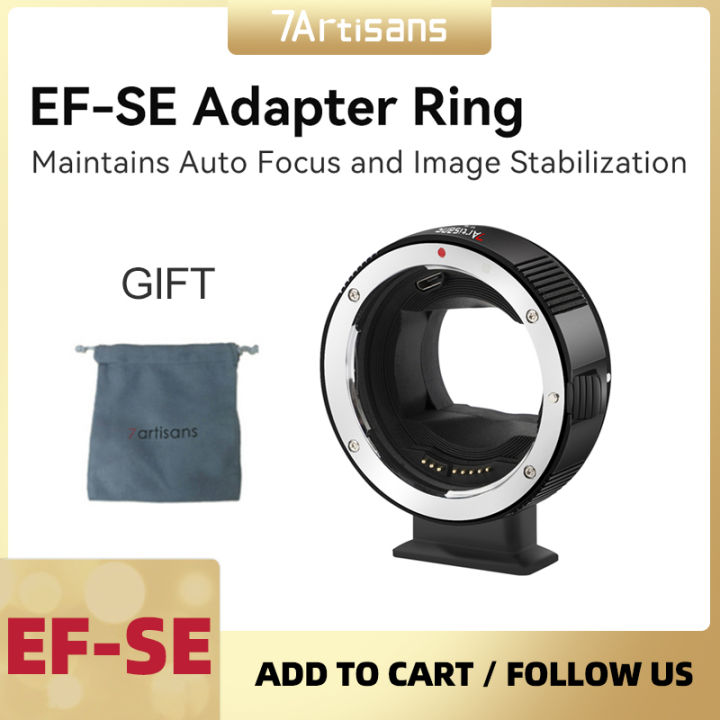
Electronic communication can make an adapted Canon lens easier to use than a fully manual lens. The camera may control the aperture and may receive some lens information. These functions depend on compatibility.
Aperture control
Many Canon EF lenses have no manual aperture ring. They rely on electronic commands from the camera. If the adapter passes those commands correctly, you can change the aperture from the Sony camera.
If aperture control fails, the lens may remain wide open, stop down unexpectedly, or display an error. Turn the camera off before removing the lens or adapter. Do not force the aperture lever or electrical contacts.
Image stabilization
Canon lenses may use optical image stabilization, while Sony cameras may use in-body image stabilization. An adapter can affect how these systems communicate.
If the camera cannot read the focal length automatically, enter the focal length manually when the camera provides that option. Stabilization may still be limited. Test it with several shutter speeds rather than assuming that the feature is active.
For video, stabilization behavior can be even less predictable. Check for unwanted jumps, delayed correction, or excessive movement during a pan.
EXIF and lens information
Some electronic adapters pass lens data to the camera. Others pass only part of the data. A photograph may show an aperture value but not the correct lens name. Another image may show no lens information at all.
This affects cataloging, editing, and stabilization settings. It does not usually prevent image capture. If accurate metadata matters, record the lens and settings in your notes or confirm the data in a test file before a major shoot.

Compatibility Checklist Before You Buy
The most important buying step is to match four items: the adapter, camera, lens, and intended use.
1. Confirm the exact adapter version
Look for the full product name, mount marking, product code, and firmware information. “EF-SE” may describe the mount combination, but it may not identify every hardware revision.
Check whether the listing specifically mentions:
- Canon EF lenses
- Canon EF-S lenses
- Sony E-mount cameras
- Electronic aperture control
- Autofocus
- Image stabilization
- Firmware updates
- Video use
- Camera-specific limits
2. Check the camera model
Do not rely on “Sony E-mount compatible” alone. Verify your exact body. A Sony a6400, a7 III, a7 IV, and a9 may not behave in the same way with an adapted Canon lens.
Pay attention to:
- Full-frame or APS-C sensor
- Single or continuous autofocus
- Eye autofocus
- Video autofocus
- In-body stabilization
- Camera firmware
- Lens compatibility lists
3. Check the Canon lens
Write down the exact lens model. “Canon 50mm” is not enough because Canon has made many 50mm EF lenses with different motors and electronics.
Important details include:
- EF or EF-S mount
- Lens firmware
- Autofocus motor type
- Optical stabilization
- Aperture range
- Physical condition of the contacts
- Use of a teleconverter or extension tube
Third-party Canon-mount lenses can also behave differently. Compatibility should be tested rather than assumed.
4. Match the adapter to the job
Choose an adapter for its actual purpose:
| Use | Suitability |
|---|---|
| Landscapes | Often practical |
| Portraits | Often practical if focus is reliable |
| Studio work | Useful when settings are controlled |
| Travel | Useful if reducing lens replacement cost |
| Sports | Risky unless tested first |
| Wildlife | Risky for fast tracking |
| Professional event work | Test extensively or use native lenses |
| Video autofocus | Test carefully before relying on it |
The key trade-off is simple: an adapter can extend the use of existing lenses, but it may reduce autofocus consistency.
Common Problems and Troubleshooting
Troubleshoot from the safest and simplest checks first. Many connection problems come from dirty contacts, incomplete mounting, low battery power, or unsupported combinations.
The camera says “no lens attached”
Possible causes include:
- The adapter is not fully locked.
- The lens is not fully locked to the adapter.
- The electrical contacts are dirty.
- The camera does not support the adapter correctly.
- The adapter is set to a manual or disabled mode.
- The adapter or lens has a fault.
Turn off the camera. Remove the lens and adapter. Inspect the contacts under good light. Use a clean, dry microfiber cloth if needed. Do not use liquid, metal tools, or abrasive materials on the contacts.
Autofocus does not work
Try these checks:
- Confirm that the lens switch is set to AF.
- Use good light and a stationary subject.
- Select single-shot autofocus.
- Use a central focus point.
- Remove any teleconverter or extension tube.
- Test another Canon EF lens.
- Check for firmware updates from the adapter maker.
- Test the lens directly on a compatible Canon body, if available.
If one lens fails while another works, the lens and adapter may not share the same communication behavior. If every lens fails, the adapter, camera setting, or camera compatibility is more likely to be involved.
The aperture cannot be changed
Check whether the adapter supports electronic aperture control. Then confirm that the camera is not in a setting that disables lens communication.
Try another lens. If only one lens has the problem, its electronic contacts or firmware may be the cause. Never try to force a manual aperture change on a Canon EF lens that has no physical aperture ring.
The image has dark corners
Dark corners often mean that an EF-S lens is being used on a full-frame Sony body. The lens may not cover the full sensor area.
Possible solutions include:
- Enable APS-C or crop mode on the camera.
- Use a full-frame Canon EF lens.
- Crop the image during editing.
- Use the lens only on an APS-C Sony body.
Cropping reduces the usable image area. Check the final resolution before using this setup for large prints.
The camera freezes or behaves oddly
Power the camera off before removing the adapter. Remove the battery only if the camera remains unresponsive and the manufacturer’s instructions allow it.
Then test the system in stages:
- Camera with no adapter
- Adapter with no lens, if permitted
- Adapter with a different lens
- Original lens and camera setup
Do not continue using a combination that becomes hot, repeatedly freezes, or shows signs of electrical damage. Contact the seller or manufacturer if the issue continues.
Advantages and Limitations
The 7artisans EF-SE adapter can make sense when the value of existing Canon lenses matters more than maximum autofocus performance.
Main advantages
- Lets Sony E-mount users try Canon EF lenses.
- May reduce the cost of changing systems.
- Can provide electronic aperture control.
- May support autofocus with compatible combinations.
- Allows photographers to keep familiar lenses.
- Can be useful for controlled still photography.
Main limitations
- Autofocus may be slower than with a native Sony lens.
- Continuous tracking may be inconsistent.
- Eye autofocus may be limited.
- Lens data may be incomplete.
- Stabilization behavior can vary.
- Some camera and lens combinations may not work.
- Firmware support may change over time.
- EF-S lenses may not cover a full-frame sensor.
An adapter is not automatically a bad choice because it has limits. It simply shifts the decision. The question is whether the money saved and lens access are worth the possible loss of speed and reliability.
How to Get Better Results
Use the adapter in a controlled way before taking it on an important assignment. Test the exact lens and camera combination, not just the adapter by itself.
Use single autofocus for subjects that do not move. Give the camera strong contrast and adequate light. Avoid placing full trust in eye detection or tracking until you have reviewed several real images at full size.
Keep the contacts clean and store the adapter with both caps attached. Avoid changing lenses in dusty or wet conditions. The adapter may add another joint to the camera system, so support larger lenses by the lens barrel rather than allowing the camera mount to carry all the weight.
For paid work, carry a native Sony lens or a second tested setup. A converter ring can be a useful backup, but a backup should be tested before it becomes necessary.
Frequently Asked Questions
Does the 7artisans EF-SE adapter fit Canon EF lenses?
It is designed for Canon EF-to-Sony E-mount conversion. Confirm the exact product version before purchase, especially if you plan to use EF-S lenses or a third-party Canon-mount lens.
Can I use Canon EF-S lenses on a full-frame Sony camera?
You may be able to mount the lens, but it may not cover the full-frame sensor. Expect dark corners unless the camera uses APS-C crop mode or you crop the image later.
Will autofocus work like a native Sony lens?
Usually, you should not assume that it will. Autofocus depends on the camera, lens, firmware, light, focus mode, and subject movement. Single-shot autofocus may be more dependable than continuous tracking.
Does the adapter control the Canon lens aperture?
An electronic version may provide camera-controlled aperture operation with compatible lenses. Confirm this feature in the listing for the exact adapter revision. A simple mechanical adapter cannot control an EF lens electronically.
Will image stabilization work?
It may work, but the result depends on the lens, camera, and communication between them. If focal length is not transferred automatically, enter it manually when the camera allows that option.
Can I use the adapter for professional video?
You can, but test focus, aperture changes, stabilization, and noise before filming. Manual focus may be more predictable than autofocus for controlled video scenes.
Should I buy this adapter or a native Sony lens?
Buy the adapter when you already own useful Canon EF lenses and can accept some uncertainty. Choose a native Sony lens when dependable autofocus, subject tracking, video focus, or professional reliability is the main priority.
Final Recommendation
The 7artisans EF-SE Lens Adapter Auto Focus Lens Converter Ring can be a practical bridge between Canon EF lenses and Sony E-mount cameras. Its strongest value is flexibility: you may continue using existing lenses instead of replacing them immediately.
Its main limitation is variable electronic performance. Autofocus, stabilization, aperture control, and metadata depend on the exact adapter revision and the camera-lens combination. Before buying, confirm compatibility for your specific Sony body and Canon lens. Before an important shoot, test every feature under the same conditions you expect to face.
For landscapes, portraits, studio work, and casual photography, the adapter may offer useful value. For sports, wildlife, fast events, and demanding video, a native Sony E-mount lens remains the lower-risk choice.

