
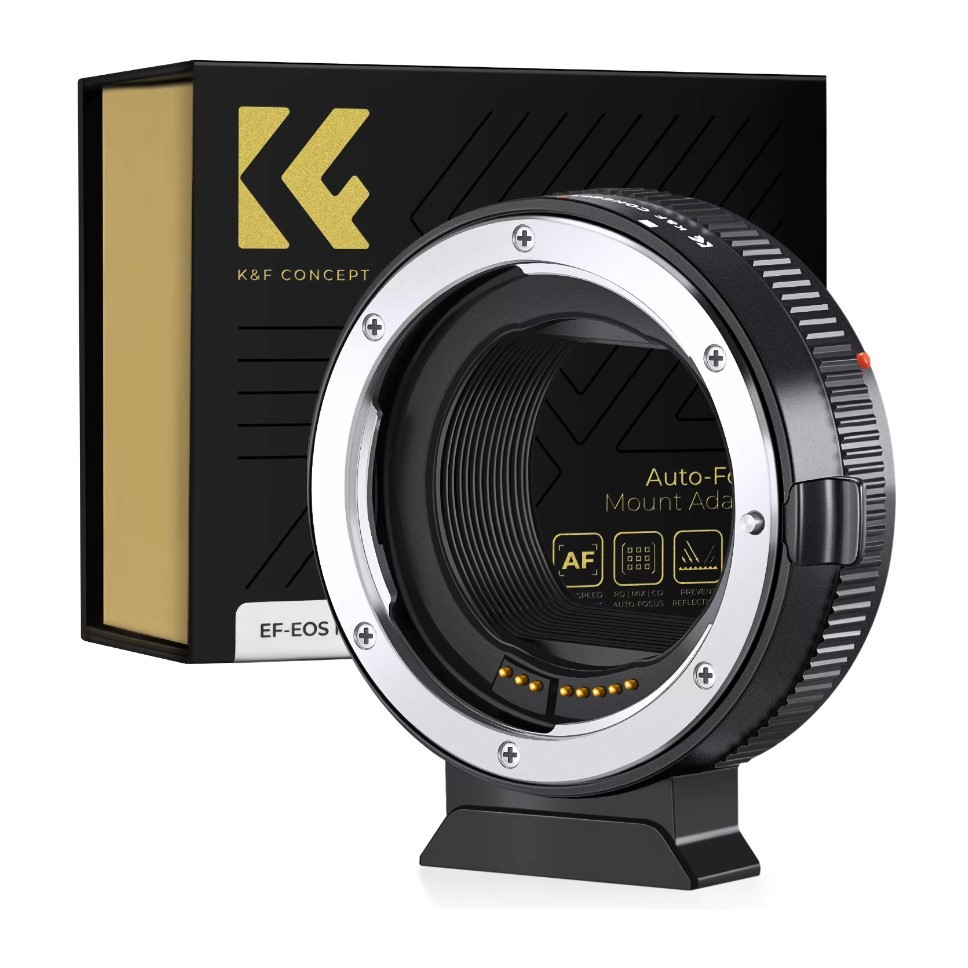
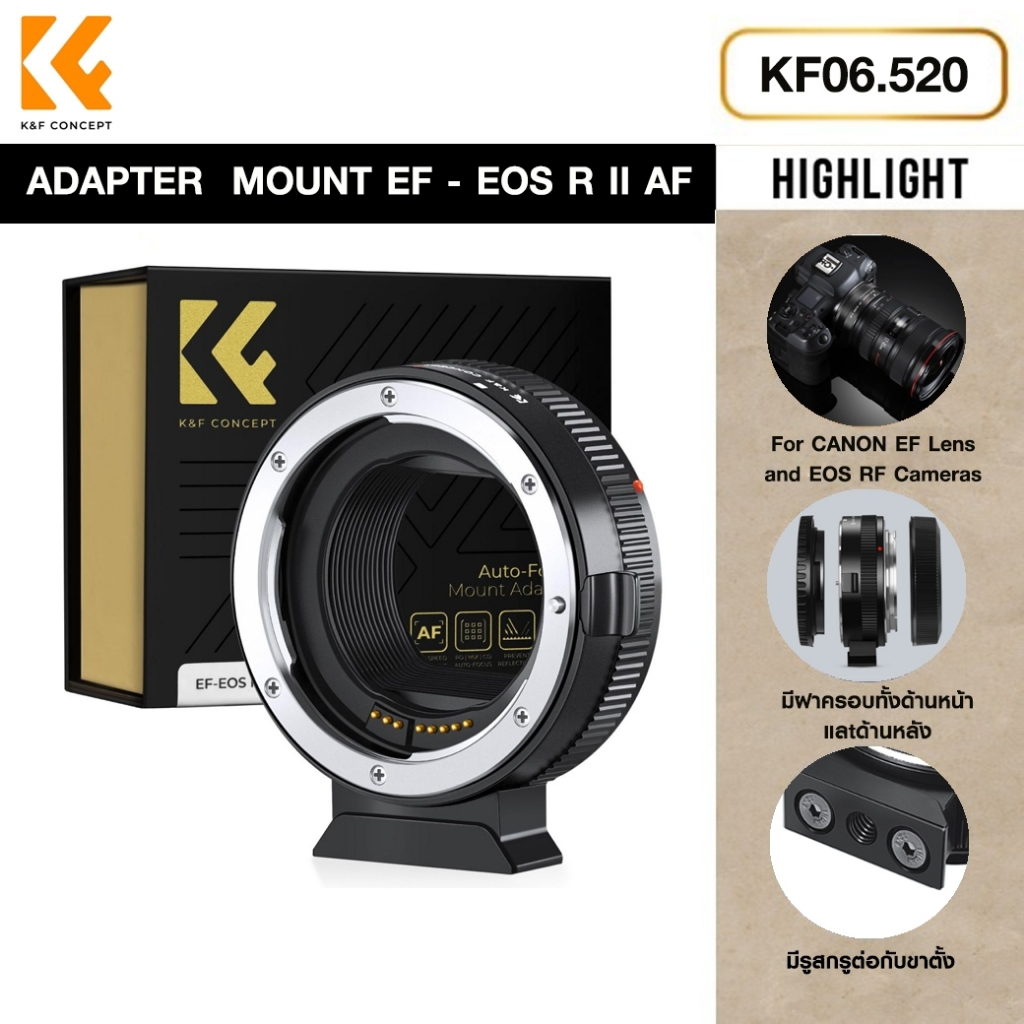
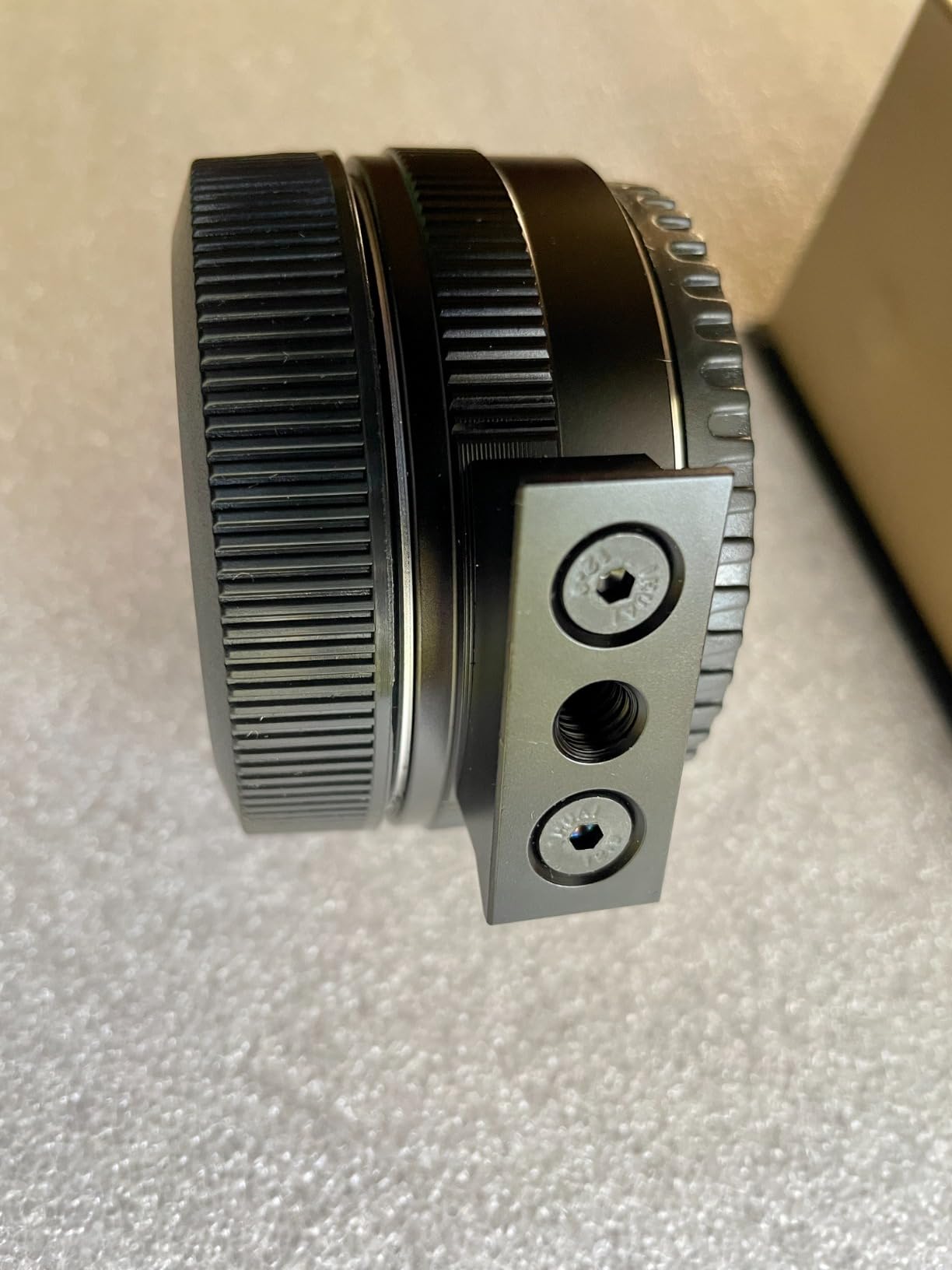
For photographers in the United States who own Canon EF lenses and a Canon EOS R-series camera, the K&F Concept EF to EOS R Auto Focus Lens Mount Adapter may offer a lower-cost way to keep using existing glass. It connects Canon EF or compatible EF-S lenses to Canon RF-mount mirrorless cameras and may pass electronic signals for autofocus, aperture control, image stabilization, and EXIF data.
The key point is simple: the adapter can make physical and electronic use possible, but it does not guarantee the same autofocus speed, accuracy, or reliability as a native RF lens. Results depend on the exact K&F model, lens, camera body, firmware, and shooting mode.

What the K&F Concept EF to EOS R Adapter Does
The K&F Concept EF to EOS R adapter changes the physical mount from Canon EF to Canon RF. It is designed for Canon EOS R-series cameras, such as full-frame EOS R bodies and compatible APS-C RF cameras.
A Canon EF lens uses a longer flange distance than a Canon RF lens. The adapter fills that space so the EF lens sits at the correct distance from the camera sensor. A properly made adapter should not change the lens’s focal length.
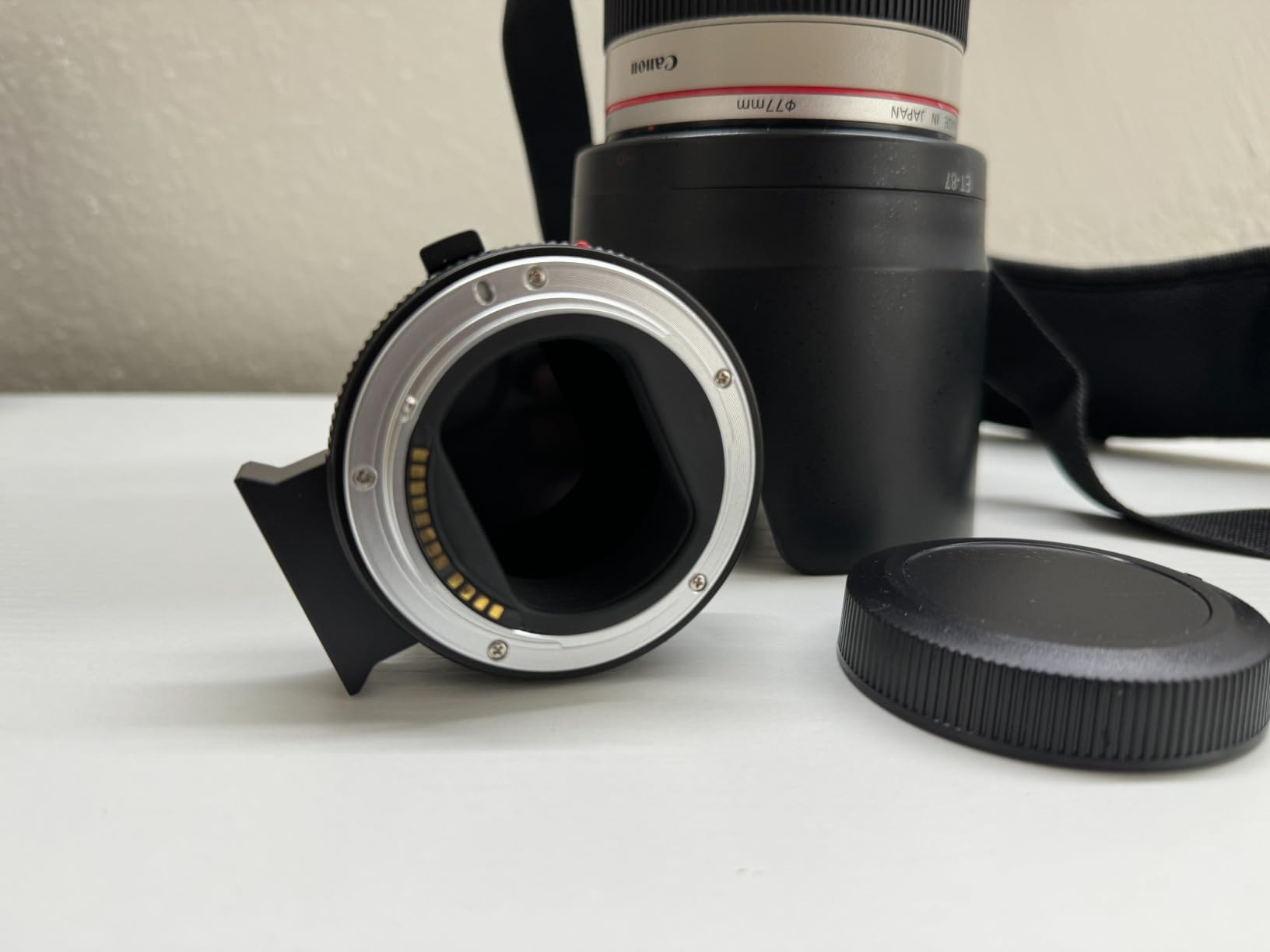
An autofocus version may also create an electronic link between the lens and camera. That link can support some or all of these functions:
- Autofocus
- Electronic aperture control
- Lens-based image stabilization
- Focus confirmation
- EXIF lens data
- Camera-controlled exposure modes
Support is not always equal across all lenses. A feature listed by K&F Concept describes the adapter’s intended function, not a promise that every EF lens will perform in every camera mode.
EF, EF-S, and RF explained
These mount names describe different Canon lens systems:
- EF: Canon’s full-frame and APS-C DSLR lens mount.
- EF-S: Canon’s APS-C DSLR lens mount, made for a smaller image circle.
- RF: Canon’s mirrorless mount used by EOS R-series cameras.
- RF-S: Canon’s APS-C mirrorless lens format.
- EF-M: Canon’s separate mirrorless mount for EOS M cameras.
The K&F Concept adapter discussed here is for EF-to-RF conversion. It is not an EF-M adapter, and EF-M lenses should not be forced onto an EOS R camera.
Camera and Lens Compatibility
The adapter is most useful when the camera has a Canon RF mount and the lens has a Canon EF or compatible EF-S mount. Check the markings on both pieces before attaching them.
Compatible camera types
The adapter is intended for Canon EOS R-series cameras with an RF mount. This includes full-frame and APS-C mirrorless bodies, but the exact functions may vary by model.
A camera with an EF mount does not need this adapter. The adapter is also not intended for Canon EOS M cameras, which use the EF-M mount.
Compatible lens types
Most Canon EF lenses are the main target. Many third-party lenses made for the Canon EF mount may also attach and operate, but their electronic behavior can vary.
EF-S lenses require more care:
- On a full-frame EOS R camera, an EF-S lens may produce dark corners because its image circle is smaller.
- Some Canon full-frame EOS R cameras can enter an automatic crop mode with EF-S lenses.
- On an APS-C EOS R camera, an EF-S lens generally matches the sensor’s smaller image area.
- The adapter does not remove the crop factor or turn an EF-S lens into a full-frame lens.
EF-S compatibility is therefore both a camera question and an image-circle question. A lens may mount correctly but still produce an image that does not meet your needs.
Quick compatibility table
| Lens or camera | Likely physical fit with an EF-to-EOS R adapter | Main concern |
|---|---|---|
| Canon EF lens on EOS R camera | Yes | Autofocus and electronic support may vary |
| Canon EF-S lens on full-frame EOS R camera | Usually | Crop mode or dark corners |
| Canon EF-S lens on APS-C EOS R camera | Usually | Confirm electronic features |
| Canon RF lens on EOS R camera | No adapter needed | Use the native RF mount |
| Canon EF-M lens on EOS R camera | No | Different mirrorless mount |
| Manual EF lens with no electronic contacts | Physical fit may vary | Manual focus and manual aperture only |
How to Install and Use the Adapter
Use the adapter in a clean, dry place. Dust on the lens mount or camera sensor can affect image quality, and forcing a mount can damage the camera or lens.
Before you start
Have the following ready:
- A Canon EOS R-series camera.
- A Canon EF or compatible EF-S lens.
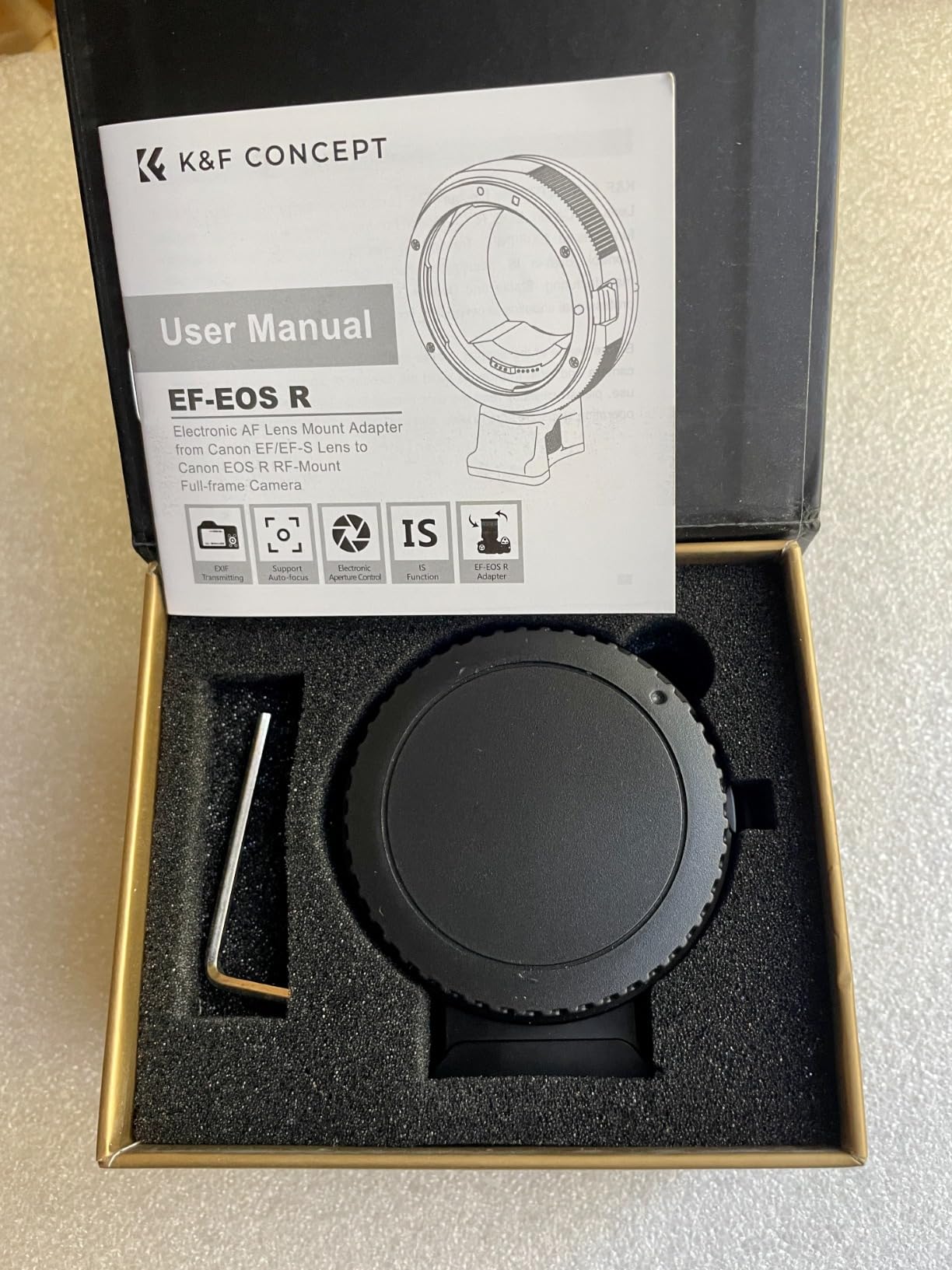
- The K&F Concept EF-to-EOS R autofocus adapter.
- A charged camera battery.
- The latest compatible camera and lens firmware, where available.
Turn the camera off before mounting the adapter. This reduces the chance of communication errors and protects the electronic contacts during installation.
Installation steps
- Remove the rear lens cap and camera body cap. Keep the exposed surfaces facing down when possible.
- Align the adapter with the camera’s RF mount. Match the alignment mark on the adapter with the mark on the camera.
- Rotate the adapter until it locks. Do not apply excessive force.
- Align the EF lens with the adapter’s EF mount.
- Rotate the lens until it clicks into place.
- Turn on the camera.
- Set the camera to a basic autofocus mode. One-shot AF and a single focus point are useful for the first test.
- Take a test image at a moderate aperture.
- Check focus, aperture, image stabilization, and EXIF data.
If the camera does not recognize the lens, turn the camera off. Remove and remount both the adapter and lens. Inspect the contacts for dirt, oil, or damage.
Signs that the setup is working
A successful connection may show several signs:
- The camera displays a usable aperture value.
- The lens responds when you half-press the shutter button.
- Autofocus moves the lens and confirms focus.
- The camera records the lens name or focal length in EXIF data.
- Image stabilization activates when enabled.
- The aperture changes when you adjust the camera setting.
One working feature does not prove that every feature works. For example, the camera may control aperture while autofocus remains slow or unreliable.

Autofocus Performance: What to Expect
The K&F Concept autofocus adapter can make an EF lens usable on an EOS R camera, but it should not be treated as a full replacement for a native RF lens.
Autofocus depends on the camera body, lens motor, adapter electronics, lighting, subject movement, and selected focus mode. Older EF lenses may focus more slowly than newer lenses. Some third-party lenses may show inconsistent behavior.
Factors that affect autofocus
Autofocus may be less dependable when:
- The subject has low contrast.
- The scene is very dark.
- The lens has an older focus motor.
- The subject moves quickly.
- The camera uses advanced tracking or eye detection.
- The lens firmware is old.
- The adapter firmware does not match the camera’s communication needs.
- The lens has been repaired or modified.
- Multiple electronic accessories are used between the camera and lens.
For portraits, landscapes, travel, and general still photography, the adapter may be adequate when tested with the specific lens. For fast sports, wildlife, weddings, or paid work, test the full setup before relying on it.
Autofocus test method
A short test can reveal more than a product description.
- Set the camera to One-Shot AF.
- Use a single focus point.
- Photograph a high-contrast subject at several distances.
- Repeat in bright and low indoor light.
- Test wide open and stopped down.
- Try continuous AF only after single-shot AF works.
- Review images at 100% magnification.
- Repeat with the subject moving toward the camera if tracking matters.
This test does not measure every possible condition. It simply helps show whether your camera, lens, and adapter work together for your intended use.

Aperture, Stabilization, and EXIF Data
Electronic adapter features are useful because most Canon EF lenses do not have a manual aperture ring. The camera must communicate with the lens to change the aperture.
If the connection works, you may be able to:
- Select aperture from the camera.
- Use aperture-priority or manual exposure.
- Record lens information in image metadata.
- Use lens-based image stabilization.
- Review lens data in editing software.
The exact behavior depends on the lens and camera. Some lenses may report incomplete data or display a generic lens profile.
What happens if electronic communication fails?
A failed electronic connection can cause one or more of these symptoms:
- The camera shows an error message.
- The aperture stays wide open.
- The camera cannot release the shutter.
- Autofocus does not respond.
- Image stabilization does not activate.
- EXIF data is incomplete.
- Exposure behaves unpredictably.
First, power off the camera and reseat the adapter. Then clean the contacts with a clean, dry microfiber cloth. Do not use liquid cleaner on the electrical contacts unless the camera or adapter manufacturer specifically allows it.
If the lens has a physical aperture lever or no electronic contacts, it may require manual operation. The adapter cannot add electronic control to a lens that lacks the needed hardware.

Optical Quality and Image Quality
A basic EF-to-EOS R adapter should not need corrective optics to preserve the lens’s original optical design. The adapter’s main job is to maintain the correct distance between the lens and sensor.
That does not mean every image will look identical to one taken with a native RF lens. Differences may come from focus accuracy, camera processing, lens coatings, adapter alignment, or the lens itself.
Check for these image issues:
- Dark corners
- Uneven sharpness
- Soft focus
- Flare or stray light
- Inconsistent exposure
- Decentered images
- Focus errors at different distances
A small amount of corner shading can be normal with some lenses, especially at wide apertures. Strong unevenness across the frame may suggest a lens issue, mount problem, or poor alignment.
The adapter cannot correct optical limits built into the EF lens. A soft lens remains soft, and an EF-S lens still has an APS-C image circle.
Common Problems and Practical Fixes
The most useful troubleshooting order starts with simple, low-risk checks.
The lens does not autofocus
Possible causes include poor electronic contact, unsupported lens communication, old firmware, or a focus mode that the lens cannot handle well.
Try this sequence:
- Turn off the camera.
- Remove and reinstall the lens.
- Remove and reinstall the adapter.
- Clean the contacts gently with a dry cloth.
- Set the camera to One-Shot AF.
- Use a single focus point.
- Test in bright light.
- Try another EF lens if available.
If one lens works and another does not, the problem may involve the lens or its compatibility rather than the camera.
The camera displays a lens error
A lens error can result from incomplete mounting, dirty contacts, unsupported electronics, or an adapter fault. Do not keep forcing the lens or repeatedly power-cycle a visibly damaged setup.
Remove the lens, inspect the mount, and check for bent contacts. If the contacts are damaged, stop using the equipment and contact the seller or a qualified camera service center.
The aperture cannot be changed
Confirm that the lens is an electronic EF model and that the camera recognizes the adapter. Test another exposure mode and another lens. If the aperture remains fixed, the adapter may not be communicating correctly with that lens.
Images show dark corners
Dark corners are often linked to EF-S lenses used on full-frame cameras. Check whether the camera has entered crop mode. If the camera allows it, compare a full-frame EF lens with the same settings.
Image stabilization behaves oddly
Use only one stabilization system when the camera and lens instructions recommend that approach. Test the lens with stabilization on and off. A third-party adapter may pass stabilization commands differently from a Canon-made adapter.

K&F Concept Adapter Versus a Canon EF-EOS R Adapter
The main trade-off is usually cost versus documented compatibility and support.
A Canon EF-EOS R adapter is designed by Canon for Canon camera and lens communication. It may provide a more predictable path for autofocus, aperture, stabilization, firmware compatibility, and service support.
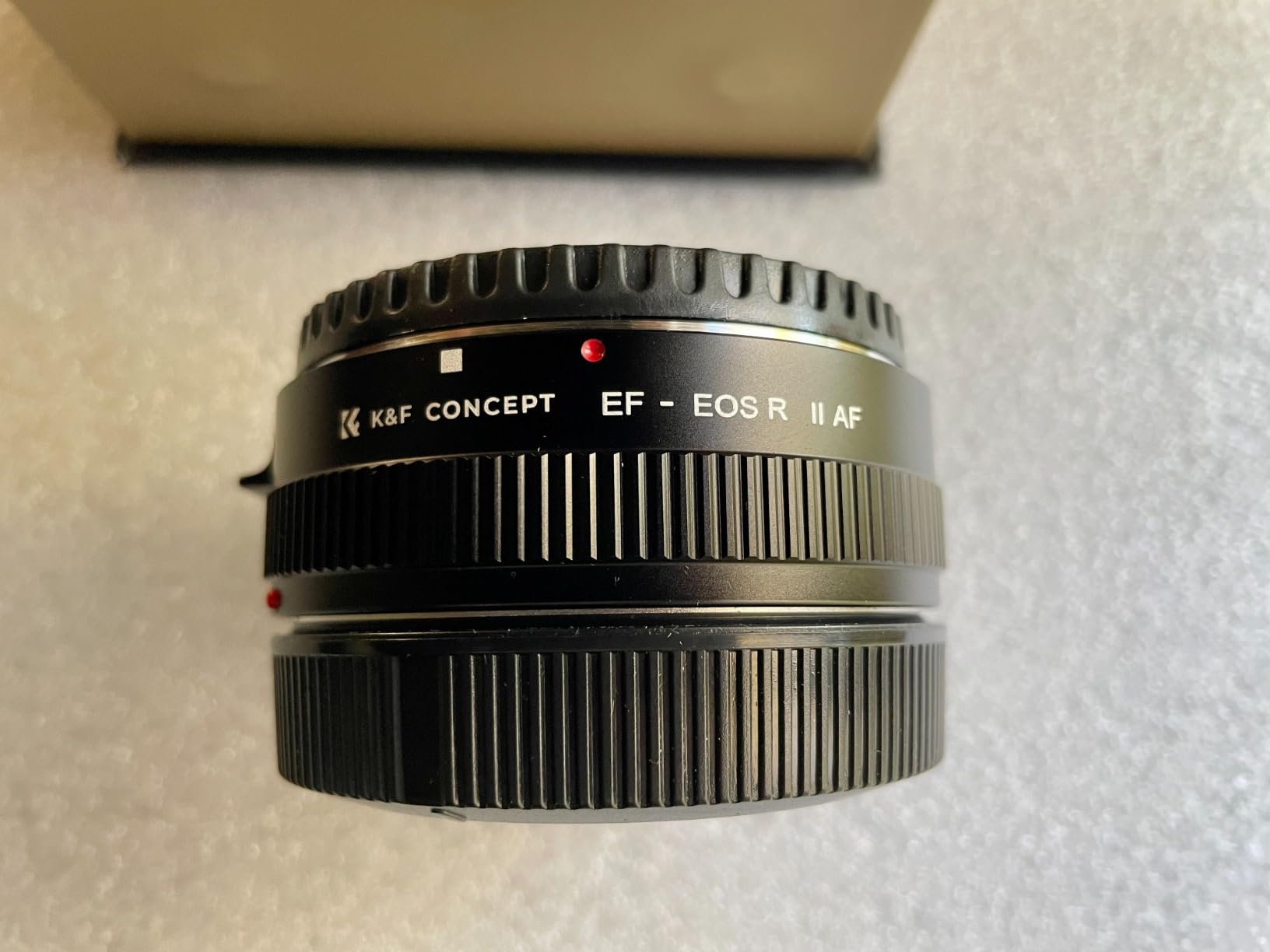
A K&F Concept adapter may be attractive when the price is lower or when a photographer needs a basic way to use existing EF lenses. However, the exact feature set can differ by product revision. Some K&F models may support autofocus and electronic control, while other similar-looking adapters may be manual versions.
Before purchase, compare:
- Exact model name and product code
- EF versus EF-S support
- Autofocus claims
- Aperture control
- Stabilization support
- EXIF transmission
- Firmware update method
- Return policy
- Warranty terms
- Compatibility with your camera and lens list
Do not rely only on the phrase “EF to EOS R adapter.” A manual adapter and an autofocus adapter may look similar but work very differently.
Is It a Good Choice for Your Camera Kit?
The adapter makes the most sense for photographers who already own useful EF lenses and want to move to an EOS R body without replacing every lens at once.
It may suit:
- Landscape photographers using a stable tripod setup
- Portrait photographers using tested EF primes
- Travel photographers with a trusted EF zoom
- Hobbyists building an RF system over time
- Owners of specialty EF lenses not yet available in their preferred RF version
A native RF lens may be the better choice when you need fast subject tracking, the least possible setup risk, compact size, or full Canon support. For professional work, keep a tested backup lens and confirm performance under real working conditions.
The adapter is best viewed as a bridge between systems. It can extend the useful life of EF lenses, but it does not turn an older EF lens into a modern RF lens.
Buying Checklist for U.S. Photographers
Before ordering the K&F Concept EF to EOS R Auto Focus Lens Mount Adapter, confirm these details on the current U.S. product listing:
- The adapter is labeled autofocus, not manual focus.
- The product is made for Canon RF-mount EOS R cameras.
- Your lens uses the Canon EF or EF-S mount.
- The listing names your camera body or camera series.
- Electronic aperture control is documented if you need it.
- Image stabilization support is documented if you need it.
- The return policy covers compatibility problems.
- The seller identifies the exact model revision.
- Any firmware update process is explained.
- The adapter has no visible play, damaged contacts, or loose mount parts after delivery.
Product listings and firmware support can change. Verify the current listing and your camera’s manual before purchasing, especially if the adapter will be used for paid assignments.
Frequently Asked Questions
Does the K&F Concept EF to EOS R adapter change focal length?
No. A standard mount adapter does not change the focal length of the attached lens. An APS-C camera still applies its sensor crop, and an EF-S lens still produces an APS-C-sized image circle.
Can I use EF-S lenses with this adapter?
Usually, an EF-S lens can physically attach when the adapter supports the EF mount. On a full-frame EOS R camera, expect possible crop mode or dark corners. On an APS-C EOS R camera, EF-S lenses are generally a more natural match.
Will autofocus work as well as it does with a native RF lens?
Not necessarily. Autofocus performance depends on the camera, lens, adapter electronics, firmware, light, and focus mode. Test the exact combination before using it for important work.
Can the adapter control the lens aperture?
An autofocus electronic model is intended to support camera-controlled aperture with compatible EF lenses. If communication fails, aperture control may not work. A manual adapter cannot provide electronic aperture control.
Is this adapter compatible with Canon EF-M lenses?
No. EF-M is a separate mount. An EF-to-EOS R adapter is not the correct solution for EF-M lenses.
Final Recommendation
The K&F Concept EF to EOS R Auto Focus Lens Mount Adapter can be a practical bridge for U.S. photographers moving from Canon DSLR equipment to an EOS R camera. Its main value is the ability to reuse compatible EF lenses while retaining some electronic functions.
Buy it only after checking the exact model, camera body, lens type, and required features. For casual, travel, portrait, and general still photography, it may provide useful flexibility. For demanding autofocus work or professional assignments, compare it with Canon’s EF-EOS R adapter and test the complete setup before relying on it.
The next step is to write down your exact EOS R camera model and EF lenses, then verify each combination against the current K&F Concept compatibility details.

