
A Fotodiox Nikon F-mount lens adapter lets you use many Nikon Nikkor DSLR lenses on a camera with a different lens mount. The adapter is a mechanical bridge between the lens and camera body. It may preserve basic mounting and manual focus, but it does not always provide autofocus, electronic aperture control, image stabilization, or EXIF data.
The key detail is the camera body mount. “Nikon F to mirrorless” is not one single adapter. Fotodiox makes different versions for Sony E, Canon RF, Nikon Z, Fujifilm X, Micro Four Thirds, Leica M, and other systems. Check the exact Fotodiox model before you buy.
Introduction: What This Fotodiox Adapter Does
For photographers in the United States, a Fotodiox Nikon Nikkor F-mount adapter can extend the life of older DSLR lenses on a newer mirrorless camera. It is useful when you already own Nikon glass and want to avoid replacing every lens.
The adapter fits between the Nikon F lens and the target camera body. It changes the physical connection, but it does not change the optical design of the lens. A simple adapter has no glass. It is best viewed as a spacer with the correct mounts, not as a lens converter.
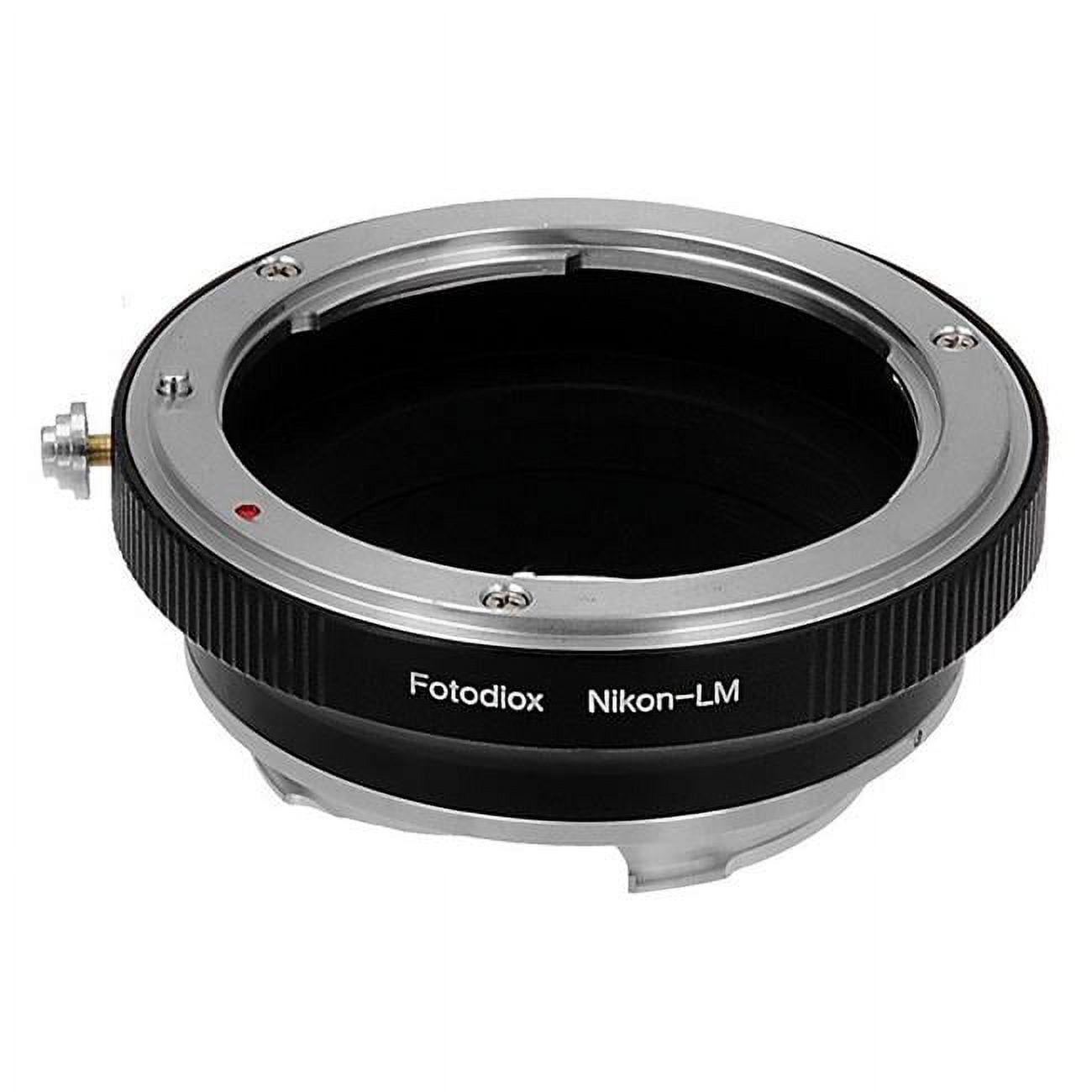
A basic adapter may allow:
- Manual lens mounting
- Manual focus
- Manual aperture control on compatible lenses
- Infinity focus, if the adapter is correctly designed
- Use of vintage Nikon lenses on newer camera bodies
A basic adapter usually does not provide:
- Autofocus
- Lens-based vibration reduction control
- Automatic aperture control
- Electronic lens communication
- Automatic focal-length recording
- Automatic EXIF data
Some Fotodiox models add an aperture ring or electronic contacts. Those features depend on the exact adapter and lens combination.
Nikon F-Mount Compatibility: The Part That Matters Most
Nikon F mount is a broad lens family, not a guarantee of full compatibility. Nikon has used the F mount for decades, and its lenses differ in mechanical and electronic design.
Before attaching a lens, identify both the lens type and the camera mount.
Common Nikon F-mount lens groups
| Lens type | Typical control method | Main adapter concern |
|---|---|---|
| Pre-AI lenses | Mechanical aperture ring | Check camera and adapter clearance |
| AI and AI-S lenses | Mechanical aperture ring and meter coupling | Usually suited to manual use |
| AF-D lenses | Mechanical focus drive and aperture ring | Autofocus normally does not work |
| G lenses | No aperture ring | Needs an adapter with aperture control |
| E-type lenses | Electronic diaphragm | Often needs a specialized electronic adapter |
| PC-E lenses | Electronic diaphragm and shift movements | Function can be limited |
| DX lenses | Designed for Nikon DX sensors | May show dark corners on larger sensors |
The word Nikkor identifies Nikon lenses. It does not identify one fixed feature set. A manual AI-S lens and a modern electronic E-type lens may both use the Nikon F mount, but they behave very differently with an adapter.
Pre-AI lens caution
Older non-AI lenses can damage some Nikon camera bodies when mounted directly to a Nikon camera with an AI coupling tab. This issue is separate from mirrorless adaptation.
If you use a Pre-AI lens, confirm that the Fotodiox adapter is designed to accept it. Do not force the lens into place. If the lens does not mount smoothly, remove it and check the fit.
Nikon G lenses
Nikon G lenses have no physical aperture ring. The aperture is controlled by a lever on the lens mount.
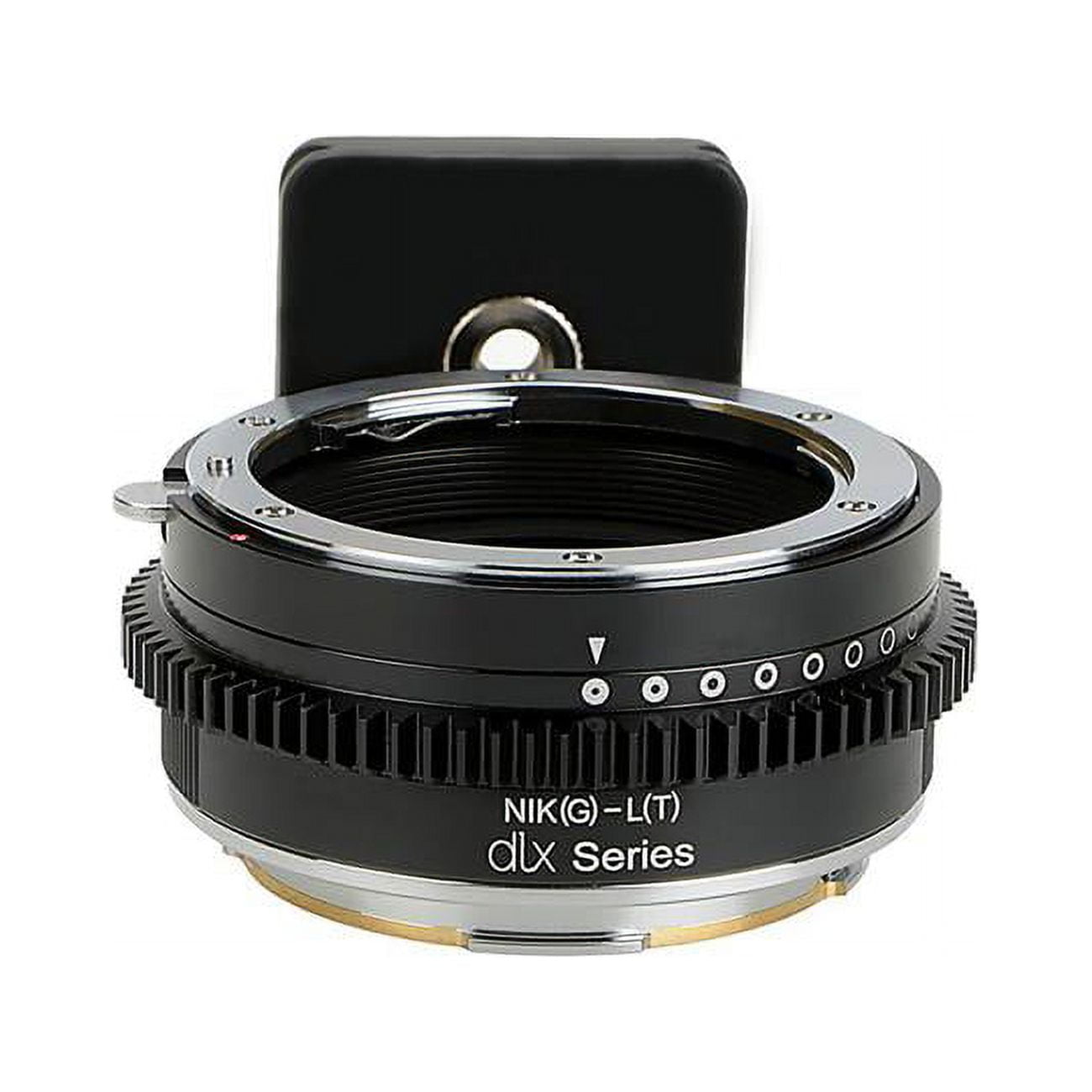
A simple adapter may hold that lever in one position, often near wide open. A Fotodiox adapter made for Nikon G lenses may include an aperture ring that moves the lever. This ring may not show exact f-stop values, so aperture control can be approximate.
Nikon E-type lenses
E-type Nikkor lenses use electronic aperture control. A fully mechanical adapter cannot operate that diaphragm.
If the lens is E-type, look for a Fotodiox adapter that specifically lists electronic aperture support. If the product page does not state this feature, assume that the lens may not work correctly.
Choosing the Correct Fotodiox Nikon Lens Adapter
Choose the adapter by starting with the camera body, not the lens. The lens side is Nikon F. The camera side could be Sony E, Canon RF, Nikon Z, Fujifilm X, Micro Four Thirds, or another mount.
Use this check:
- Find the exact camera model.
- Confirm its lens mount.
- Identify the Nikon lens type.
- Decide whether manual aperture is acceptable.
- Check whether you need autofocus or electronic data.
- Confirm that the Fotodiox listing names your camera mount and lens group.
Common camera-side mounts
- Sony E: Used by Sony Alpha mirrorless cameras.
- Canon RF: Used by Canon EOS R-series cameras.
- Nikon Z: Used by Nikon Z-series mirrorless cameras.
- Fujifilm X: Used by many Fujifilm APS-C cameras.
- Micro Four Thirds: Used by compatible Olympus, OM System, and Panasonic bodies.
- Leica M: A rangefinder mount with different focusing and clearance needs.
- Canon EF: A DSLR mount with a different flange distance and electronic design.
Do not assume that a Nikon F-to-Canon adapter fits both Canon EF and Canon RF cameras. These are different mounts. An adapter for Canon EF does not fit a Canon RF body unless a second, suitable conversion path is used.
Mechanical versus electronic adapters
A mechanical adapter has no electronic contacts. It is often the most reliable and simple option. You set focus and exposure by hand.
An electronic adapter may include contacts for communication with the camera. Depending on the model, it may support some combination of:
- Lens identification
- EXIF recording
- Focus confirmation
- Electronic aperture control
- Camera-controlled exposure
These features are not automatic just because the adapter has contacts. The lens, camera, and adapter firmware must support the same functions.
Focal length and crop factor
The adapter does not change the lens focal length. A 50mm Nikon lens remains a 50mm lens.
The camera sensor changes the field of view. A 50mm lens gives a narrower view on an APS-C camera than on a full-frame camera. On a Micro Four Thirds body, the crop is usually stronger still.
A simple field-of-view estimate is:
Equivalent focal length = lens focal length × crop factor
For example, using a hypothetical 50mm lens:
- Full frame: 50mm equivalent
- APS-C at 1.5×: about 75mm equivalent
- Micro Four Thirds at 2×: about 100mm equivalent
This estimate describes field of view, not a change in the lens itself.

How to Install a Fotodiox Nikon F-Mount Adapter
Install the adapter in a clean, safe area. Keep the rear lens element and camera sensor away from dust, rain, and loose grit.
Step 1: Turn off the camera
Switch off the camera before mounting the adapter. Remove the camera battery if the manual recommends doing so during lens changes.
Step 2: Remove the body cap and rear lens cap
Keep the caps nearby. Do not place the adapter face down on a dirty surface.
Step 3: Align the adapter with the camera mount
Match the alignment mark on the Fotodiox adapter with the mark on the camera body. Insert the adapter without twisting it at an angle.
Step 4: Lock the adapter
Rotate the adapter until it clicks or reaches the locked position. It should feel firm, but do not use excessive force.
Step 5: Mount the Nikon lens
Align the Nikon F lens with the adapter’s lens mark. Rotate the lens until the locking mechanism engages.
Step 6: Set the camera for adapted lenses
Many mirrorless cameras need a setting such as:
- Release shutter without lens
- Shoot without lens
- Use non-CPU lens
- Manual lens input
- Focal-length registration
The name varies by camera brand. Consult the camera manual for the correct menu path.
Step 7: Select manual exposure or aperture priority
Start with manual exposure. Set the aperture on the lens or adapter, then adjust shutter speed and ISO.
Aperture priority can work with some mechanical lenses, but the camera may not know the selected f-stop. Metering can still be useful, but it should be checked against the live view, histogram, or test image.
Signs of a correct installation
- The adapter locks without unusual force.
- The lens remains secure.
- The camera recognizes the shutter-release setting.
- The image is sharp when focus is correctly set.
- The lens can reach the expected focus range.
- No mount wobble affects the image.
If the lens feels loose, remove it. A loose connection can cause blur, poor alignment, or damage to the mount.
Focusing and Exposure With an Adapted Nikkor Lens
Manual focus is the normal operating method with a basic Fotodiox adapter. Use the camera’s focus magnification and focus peaking when available.
Focus peaking can help, but it is not proof of perfect focus. At wide apertures, check the image at high magnification. This matters for portraits, close work, and low-light scenes.
Aperture control
Your aperture method depends on the lens:
- AI and AI-S lenses: Turn the aperture ring on the lens.
- AF-D lenses: Turn the aperture ring on the lens after setting the lens as required by the adapter or camera.
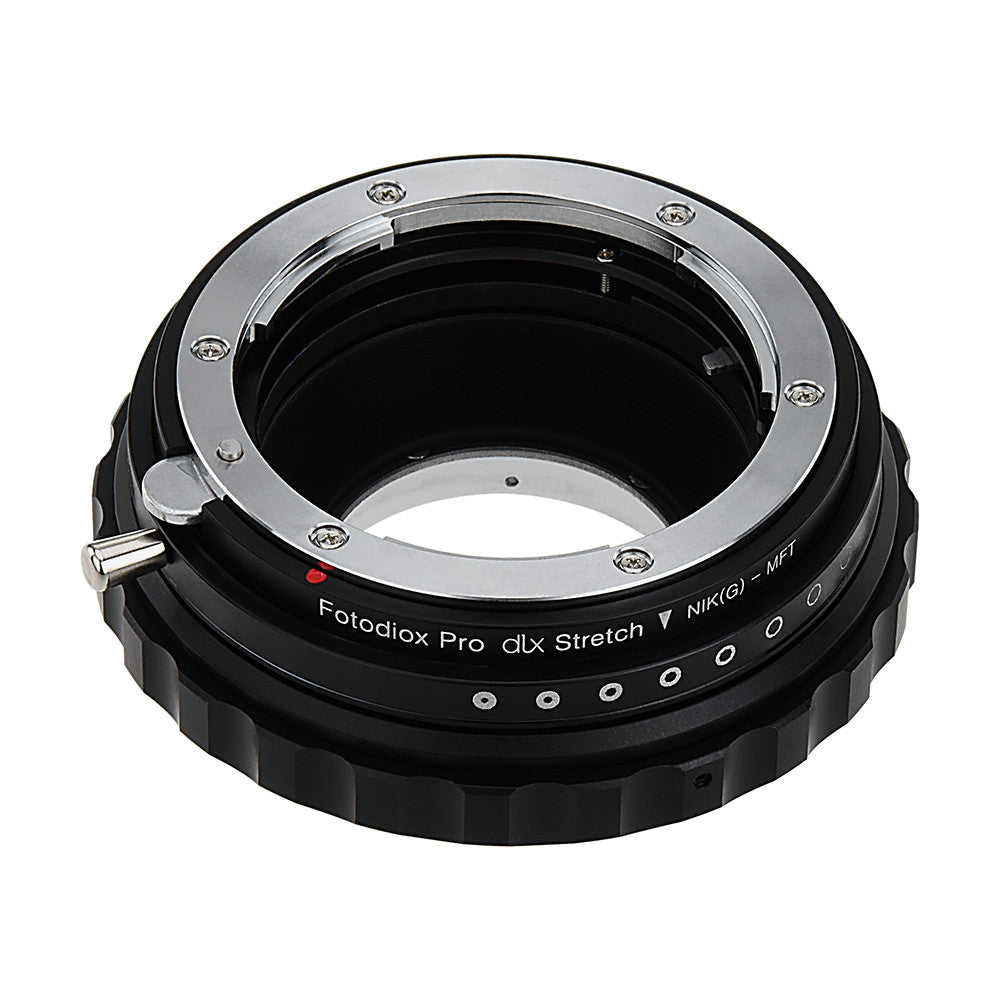
- G lenses: Use the adapter’s aperture ring if the model provides one.
- E-type lenses: Use an adapter that expressly supports electronic control.
Changing the aperture affects shutter speed, depth of field, and light. A smaller aperture, such as f/8, gives more depth of field but may require a slower shutter speed or higher ISO.
Metering
Many mirrorless cameras can meter through a manual adapter. The camera measures the light that reaches the sensor and adjusts exposure based on the selected mode.
Metering may be less predictable when:
- The adapter does not report the aperture.
- The lens is stopped down manually.
- The scene has strong backlight.
- The camera uses a different metering mode than expected.
- The lens or adapter has electronic communication issues.
Use the histogram and highlight warnings to check exposure. A test frame is often faster than guessing.
Autofocus and image stabilization
A mechanical adapter normally removes autofocus. The camera may still offer body-based stabilization, but the feature may require manual focal-length input.
Lens-based Nikon vibration reduction may not operate through a simple mechanical adapter. If stabilization matters, confirm support in the Fotodiox specifications and the camera manual.

What Features Will You Lose?
The main trade-off is control. A low-cost mechanical adapter can make a lens usable, but it rarely keeps the full DSLR experience.
| Function | Basic mechanical adapter | Specialized electronic adapter |
|---|---|---|
| Physical lens mounting | Usually | Usually |
| Manual focus | Yes | Yes |
| Manual aperture on AI/AI-S lenses | Usually | Usually |
| Aperture control for G lenses | Only with the correct design | Sometimes |
| Autofocus | No | Model-dependent |
| EXIF lens data | No | Model-dependent |
| Electronic aperture for E lenses | No | Model-dependent |
| Lens-based VR control | Usually no | Model-dependent |
| Automatic lens correction | Usually no | Model-dependent |
The exact result depends on the Fotodiox model, Nikon lens, and camera body. Product names can look similar while offering different controls.
Do not buy an adapter based only on the words “Nikon F.” Confirm the feature list for the complete combination.
Troubleshooting Fotodiox Nikon F Adapters
Check the simplest and safest causes first.
The lens will not mount
Possible causes include:
- The adapter is for the wrong camera-side mount.
- The lens is not Nikon F mount.
- The lens is not aligned with the adapter.
- A locking pin or aperture lever is obstructed.
- The lens is a Pre-AI design with a clearance issue.
Remove the lens and adapter. Inspect the mounts in good light. Never force a lens into place.
The camera shows “no lens”
This is normal with many mechanical adapters. Enable the camera’s adapted-lens or shutter-release-without-lens setting.
If the adapter has electronic contacts, clean the contacts with a dry, lint-free cloth. Do not use liquid cleaners unless the camera and adapter manufacturer specifically approves them.
The lens stays wide open
The lens may be a G-type or E-type model. A simple adapter cannot provide every kind of aperture control.
For a G lens, use a Fotodiox model with a built-in aperture control ring. For an E-type lens, use a model that explicitly supports electronic aperture operation.
The image will not reach infinity focus
Possible causes include:
- The adapter thickness is outside the required tolerance.
- The lens was designed for a different mount.
- The lens has an internal focusing limit.
- A corrective optical adapter is being used incorrectly.
- The lens or adapter is not fully locked.
A properly designed adapter for a mirrorless camera often supports infinity focus because mirrorless bodies have a short flange distance. Still, confirm the product specification for the exact mount pair.
The image has dark corners
Dark corners may result from:
- A Nikon DX lens on a full-frame camera
- A lens designed for a smaller sensor
- An adapter with a narrow internal opening
- Lens movements or filters
- Strong vignetting at certain focus distances
Test the lens at several apertures. If the camera offers a crop mode, compare the result. Cropping removes dark corners but reduces the recorded image area.
Photos are soft
Check focus at high magnification. Then inspect:
- Adapter seating
- Lens mount play
- Shutter speed
- Camera stabilization settings
- Wide-aperture depth of field
- Subject movement
A small amount of mount play can produce visible blur, especially with a long lens. Stop using the setup if the lens rocks noticeably.

Is a Fotodiox Nikon F Adapter Worth Buying?
A Fotodiox adapter makes sense when you already own Nikon F lenses and accept manual operation. It can be a cost-effective way to use older Nikkor lenses on a mirrorless camera.
It is a weaker choice when you need fast autofocus, sports tracking, automatic aperture, or dependable electronic lens data. In those cases, a native lens or a fully supported electronic adapter may save time and missed shots.
Choose a basic mechanical adapter if you:
- Use AI, AI-S, or other manual Nikon lenses.
- Prefer manual focus.
- Want a simple and durable setup.
- Do not need EXIF data.
- Mainly shoot portraits, landscapes, still life, or video.
- Want to keep the adapter cost and complexity low.
Consider an electronic adapter if you:
- Use Nikon G or E-type lenses.
- Need camera-controlled aperture.
- Want focus confirmation or EXIF support.
- Need better integration with the camera body.
- Accept that performance varies by lens and camera combination.
The best choice is not the adapter with the longest feature list. It is the model that matches your lens type, camera mount, and shooting method.

Buying Checklist for a Nikon F-Mount Fotodiox Adapter
Use this checklist before ordering:
- Camera body: Write down the exact model.
- Camera mount: Confirm Sony E, Canon RF, Nikon Z, Fujifilm X, or another mount.
- Lens mount: Confirm Nikon F.
- Lens type: Identify AI, AI-S, AF-D, G, E, DX, or another version.
- Aperture needs: Decide whether manual aperture is acceptable.
- Focus needs: Confirm that manual focus meets your use.
- Sensor size: Check for possible crop or vignetting.
- Clearance: Check compatibility with the lens rear element and camera body.
- Contacts: Confirm whether the adapter has electronic contacts.
- Stabilization: Check whether the camera needs manual focal-length input.
- Return policy: Use a seller with a clear return process in case the combination does not fit.
Product listings can change. Read the current Fotodiox specification page and compare it with the camera and lens manuals before purchase.
Frequently Asked Questions
Does a Fotodiox Nikon F adapter provide autofocus?
A basic mechanical Fotodiox adapter does not provide autofocus. Some specialized electronic adapters may support limited autofocus, but performance depends on the exact camera, lens, and adapter. Treat autofocus as model-specific, not guaranteed.
Can I use a Nikon G lens with a Fotodiox adapter?
Yes, if the adapter is designed for Nikon G lenses and includes a way to control the lens aperture. A basic adapter without an aperture mechanism may leave the lens at one aperture setting.
Can I use Nikon F lenses on a Nikon Z camera?
Yes, but a Nikon Z camera needs a Nikon F-to-Nikon Z adapter. A Fotodiox adapter made for another camera-side mount will not fit the Z mount. Nikon’s own FTZ-series adapters are another option and may provide different electronic support.
Will the adapter change the focal length of my lens?
No. The adapter does not change focal length. The camera sensor size changes the field of view. A crop-sensor camera makes the lens appear to give a narrower view.
Can I use a Nikon DX lens on a full-frame mirrorless camera?
You can mount some DX lenses with the correct adapter, but dark corners may appear because DX lenses cover a smaller sensor area. Use the camera’s crop mode when appropriate, or test the lens before relying on it for a full-frame assignment.
Does the adapter transmit EXIF data?
A simple mechanical adapter does not transmit lens data. An electronic Fotodiox model may provide some data, but the supported information varies. Check the exact product documentation.
Final Recommendation
A Fotodiox Nikon Nikkor F-mount adapter is a practical tool for adapting Nikon DSLR lenses to a compatible camera body. The right model depends on three things: the camera-side mount, the Nikon lens type, and the controls you need.
For manual AI, AI-S, or similar lenses, a well-made mechanical adapter may be all you need. For G, E-type, autofocus, stabilization, or EXIF functions, choose a model that documents those features for your exact camera and lens. Confirm the fit before use, mount everything without force, and test focus, aperture, and infinity performance before an important shoot.

