
Introduction
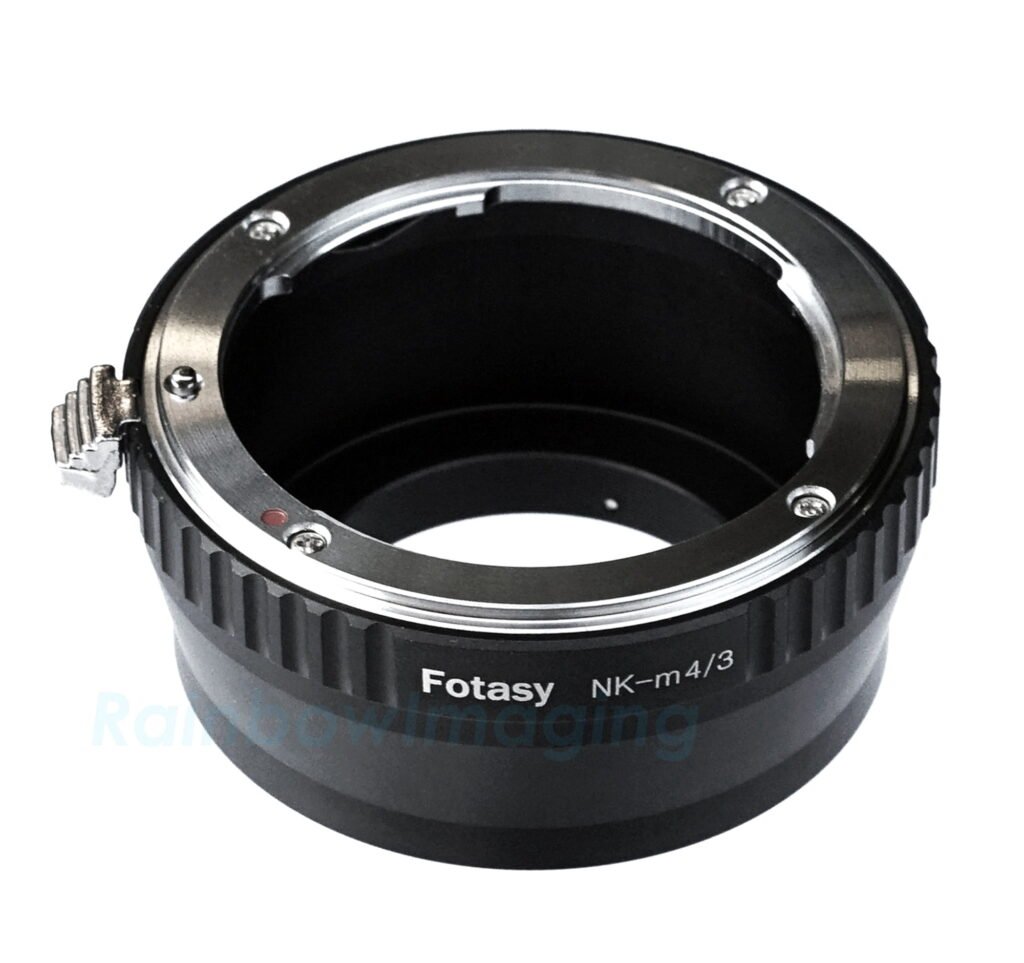
The Fotasy Manual F Mount Lens to E Mount Adapter NK-E lets photographers in the United States attach compatible Nikon F-mount lenses to Sony E-mount cameras. It is a mechanical adapter, so it does not provide autofocus, electronic aperture control, image stabilization, or automatic lens data. The best results come from older Nikon lenses with a manual aperture ring, such as many AI, AI-S, and similar F-mount designs.
This adapter can be a low-cost way to use existing Nikon glass on a Sony mirrorless body. However, compatibility depends on the exact lens, camera, and adapter version. Check the product listing and inspect the lens before mounting it, especially if the lens is a pre-AI Nikon model or a modern G-type lens without an aperture ring.
What Is the Fotasy NK-E Adapter?
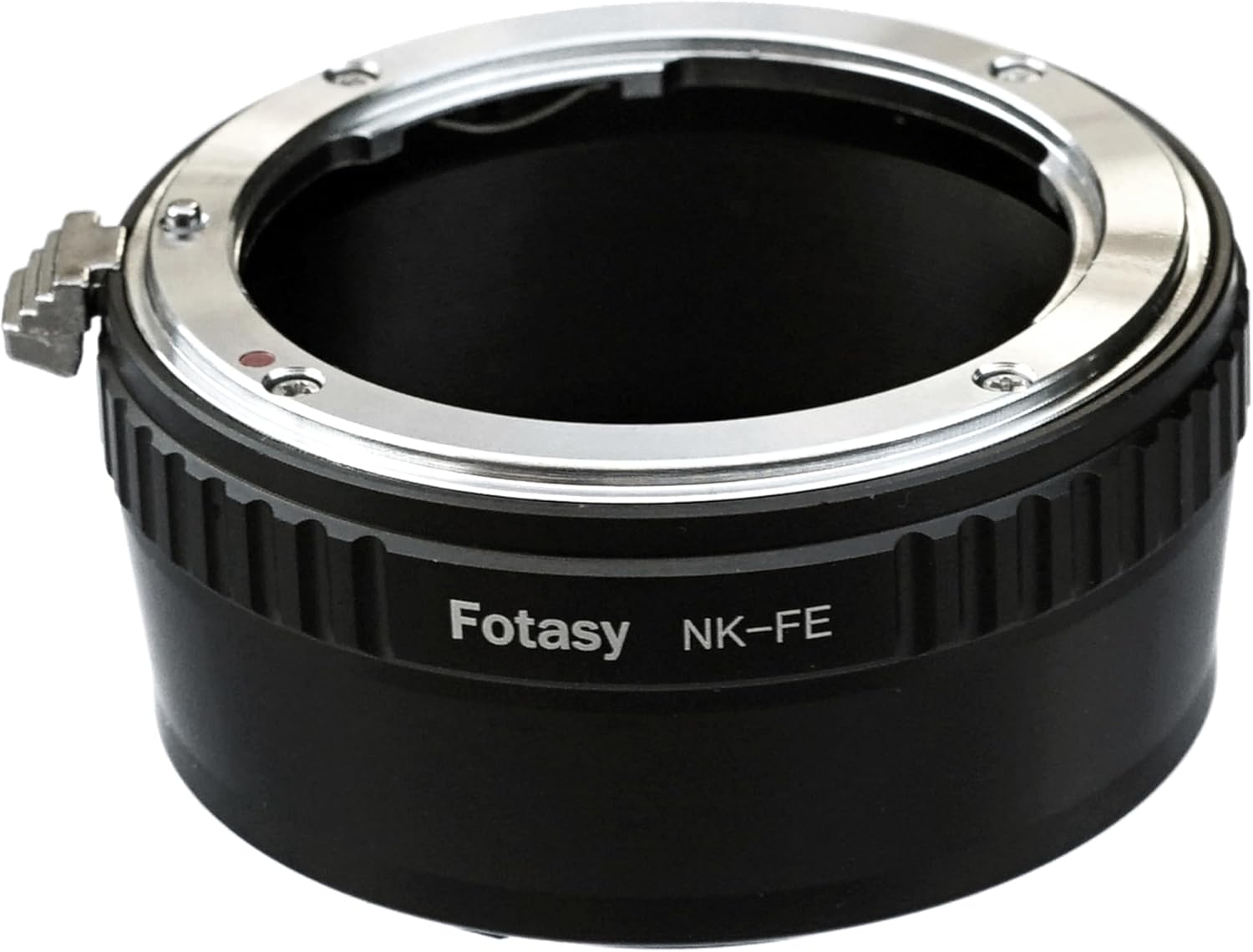
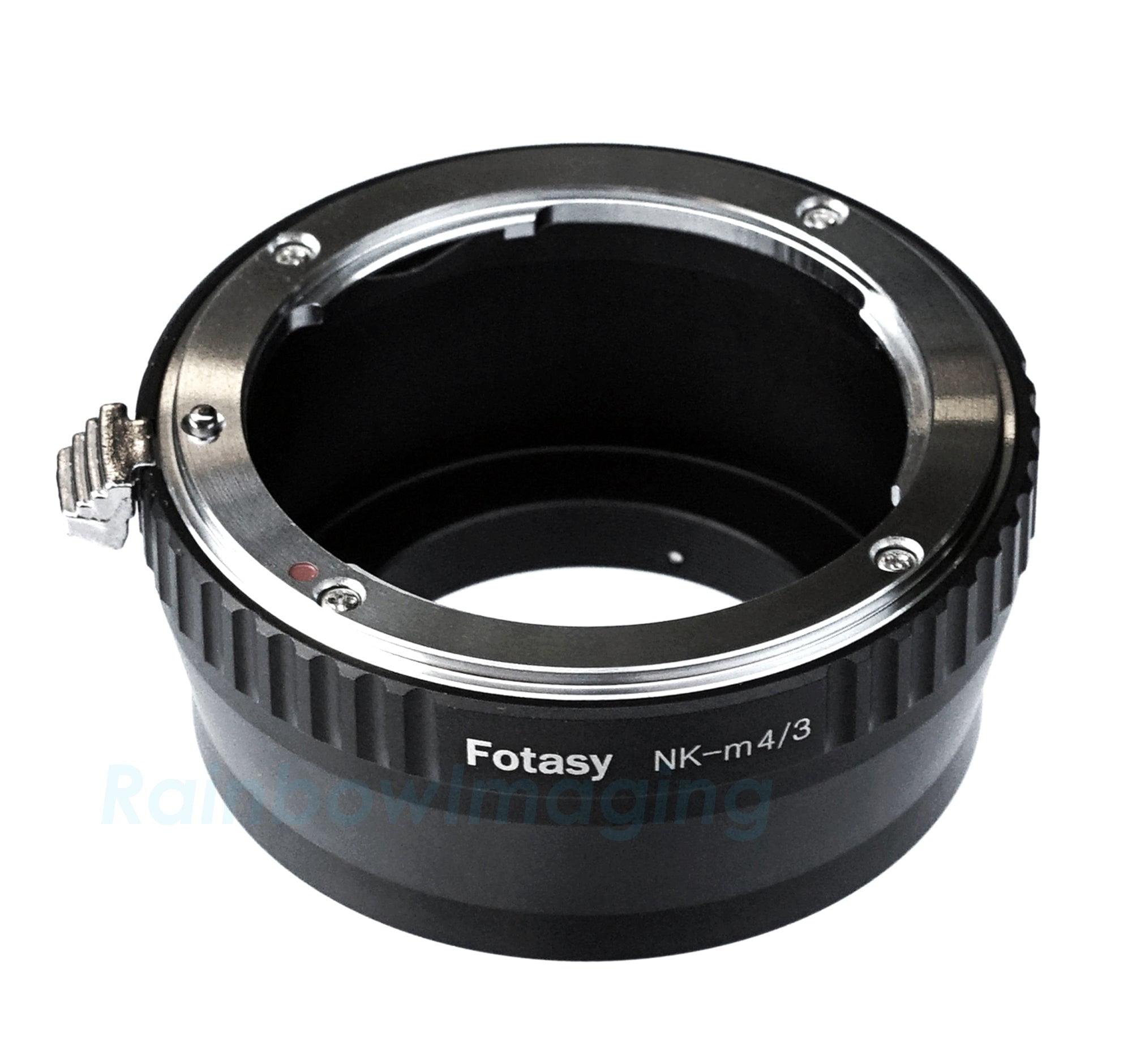
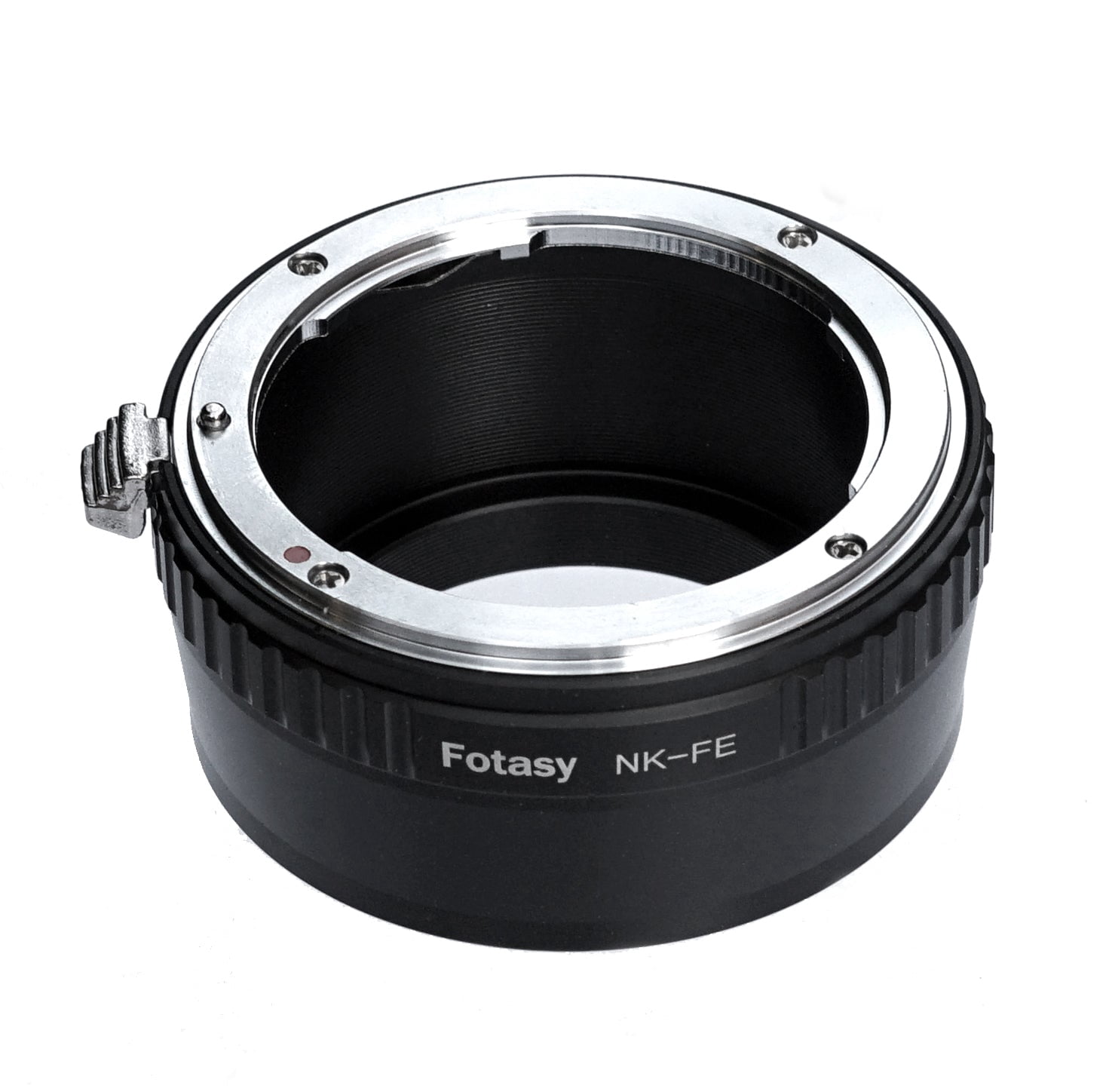
The Fotasy NK-E is a manual Nikon F lens to Sony E camera adapter. Its job is to provide the correct physical connection between two different lens mounts.
Nikon F-mount lenses were designed for Nikon cameras. Sony E-mount cameras use a different mount and a much shorter flange distance. The adapter fills that space so the Nikon lens sits at the correct distance from the Sony sensor.
The adapter does not turn a manual lens into a modern electronic lens. It acts more like a carefully made bridge than a translator: it connects the lens and camera, but it cannot create electronic functions that the lens and adapter do not contain.
Mounts and terms explained
- Nikon F mount: The mount used by most Nikon SLR and DSLR lenses.
- Sony E mount: The mount used by Sony Alpha mirrorless cameras, including many APS-C and full-frame models.
- Manual adapter: An adapter with no electronic contacts or autofocus motor.
- Flange distance: The designed distance between the lens mount and the camera sensor.
- Nikon G lens: A Nikon lens with no physical aperture ring on the lens barrel.
- Nikon AI or AI-S lens: Older manual-focus lenses that normally include a manual aperture ring.
The NK-E name usually identifies a Nikon F-to-Sony E adapter. Because Fotasy has sold related adapters in multiple versions, confirm the exact listing before purchase. Look for the correct combination of Nikon F lens compatibility and Sony E camera compatibility.
What Features Does the Fotasy Manual Nikon F to Sony E Adapter Provide?
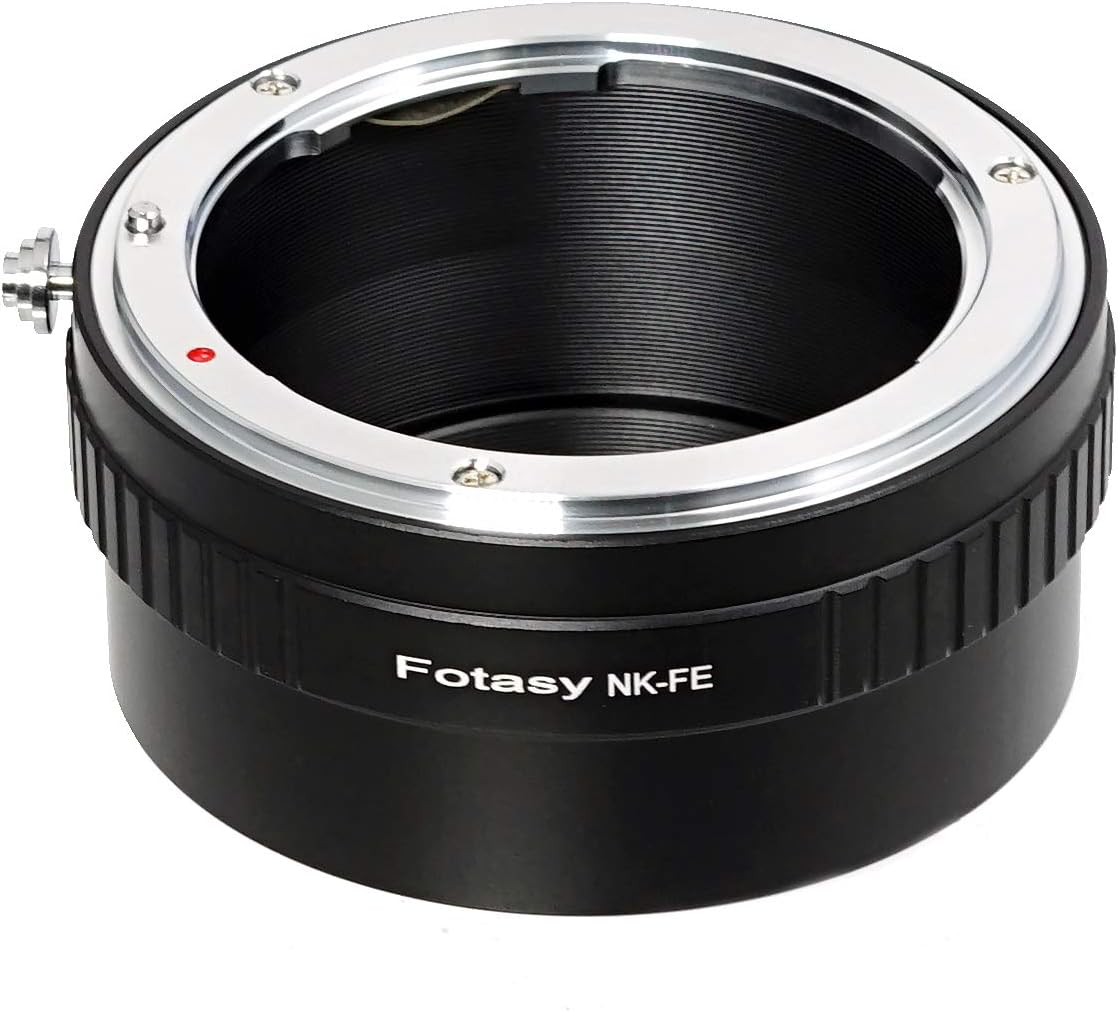
The Fotasy NK-E adapter generally provides a physical, manual connection between an F-mount lens and an E-mount camera. Its useful functions are simple but practical.
Manual lens mounting
The adapter allows a compatible Nikon F lens to attach to a Sony E-mount camera. The lens must first attach to the adapter, and the combined unit then mounts to the camera.
A well-fitted adapter should lock firmly without excessive play. A small amount of normal rotational movement may occur with some low-cost adapters, but the lens should not feel loose or unsafe.
Manual aperture control
The aperture method depends on the lens and the specific NK-E adapter version.
- Lenses with an aperture ring can usually be controlled from the lens.
- Nikon G lenses have no aperture ring, so they require an adapter with a mechanical aperture control feature.
- The adapter ring on some G-compatible versions may not show exact f-stop values.
- The marked aperture on the lens may not match the actual opening when an adapter lever is used.
For precise exposure, use the Sony camera’s meter and check the image histogram rather than trusting the printed adapter scale alone.
Manual focus
The lens is focused by turning its focus ring. Sony cameras can make this easier with:
- Focus magnification
- Focus peaking
- A magnified live view
- Manual-focus assist tools
- A tripod for critical work
Focus peaking is helpful, but it is not proof that focus is exact. At wide apertures, magnify the subject’s eyes, text, or another important detail when accuracy matters.
Lens data limitations
A basic mechanical adapter does not send lens information to the camera. The Sony body may not know:
- The lens name
- The focal length
- The selected aperture
- The focus distance
- The actual exposure setting used on the lens
Photos may therefore lack useful lens metadata. If your camera asks whether to release the shutter without a lens, enable the appropriate release without lens setting. The exact menu name varies by Sony camera model.

How to Use the Fotasy NK-E Adapter on a Sony Camera
Follow this order to reduce the risk of cross-threading, accidental drops, or mount damage.
Before you begin
You need:
- A compatible Nikon F-mount lens.
- A Sony camera with an E mount.
- The Fotasy NK-E adapter.
- A clean, stable work surface.
- A front or rear lens cap if the lens will be stored.
Set the camera to manual or aperture-priority exposure if those modes are available. Turn the camera off before mounting the adapter.
Mount the lens to the adapter
- Remove the rear cap from the Nikon lens.
- Remove the rear cap from the Fotasy adapter.
- Align the Nikon mounting marks.
- Insert the lens into the adapter.
- Rotate the lens until it locks.
- Check that the lens-release button is fully engaged.
- Mount the adapter and lens assembly to the Sony E mount.
- Rotate it until the Sony mount locks.
- Turn on the camera and select manual exposure or aperture priority.
- Set the aperture on the lens or adapter, depending on the lens design.
- Focus manually using the viewfinder or rear screen.
- Take a test image and inspect exposure and sharpness.
Do not force the lens. If the mounting marks do not align, remove the lens and check the adapter type. A lens that requires unusual force may be incompatible.
Set exposure
With a fully manual setup, the camera may measure light through the stopped-down lens. This is often called stop-down metering.
A simple workflow is:
- Choose an aperture.
- Set the desired shutter speed or ISO.
- Check the camera meter.
- Adjust shutter speed or ISO.
- Review the histogram and highlights.
- Fine-tune the exposure.
In bright light, the camera may reach its fastest shutter speed. If the lens is wide open and the image is overexposed, lower the ISO, use a faster shutter if available, or add a neutral-density filter.
Confirm operation
The setup is working when:
- The lens locks into the adapter.
- The adapter locks into the camera.
- The shutter releases.
- The viewfinder shows a usable image.
- The focus ring changes focus.
- The aperture changes when you adjust it.
- The camera meter responds to changes in aperture or light.
If the camera displays an error, first check the release-without-lens setting and the physical mount.

Nikon F Lens Compatibility: What Works and What Does Not?
The adapter can work well with many Nikon F lenses, but “Nikon F mount” does not describe every mechanical detail. Lens generation matters.
Manual-focus AI and AI-S lenses
Many AI and AI-S lenses are suitable for a manual adapter because they normally include:
- A physical aperture ring
- A manual focus ring
- No need for electronic communication
These lenses are often the simplest pairing for a manual Nikon F-to-Sony E adapter.
Nikon D lenses
Many Nikon D lenses have a physical aperture ring and can be used manually. Autofocus will not operate through a basic adapter.
The lens may still be useful for portrait, landscape, product, and video work. A manual aperture ring can also be helpful for controlled exposure changes.
Nikon G lenses
Nikon G lenses do not have a user-operated aperture ring. They rely on the camera body to control the aperture.
A basic adapter without a mechanical aperture mechanism may leave a G lens at its smallest aperture or otherwise prevent useful aperture control. If the Fotasy NK-E version includes a G-type control ring, it may provide approximate mechanical control, but the setting may not correspond precisely to the lens’s printed f-stop.
Check the listing for explicit Nikon G lens compatibility. Do not assume that every NK-E adapter version works with every G lens.
AF-S and other electronic Nikon lenses
Many modern Nikon lenses may mount mechanically, but their electronic functions will not transfer through a simple manual adapter. Expect to lose:
- Autofocus
- Electronic aperture control
- Lens-based focus distance data
- Automatic lens corrections
- EXIF lens information
Some modern lenses also depend heavily on electronic control or have physical designs that make them less convenient with a manual adapter.
Pre-AI and non-AI lenses
Use caution with pre-AI Nikon lenses. On some Nikon SLR bodies, these lenses can interfere with or damage the camera’s aperture-coupling mechanism. A Sony E camera does not have the same Nikon coupling system, but the adapter itself may still have a mechanical design that is not intended for every pre-AI lens.
Before mounting a pre-AI lens, confirm compatibility with Fotasy’s exact product documentation. If the listing does not clearly address the lens, choose a lens known to be AI-converted or AI-compatible.
Lenses with rear protrusions
Inspect the rear of the lens. A long aperture lever, guard, or other protruding part may interfere with the adapter. Never force the lens into place. A small metal part can damage the adapter, lens, or camera mount.
Sony E-Mount Camera Compatibility
The Fotasy NK-E adapter is intended for Sony E-mount cameras, not Sony A-mount cameras. Sony E-mount includes both APS-C and full-frame mirrorless bodies.
The adapter is generally useful on cameras such as Sony Alpha E-mount bodies, but the exact result depends on the camera’s sensor size and settings.
APS-C Sony cameras
An APS-C Sony camera records a smaller area of the image circle. This creates a narrower field of view than the same lens produces on a full-frame camera.
For example, a 50mm Nikon lens gives a field of view similar to about 75mm on a Sony APS-C body when using the common 1.5× crop comparison:
50mm × 1.5 = approximately 75mm equivalent field of view
This does not change the lens’s actual focal length. It changes the portion of the image captured by the smaller sensor.
Full-frame Sony cameras
A full-frame Sony E-mount camera can use the full image circle of a full-frame Nikon lens. A crop occurs if the lens is designed only for a smaller Nikon DX sensor.
A DX lens on a full-frame Sony body may produce dark corners or heavy vignetting. The camera’s automatic crop mode may reduce the recorded image area, depending on the camera and lens.
Video use
A manual Nikon lens can be useful for video because focus and aperture are controlled by hand. However, the adapter does not provide:
- Autofocus tracking
- Electronic aperture changes
- Lens stabilization
- Automatic correction data
Manual focus is often manageable for planned shots, but it may be difficult for fast-moving subjects.

Image Quality and Performance Expectations
The adapter itself should not add optical magnification because it contains no corrective glass. That is an advantage for image quality, but it also means the adapter cannot correct flaws in the lens.
Image quality depends mainly on:
- The Nikon lens
- The camera sensor
- Focus accuracy
- Aperture choice
- Adapter alignment
- Light conditions
- Any play between the mounts
A poor adapter fit can cause tilt or misalignment. The visible symptoms may include one side of the frame appearing softer than the other, uneven focus, or difficulty reaching infinity.
Infinity focus
A correctly designed F-to-E adapter should allow the lens to focus near infinity because the Sony E mount has a shorter flange distance than Nikon F. If infinity focus is not possible, the adapter may be too thick, incorrectly made, or damaged.
Do not adjust the lens or camera mount to solve this problem. Return or replace the adapter if it prevents normal focus range.
Vignetting
Vignetting may come from the lens, the adapter, or the sensor format. Common causes include:
- A DX lens used on a full-frame camera
- A wide-angle lens with a narrow rear opening
- An adapter that blocks part of the image circle
- Built-in lens shading
- Filters or hoods that are too restrictive
Test the lens at different apertures and focus distances. Vignetting that disappears when the camera uses APS-C crop mode usually indicates an image-circle limitation rather than a focus problem.
Sharpness and alignment
A manual adapter cannot improve a soft lens. It can, however, affect alignment. Compare the center and corners of a flat subject, such as a brick wall or printed chart, at a moderate aperture.
This is a simple user check, not a laboratory measurement. It can reveal obvious tilt or uneven sharpness.

Common Problems and Troubleshooting
The lens will not mount
Possible causes include:
- The lens is not an F-mount lens.
- The alignment marks are not matched.
- The adapter is the wrong version.
- A rear lever or guard is obstructing the mount.
- The lens is pre-AI or otherwise mechanically incompatible.
Remove the lens and inspect both mount surfaces. Never use force.
The camera says there is no lens
This is normal for a basic manual adapter. The camera cannot detect the lens because there are no electronic contacts.
Enable the camera’s release-without-lens function if required. Then use manual focus and manual exposure or aperture priority.
The aperture does not change
First identify the lens type.
- If it has an aperture ring, turn the ring directly.
- If it is a G lens, confirm that the adapter includes a G-aperture control.
- If the adapter ring moves but the aperture does not, the adapter may not engage the lens lever correctly.
- If the lens remains stopped down, the adapter may be incompatible or faulty.
Do not remove the lens while the camera is powered on if the setup feels stuck.
The image is always dark
The lens may be stopped down too far. This is common with G lenses and adapters that do not control the aperture correctly.
Set a wider aperture if the lens has an aperture ring. If it does not, verify that the NK-E version supports G lenses.
Infinity focus is missing
Check whether:
- The lens is fully locked into the adapter.
- The adapter is fully locked into the camera.
- The adapter is the correct Nikon F-to-Sony E model.
- The lens has been modified.
- The adapter is too thick or poorly made.
If the lens cannot focus to infinity with a normal lens, the adapter may need replacement.
The lens feels loose
A slight amount of play can occur with inexpensive manual adapters, but a lens that rocks, rotates freely, or cannot hold its position is unsafe.
Stop using it for unsupported or heavy lenses. A loose connection can damage the mount or cause the lens to fall.
Advantages and Limitations of the Fotasy NK-E
The Fotasy NK-E makes the most sense when the low cost and simple design match your needs.
| Advantage | Practical benefit |
|---|---|
| Manual, simple design | Fewer electronic parts can mean fewer functions to configure |
| Supports older Nikon lenses | Lets Sony users reuse compatible F-mount glass |
| No corrective optics in a basic version | The adapter does not add glass that may reduce contrast |
| Manual control | Useful for deliberate photography and video |
| Usually compact | Adds less complexity than an electronic adapter |
| Limitation | Practical effect |
|---|---|
| No autofocus | Moving subjects are harder to track |
| No electronic aperture control | Exposure must be set by hand |
| No EXIF lens data | Lens and aperture information may be absent |
| G-lens compatibility varies | Some lenses may lack useful aperture control |
| Build quality can vary | Play or misalignment may affect use |
| No automatic stabilization communication | Camera and lens stabilization may not work as expected |
The deciding trade-off is control versus convenience. A manual adapter can be a good tool for a low-cost vintage lens setup. It is less suitable when you need fast autofocus, automatic exposure data, or dependable tracking.
Fotasy NK-E vs. Electronic Nikon F to Sony E Adapters
A manual adapter is usually less expensive and simpler than an electronic adapter. An electronic adapter may add autofocus or electronic aperture support, but results vary widely by lens and camera firmware.
Choose the Fotasy NK-E when:
- You already own compatible manual Nikon lenses.
- You mainly photograph still subjects.
- You want a simple setup.
- You are comfortable focusing by hand.
- You do not need lens metadata.
Consider an electronic adapter when:
- You need autofocus.
- You use modern Nikon lenses without aperture rings.
- You need camera-controlled aperture.
- You want lens information in image files.
- You accept a higher price and more compatibility variables.
An electronic adapter is not automatically better. It may have limits with older lenses, third-party lenses, autofocus modes, video functions, or newer camera bodies. Check compatibility for the exact lens and Sony model.
Is the Fotasy NK-E Adapter Worth Buying?
The Fotasy NK-E is worth considering if you want to use a compatible Nikon F lens on a Sony E-mount camera and are comfortable with manual operation.
It is a sensible fit for:
- Vintage Nikon lens users
- Manual-focus photographers
- Portrait and landscape photographers
- Product photographers
- Students learning exposure and focus
- Video users who prefer manual control
- Sony owners building a low-cost lens collection
It is a poor fit if you expect:
- Nikon autofocus to work
- Automatic aperture control with every lens
- Reliable G-lens operation without checking the version
- Image stabilization communication
- Automatic lens corrections
- Complete EXIF lens data
Before ordering in the United States, verify the seller’s current listing, return policy, mount description, and stated support for Nikon AI, AI-S, D, G, or pre-AI lenses. Product versions and included mechanisms can change.
Safety and Care Tips
Treat the adapter and lens as a single mechanical load. Heavy lenses place more stress on the camera mount than small primes.
Use these practices:
- Support a heavy lens with your hand or a tripod collar.
- Do not lift the camera by a large adapted lens.
- Keep dust away from the open camera mount.
- Install rear and front caps when the lens is removed.
- Avoid forcing a lens that does not align.
- Check the locking buttons before carrying the camera.
- Clean contacts only when the camera is powered off; a basic adapter may not have electronic contacts.
- Store the adapter dry and protected from impact.
- Inspect the mount if the lens develops unusual play.
If a lens jams, do not twist it with tools. Remove the camera battery, set the camera down safely, and contact the seller or a qualified camera repair technician.

Key Takeaways
- The Fotasy NK-E is a manual Nikon F-to-Sony E adapter.
- It can let compatible Nikon F lenses work on Sony E-mount cameras.
- Basic versions do not provide autofocus, electronic aperture control, stabilization data, or EXIF lens information.
- Manual AI, AI-S, and some D lenses are often the easiest choices.
- Nikon G-lens support depends on the exact adapter version.
- Pre-AI lenses and lenses with rear protrusions require extra caution.
- Confirm the adapter version, lens type, Sony camera mount, and return policy before buying.
Frequently Asked Questions
Does the Fotasy NK-E adapter support autofocus?
No. A standard Fotasy NK-E manual adapter does not provide autofocus. You must focus the Nikon lens by hand.
Can I use a Nikon G lens with the Fotasy NK-E?
It depends on the exact adapter version. A G lens has no aperture ring, so the adapter must provide a mechanical aperture-control feature. Confirm G-lens support in the current product listing before purchase.
Will the adapter work on a Sony A-mount camera?
No. The NK-E is designed for Sony E mount. Sony A mount is a different system and requires a different adapter.
Will image stabilization work?
Do not assume it will. The manual adapter does not send electronic stabilization or focal-length data. A Sony camera may still offer some stabilization functions, but operation depends on the camera model and settings.
Can I use the adapter for full-frame photography?
Yes, if the Nikon lens covers a full-frame image circle and the Sony camera is full frame. A Nikon DX lens may cause dark corners on a full-frame Sony body.
Does the adapter change the focal length?
No. A plain mechanical adapter does not change the lens’s focal length. On a Sony APS-C camera, the narrower field of view creates a crop-factor comparison, but the optical focal length remains the same.
Conclusion
The Fotasy Manual F Mount Lens to E Mount Adapter NK-E is a straightforward option for connecting compatible Nikon F lenses to Sony E-mount cameras in the United States. Its main benefit is access to manual Nikon glass at a low level of system complexity.
The key limitation is equally clear: this is a manual connection. Focus, aperture, exposure, and compatibility checks are your responsibility. For the safest purchase, identify the exact Nikon lens type, confirm whether the adapter supports its aperture system, and verify that the camera uses Sony E mount before ordering.

