
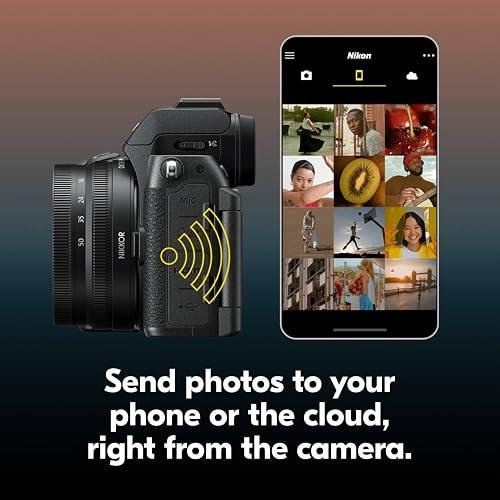
For photographers and video creators in the United States, the Nikon Z50 II with the NIKKOR Z DX 16-50mm and 50-250mm lenses is a flexible compact mirrorless kit. It covers wide views, portraits, travel, sports, wildlife, and everyday video without requiring a large camera bag.
The Nikon Z50 II uses a 20.9-megapixel DX-format sensor and Nikon’s EXPEED 7 processor. It offers fast subject detection, 4K video, a fully articulating screen, and a small body. Its main limits are the lack of in-body image stabilization and the modest maximum apertures of the two kit lenses.
This article explains what the two-lens kit includes, how it performs on paper, who should buy it, and which accessories or alternatives may make more sense.
What the Nikon Z50 II Two-Lens Kit Includes
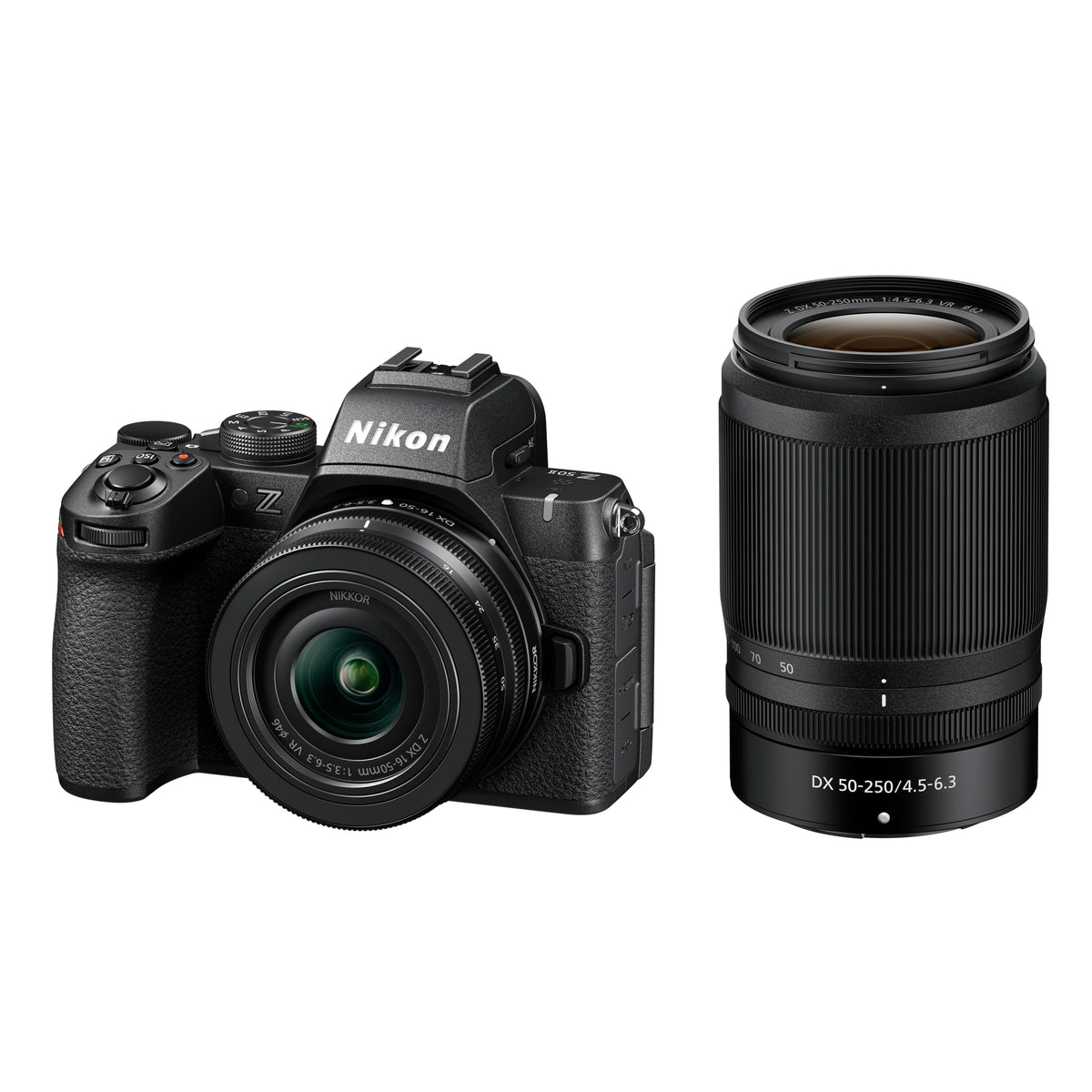
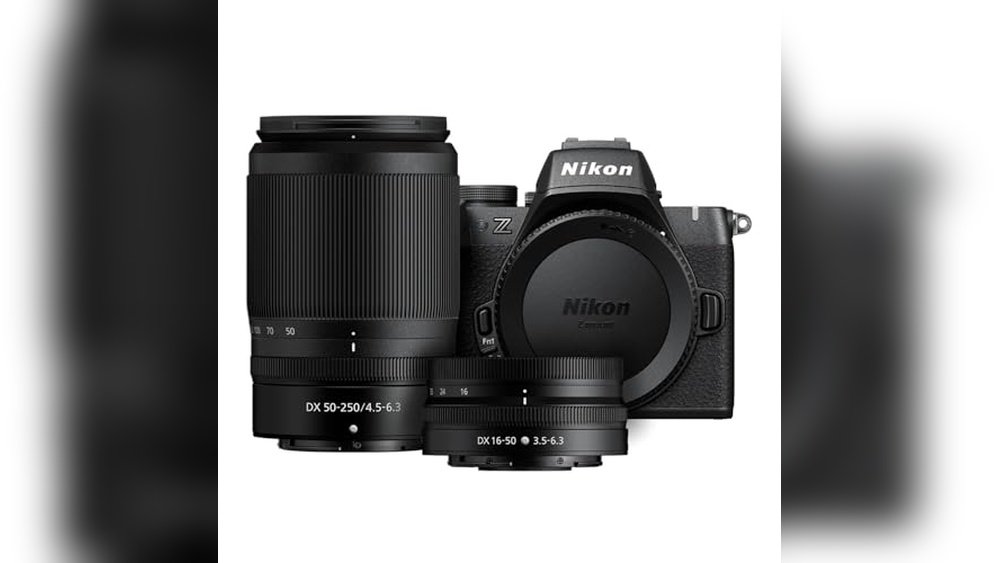
The Nikon Z50 II two-lens kit usually pairs the camera body with two compact DX zoom lenses:
| Component | Main use | 35mm-format equivalent |
|---|---|---|
| NIKKOR Z DX 16-50mm f/3.5-6.3 VR | Travel, landscapes, family photos, street scenes, video | 24-75mm |
| NIKKOR Z DX 50-250mm f/4.5-6.3 VR | Sports, wildlife, portraits, distant subjects | 75-375mm |
The 16-50mm lens covers the range most people use every day. It is small when retracted and includes vibration reduction, or VR.
The 50-250mm lens adds long reach. It can frame birds, field sports, outdoor events, and distant details. Its VR system helps reduce camera shake, but it cannot stop a moving subject from blurring.
Together, the lenses cover a broad focal-length range from wide angle to strong telephoto. You do not get one lens that covers everything in a single piece. You do get a lighter kit than a full-frame camera with two comparable zooms.
Nikon’s US pricing and bundle contents can change. Check the current Nikon USA Z50 II product page before buying. Retail kits may also vary by seller.
Nikon Z50 II Key Specifications
The Nikon Z50 II is an APS-C camera. Nikon calls this sensor size DX format. It is smaller than full frame but larger than the sensors used in most phones and many compact cameras.
| Feature | Nikon Z50 II |
|---|---|
| Sensor | 20.9MP DX-format CMOS |
| Processor | EXPEED 7 |
| Lens mount | Nikon Z mount |
| Native ISO range | ISO 100–51,200 |
| Extended ISO | Up to ISO 204,800 |
| Viewfinder | Electronic, about 2.36 million dots |
| Rear screen | 3.2-inch vari-angle touchscreen |
| Continuous shooting | Up to 11 frames per second with RAW |
| High-speed capture | Up to 30 frames per second in JPEG mode, with conditions |
| Video | 4K UHD up to 60p; Full HD up to 120p |
| Storage | One SD card slot |
| Stabilization | Lens-based VR; no in-body image stabilization |
| Connectivity | Wi-Fi, Bluetooth, USB-C, microphone input, headphone output |
The 20.9MP sensor provides enough detail for prints, online publishing, school events, travel images, and most client work. It also gives room to crop, although heavy cropping reduces detail.
The DX crop factor changes how lenses look. Nikon’s DX format has a 1.5x field-of-view factor compared with full frame. The 16-50mm lens therefore gives a view similar to a 24-75mm lens on a full-frame camera. The 50-250mm lens gives a view similar to 75-375mm.
These are field-of-view comparisons, not changes to the lens’s actual focal length or aperture.

Image Quality for Stills
The Z50 II should suit buyers who want a small camera with more control and lens choice than a phone. Its sensor can record RAW files, JPEG files, or both.
RAW files retain more editing information. They are useful when you need to recover highlights, adjust white balance, or make larger exposure changes. JPEG files are ready to share but provide less flexibility during editing.
The camera’s EXPEED 7 processor supports fast autofocus and subject detection. Nikon lists detection for people, animals, birds, vehicles, and other subject types. Detection performance still depends on light, contrast, distance, subject size, and the selected focus mode.
What the 16-50mm Lens Does Well
The 16-50mm lens is the main everyday lens in the kit. It works well for:
- Family photos
- Travel scenes
- Indoor views
- Landscapes
- Food and product photos
- Street photography
- Self-recorded video
- Environmental portraits
At 16mm, it captures a wide view. This helps in small rooms or when photographing buildings and landscapes.
At 50mm, it gives a tighter view for portraits and details. Its f/6.3 maximum aperture at the long end is not especially bright. In dim rooms, the camera may need a higher ISO, a slower shutter speed, or extra light.
What the 50-250mm Lens Does Well
The 50-250mm lens is the reach lens. It is useful when you cannot move close to the subject.
Common uses include:
- Outdoor sports
- Birds and wildlife
- Stage performances
- Children’s events
- Outdoor portraits
- Travel details
- Boats, aircraft, and distant action
The lens reaches 250mm, which gives a 375mm full-frame field of view on the Z50 II. That reach is a major benefit of the two-lens kit.
The trade-off is its narrow aperture. At 250mm, the lens is f/6.3. In bright outdoor light, this may be fine. Indoors or after sunset, autofocus and shutter speed may become more difficult.

Autofocus and Subject Detection
The Nikon Z50 II uses a hybrid autofocus system with phase-detection points on the sensor. Its EXPEED 7 processor improves the camera’s tracking and subject-recognition features compared with earlier Nikon DX mirrorless models.
For still photos, the camera can recognize selected subjects and track them across the frame. This can help with people, animals, birds, and vehicles.
Subject detection is not a guarantee of sharp results. It can struggle when:
- The subject is very small in the frame
- The subject moves behind an object
- The scene is very dark
- The subject and background have similar colors
- The subject faces away from the camera
- The lens cannot gather enough light
For a person walking toward the camera, use continuous autofocus and a suitable subject-detection mode. For a static landscape, single autofocus or pinpoint focus may be more predictable.
The camera also supports Nikon’s 3D-tracking style focus behavior. This can help keep a selected subject under an active focus area. It works best when the subject stands out from its background.
For fast action, the 50-250mm lens provides useful framing distance. The lens is more important than the camera alone. A long lens lets you fill the frame while staying away from the action.
Video Features and Practical Limits
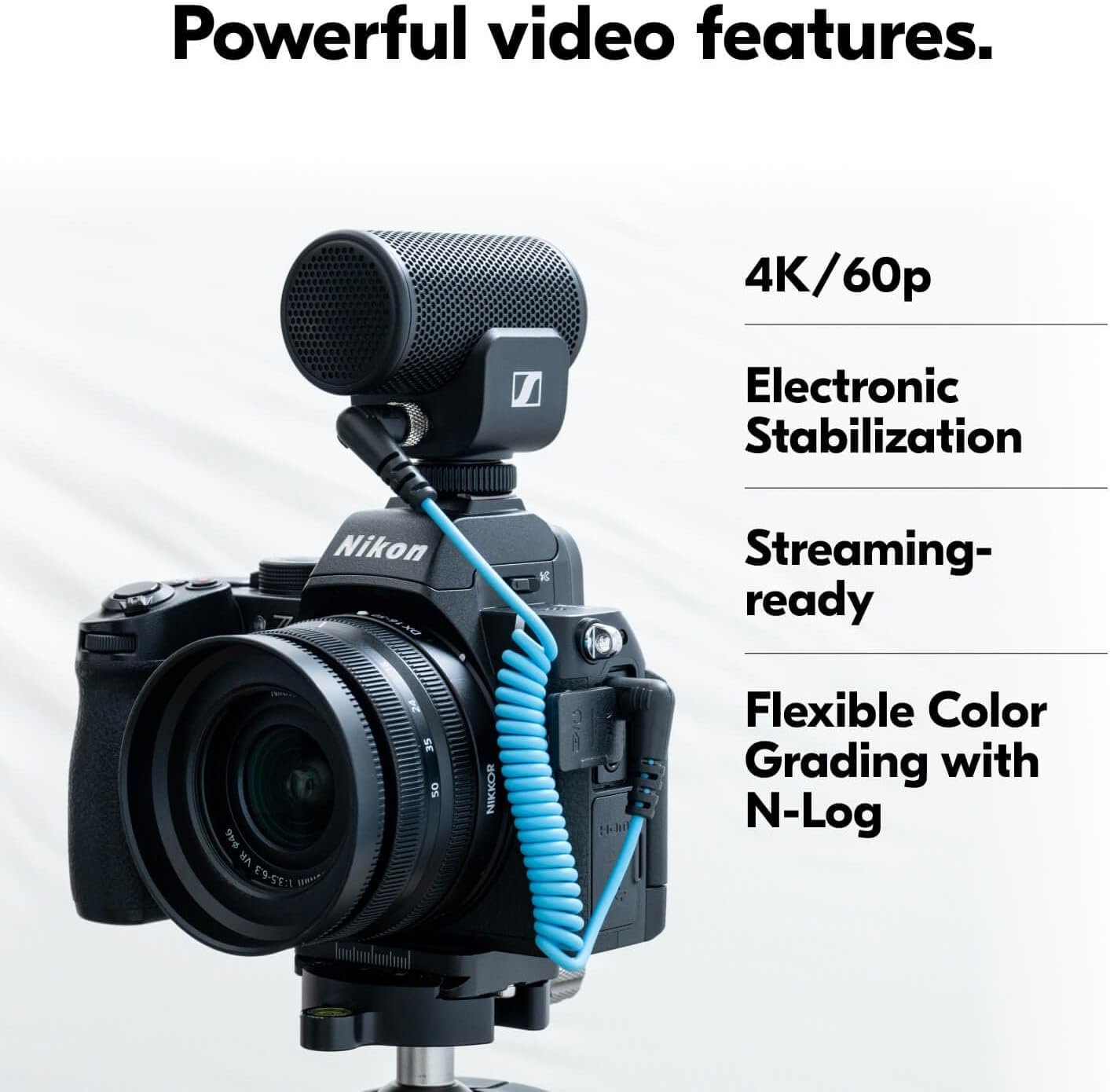
The Nikon Z50 II records 4K UHD video. It supports 4K recording at up to 60 frames per second, along with Full HD recording at higher frame rates for slow-motion work.
The camera also provides features aimed at creators, including:
- A fully articulating rear screen
- Microphone input
- Headphone monitoring
- Electronic video stabilization
- N-Log and HLG options for compatible workflows
- Product review and creator-focused controls
- USB-C charging and power support
4K Video Modes
4K at 30p is a useful general setting for travel, interviews, family video, and online publishing. It gives a natural look and usually uses more of the sensor area than faster 4K modes.
4K at 60p gives smoother motion. It can also be slowed to half speed on a 30p timeline. Nikon’s 4K/60p mode may use a crop, so the view becomes narrower. This matters when using the 16-50mm lens indoors or for self-recording.
Full HD at 120p can create slow-motion footage. The final result depends on the editing timeline and lighting. High frame rates need more light because the shutter speed normally increases.
Stabilization
The Z50 II does not include sensor-shift in-body image stabilization. The two kit lenses include optical VR, which helps reduce shake in still photos and video.
Lens VR is not the same as full camera stabilization. It helps with hand movement, especially when the camera is still. It does not fully correct walking motion, fast panning, or subject movement.
For smoother video, use a tripod, monopod, gimbal, or stable support when practical. Keep the 16-50mm lens wide for handheld clips. Wide views make small movements less visible.

Size, Handling, and Travel Use
The Z50 II is compact for a camera with a viewfinder and interchangeable lenses. The body weighs about 550 grams with its battery and memory card, according to Nikon’s published specifications.
The 16-50mm lens is very small when collapsed. It makes the camera easy to carry in a small shoulder bag or travel pouch.
The 50-250mm lens is larger but still relatively light for its reach. It changes the balance of the camera more than the 16-50mm lens. A firm grip and a comfortable strap help during long use.
The vari-angle screen is useful for:
- Low-angle photos
- High-angle photos
- Video facing the camera
- Vertical social video
- Self-recording
- Working near the ground
The electronic viewfinder helps in bright outdoor light, where a rear screen can be hard to see. It also gives a steadier shooting position because you can hold the camera against your face.
The camera uses one SD card slot. This is normal for a compact camera but less secure than two card slots. Professional users who need instant backup may prefer a camera with dual slots.
Who Should Buy the Nikon Z50 II Two-Lens Kit?
The two-lens kit is a strong fit for photographers who want one small system for both nearby and distant subjects.
It fits these buyers well
- Beginners moving up from a phone
- Families photographing sports and school events
- Travelers who want wide and telephoto coverage
- Content creators who need a front-facing screen
- Hobbyists who want interchangeable lenses
- Wildlife beginners working in good daylight
- Nikon DSLR owners moving to a smaller mirrorless body
The kit offers more reach than a single standard zoom. It also avoids the cost and weight of buying a telephoto lens later.
It may not fit these buyers
Consider another setup if you need:
- Strong handheld stabilization for walking video
- Very bright lenses for indoor sports
- Professional backup recording
- Full-frame depth-of-field control
- High-end weather protection
- A single lens with no need to change lenses
The Nikon Z50 II is not a full-frame camera. Its DX sensor can produce high-quality images, but a full-frame model may offer better low-light performance and more control over background blur when paired with similar lenses.

Nikon Z50 II Two-Lens Kit vs. Buying One Lens
The best bundle depends on what you photograph most.
| Your main use | Better starting choice |
|---|---|
| Travel and daily photos | 16-50mm lens |
| Wildlife and outdoor sports | 50-250mm lens |
| Family events | Two-lens kit |
| Indoor video | 16-50mm, plus a brighter lens later |
| Portraits | Two-lens kit, or add a fast prime |
| Self-recording in small rooms | 16-50mm lens |
| Distant outdoor subjects | 50-250mm lens |
The two-lens kit gives the widest range. The one-lens option is smaller and simpler.
If you mostly photograph people indoors, neither kit lens is especially bright. A fast prime lens, such as a DX or full-frame-compatible Z-mount lens with a wide aperture, may produce cleaner images and stronger background blur.
If you mostly record video while walking, the lack of in-body stabilization matters more than the number of lenses. In that case, plan for a tripod, gimbal, or stabilized shooting style.

Recommended Setup for New Owners
Start with simple settings. You can add advanced controls later.
For everyday photos
- Set the camera to Aperture Priority.
- Use Auto ISO within a sensible range.
- Select autofocus with subject detection when it matches the subject.
- Use the 16-50mm lens for nearby scenes.
- Switch to the 50-250mm lens for distant subjects.
- Review sharpness at 100 percent when testing a new setting.
For sports and wildlife
- Use continuous autofocus.
- Select the matching subject type if available.
- Set a shutter speed fast enough to freeze movement.
- Use the 50-250mm lens.
- Keep the focus area on the subject.
- Use burst shooting for short action sequences.
- Check battery and card space before the event.
A fast shutter speed may require a higher ISO. A slightly noisy sharp photo is often more useful than a clean but blurred photo.
For video
- Use 4K/30p for general video.
- Use 4K/60p when you need smoother motion or slow motion.
- Connect an external microphone for clearer speech.
- Monitor sound with headphones.
- Use lens VR and a stable grip.
- Avoid very fast pans.
- Use a tripod or gimbal for walking scenes.
Carry spare batteries for long recording sessions. Video drains batteries faster than casual still photography.

Common Problems and Their Causes
Photos look blurry
Possible causes include camera shake, subject movement, slow shutter speed, missed focus, or poor light.
Try a faster shutter speed first. Confirm that the subject-detection mode matches the subject. If the scene is dark, add light or raise ISO.
The 50-250mm lens looks dark
This is expected. The lens has a maximum aperture of f/4.5-6.3. It becomes less bright as you zoom in.
Use it outdoors in daylight when possible. In low light, use a higher ISO, a faster lens, or additional light.
Video looks shaky
Lens VR can reduce some shake, but the camera has no in-body stabilization. Use a tripod, monopod, gimbal, or wider focal length.
Avoid walking with the lens at 250mm. Long focal lengths magnify every movement.
Autofocus loses the subject
The subject may be too small, poorly lit, hidden, or similar in color to the background.
Move the focus area over the subject. Try a different subject-detection mode. Use a smaller focus area when automatic tracking selects the wrong object.
The 4K/60p view looks too narrow
A crop may apply in 4K/60p. Use 4K/30p when you need a wider view, or step farther back. The 16-50mm lens gives more room than the 50-250mm lens.

Accessories Worth Considering
The most useful accessories depend on how you use the camera.
- Extra battery: Helpful for travel, events, and long video days.
- Fast SD card: Choose a card that meets Nikon’s recommended speed and capacity requirements.
- External microphone: Improves speech quality over the built-in microphone.
- Small tripod: Useful for interviews, night scenes, and self-recording.
- Camera bag: Protects the body and both lenses.
- Lens hood: Helps reduce stray light and protects the front element.
- Cleaning kit: Carry a blower and a clean microfiber cloth.
- Spare lens cap: Easy to lose when changing lenses outdoors.
Do not buy a high-speed card only because its advertised read speed is high. Video recording depends on the card’s sustained write performance and the camera’s supported standards.
Use a genuine or camera-compatible battery and charger. Avoid blocking the camera’s vents during long video sessions.

Nikon Z50 II Two-Lens Kit: Main Advantages and Drawbacks
Advantages
- Compact DX mirrorless body
- 20.9MP still images
- Fast EXPEED 7 processing
- Broad subject-detection autofocus
- 4K video up to 60p
- Fully articulating touchscreen
- Built-in electronic viewfinder
- Small 16-50mm lens
- Long-reach 50-250mm lens
- Optical VR in both kit lenses
- Large focal-length range for travel and events
Drawbacks
- No in-body image stabilization
- Kit lenses are not bright in low light
- One memory card slot
- 4K/60p may use a crop
- Telephoto lens is less useful in dark indoor venues
- Changing lenses adds dust and handling risk
- The DX sensor offers less background blur than full frame with similar framing and aperture
The central trade-off is simple: the kit gives you reach and portability, but not the low-light ability of a larger, brighter lens system.
Frequently Asked Questions
Is the Nikon Z50 II good for beginners?
Yes. Its automatic modes, touchscreen, electronic viewfinder, and subject detection make it approachable. It also offers manual controls for users who want to learn photography or video in more depth.
Does the Nikon Z50 II have image stabilization?
The camera does not have in-body image stabilization. The 16-50mm and 50-250mm kit lenses include optical vibration reduction. This helps with camera shake but does not freeze moving subjects.
Can the Nikon Z50 II record 4K video?
Yes. It records 4K UHD video, including frame-rate options up to 60p. Check the selected mode because 4K/60p may apply a crop and can increase storage and battery use.
Are the two lenses enough for wildlife photography?
They are enough for casual wildlife work, especially in daylight. The 50-250mm lens gives a 375mm full-frame field of view. Serious wildlife photographers may later want a faster or longer lens.
Can I use full-frame Nikon Z lenses on the Z50 II?
Yes. Nikon Z full-frame lenses can mount on the Z50 II. The camera uses the central DX portion of the lens’s image circle, which creates the 1.5x field-of-view effect.
Is the two-lens kit better than the 18-140mm kit?
It depends on your priority. The 18-140mm option is more convenient because you change lenses less often. The two-lens kit reaches much farther, which is better for wildlife and sports. The two-lens kit also separates wide and telephoto work into smaller, specialized lenses.
Final Recommendation
The Nikon Z50 II with the 16-50mm and 50-250mm lenses is a well-rounded compact mirrorless kit for US buyers who want both still photography and video. The 16-50mm lens handles daily scenes, while the 50-250mm lens adds useful reach for sports, wildlife, and outdoor events.
Choose it when portability, lens range, and autofocus matter most. Look elsewhere if you need in-body stabilization, bright indoor lenses, dual card recording, or full-frame performance.
Before purchasing, confirm the current US bundle contents, price, warranty, and seller return policy. Then add a spare battery, a suitable SD card, and an external microphone if video is a major part of your work.

