

Introduction
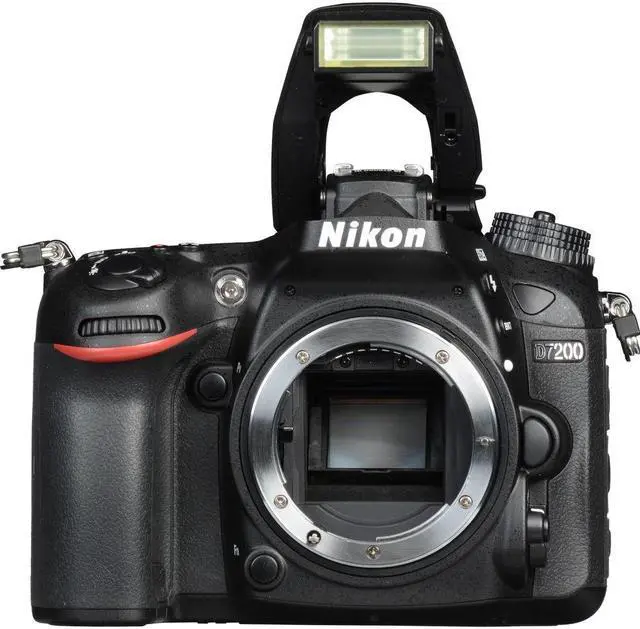
For photographers in the United States, the Nikon D7200 remains a capable used DSLR for sports, wildlife, portraits, landscapes, and everyday photography. Its 24.2-megapixel DX-format sensor, strong autofocus system, weather-resistant body, and built-in Wi-Fi offer more control than most entry-level DSLRs.
The Nikon D7200 is no longer a current model. Nikon introduced it in 2015, so most buyers in the U.S. will find it through used-camera dealers, local sellers, or refurbished marketplaces. Its value now depends on condition, shutter count, included accessories, and whether you need modern features such as 4K video, USB-C charging, or Bluetooth.
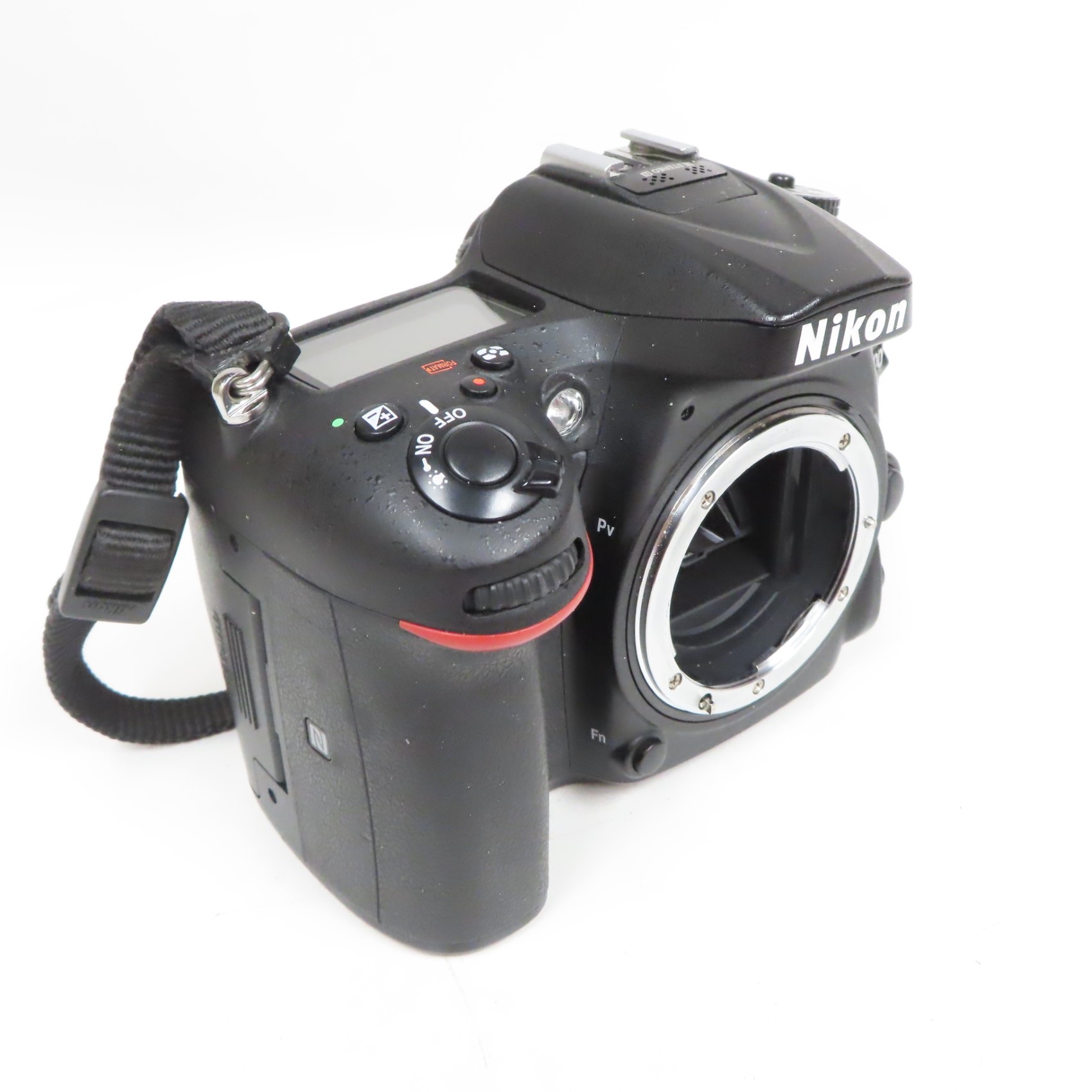
Nikon D7200 Key Specifications
The Nikon D7200 is an enthusiast-level APS-C DSLR. Nikon calls this sensor size DX format. It is smaller than a full-frame sensor, but it gives compatible lenses a narrower field of view that can help with wildlife and sports photography.
| Feature | Nikon D7200 specification |
|---|---|
| Camera type | Digital single-lens reflex camera |
| Sensor | 24.2 MP DX-format CMOS |
| Effective resolution | 24.2 million pixels |
| Lens mount | Nikon F mount |
| Crop factor | Approximately 1.5× |
| Image processor | EXPEED 4 |
| ISO range | ISO 100–25,600 |
| Expanded ISO | Up to ISO 102,400 equivalent in monochrome modes |
| Autofocus | 51 points, including 15 cross-type points |
| Continuous shooting | Up to 6 frames per second |
| Extended crop shooting | Up to 7 frames per second at 1.3× crop |
| Video | Full HD up to 60 frames per second |
| Viewfinder | Optical pentaprism, approximately 100% coverage |
| Rear screen | 3.2-inch LCD, approximately 1.23 million dots |
| Storage | Two SD card slots |
| Wireless features | Built-in Wi-Fi and NFC |
| Battery | EN-EL15 lithium-ion battery |
| Weight | Approximately 765 g with battery and memory card |
The camera records still images as JPEG or NEF RAW files. RAW files preserve more image data for later editing, while JPEG files are smaller and ready to share.
The 24.2 MP sensor gives enough resolution for large prints and moderate cropping. It does not make every lens sharper, however. Lens quality, focus accuracy, light, and camera technique still affect the final image.

What the DX Sensor Means for U.S. Photographers
The D7200’s DX sensor creates a field-of-view effect of about 1.5 times the focal length listed on a lens. A 50mm lens gives a view similar to a 75mm lens on a full-frame Nikon camera. The lens does not become a 75mm lens, but the smaller sensor records a narrower portion of its image circle.
This can help in some situations:
- A 300mm lens frames like a 450mm lens in field of view.
- A 35mm lens gives a view similar to a 52.5mm lens.
- A 50mm lens works well for portraits and detail shots.
- Wide-angle landscape work requires a lens designed for a wider view.
Nikon DX lenses are usually smaller and less costly than comparable full-frame lenses. The trade-off is that a DX body may provide less low-light flexibility and background separation than a newer full-frame camera, especially when both use similar lenses.
The D7200 is compatible with many Nikon F-mount lenses, including AF-S lenses that autofocus through the camera body. Older manual-focus or non-CPU lenses may need special settings and may not support autofocus or automatic exposure.
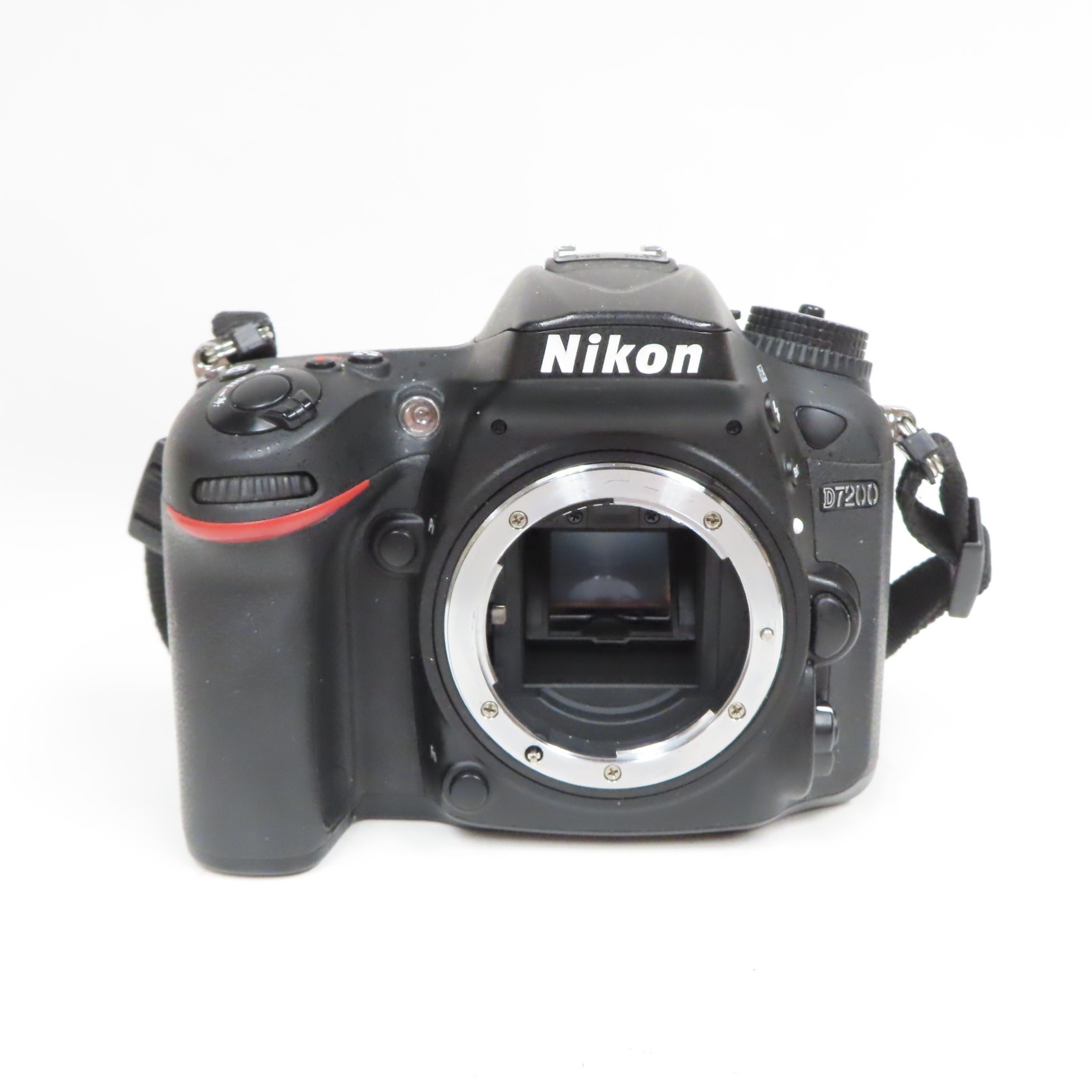
Image Quality and Low-Light Performance
The D7200 can produce detailed images in good light, and its 24.2 MP sensor gives photographers room to crop. Its native ISO range ends at ISO 25,600, which can help when shutter speed matters more than maximum image quality.
High ISO settings always involve a trade-off. As ISO rises, the camera amplifies the signal from the sensor. This allows a faster shutter speed or smaller aperture, but it also increases visible noise and reduces fine detail.
For cleaner results:
- Use the lowest ISO that still allows the needed shutter speed.
- Use a tripod for still subjects when practical.
- Choose a fast lens for indoor or evening work.
- Expose carefully so shadows do not need heavy brightening later.
- Shoot RAW when you expect to edit the image.
The camera’s expanded ISO settings are not a free increase in sensitivity. They may help record a very dark scene, but image quality can fall sharply. Use them only when capturing the moment matters more than fine detail.
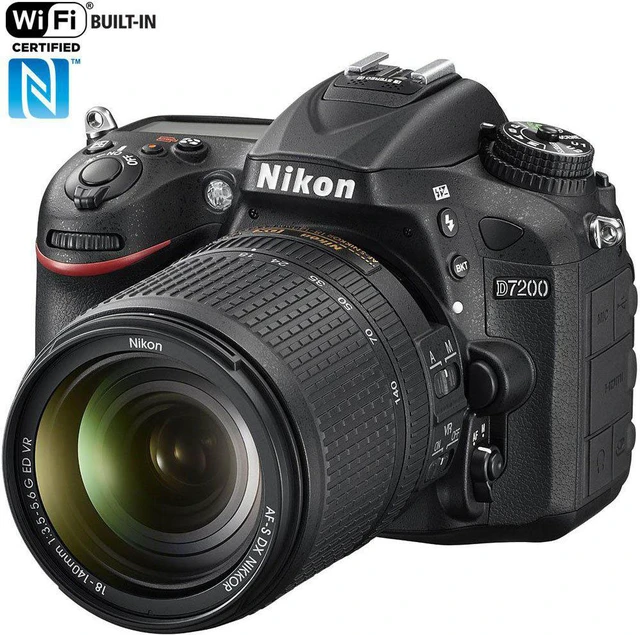
Autofocus and Burst Shooting
The D7200 uses a 51-point autofocus system with 15 cross-type points. Cross-type points can detect detail across more than one direction, which may improve focus reliability when the subject has suitable contrast.
The autofocus system is useful for:
- Field sports
- Birds and wildlife
- Moving children
- Vehicles
- Stage events
- Portraits with changing subject distance
The camera supports several focus-area modes. Single-point AF gives the photographer direct control over the selected focus point. Dynamic-area AF can use nearby points when the subject moves away from the selected point. Group-area AF can help with subjects that are difficult to track against a busy background.
The D7200 can shoot at up to 6 frames per second in its standard DX mode. Its 1.3× crop mode can reach up to 7 frames per second, but the camera records a smaller image area. This mode can extend the apparent reach of a telephoto lens while reducing the final image resolution.
Burst speed is only part of action performance. Focus tracking, shutter speed, subject movement, memory card write speed, and buffer capacity also matter. A fast card may help the camera clear files sooner, but it cannot turn the D7200 into a modern mirrorless action camera.
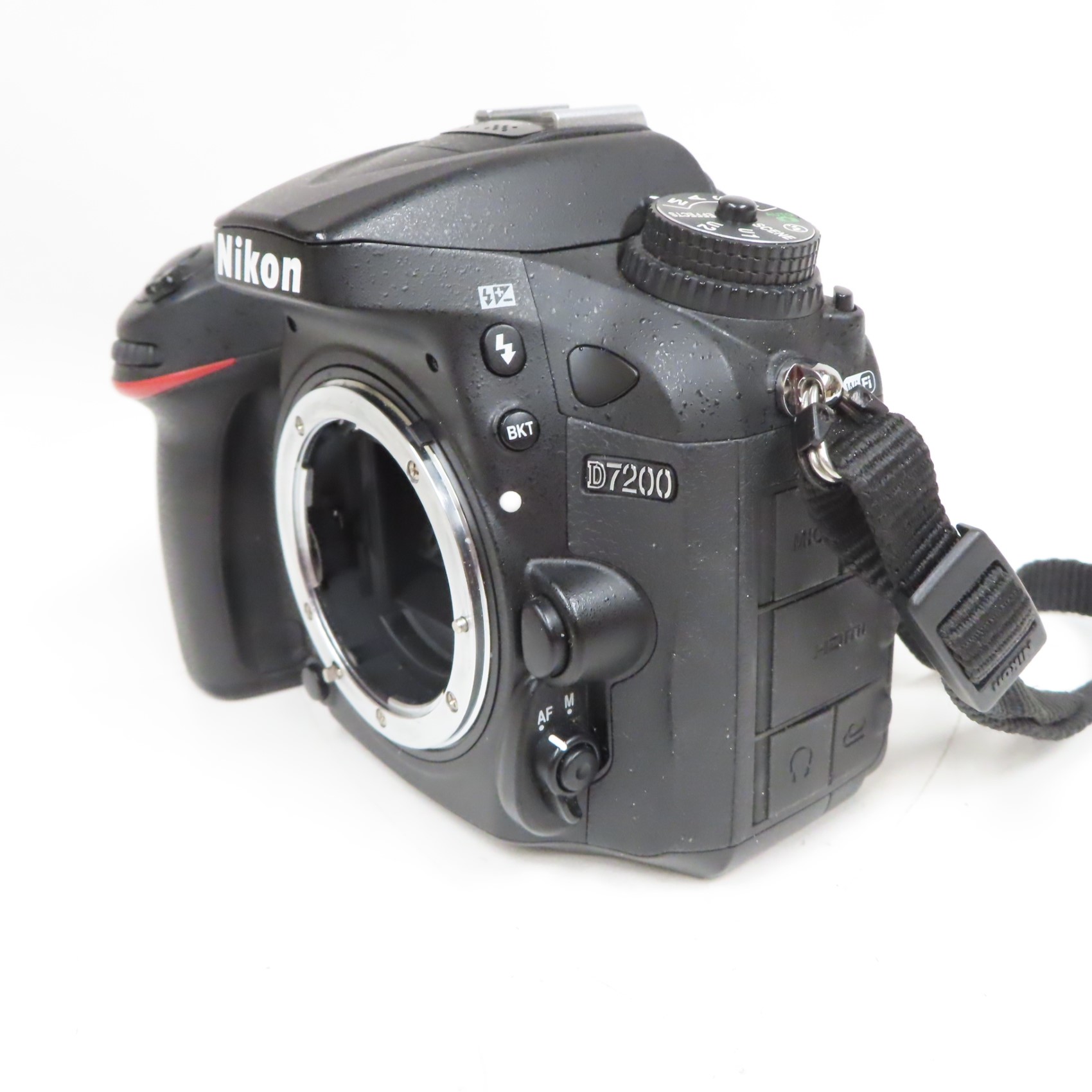
Wi-Fi, NFC, and Smartphone Transfer
The Nikon D7200 includes built-in Wi-Fi and NFC. These features were designed mainly for wireless image transfer and remote control through Nikon’s compatible mobile application ecosystem.
NFC can simplify initial pairing with a compatible Android device. Wi-Fi then creates the connection used for image browsing, transfer, or remote shooting functions supported by the application and camera firmware.
Before buying a used D7200 for wireless work, check the following:
- Your phone’s operating system compatibility
- The current Nikon app support for the D7200
- Whether the camera has the latest available firmware
- Permission settings for local network and photo access
- Battery level during wireless use
Wireless features on an older camera may not behave like Bluetooth and Wi-Fi on a current mirrorless model. Connection setup can take longer, and remote control functions may be more limited. A card reader or USB connection may be faster for large RAW files.
Do not confuse the D7200’s built-in Wi-Fi with cellular connectivity. The camera cannot upload images directly to a mobile network without a paired device or another supported network path.
Video Features and Limits
The D7200 records Full HD video, including frame rates up to 60p under supported settings. It does not record 4K video. That limitation matters if you plan to create UHD footage for modern televisions, commercial work, or high-resolution cropping.
The camera can be useful for:
- Basic interviews
- Short educational videos
- Family events
- Product demonstrations
- Full HD web content
- Controlled tripod shots
For better video results, use a manual exposure setting, monitor audio, and keep the camera stable. The built-in microphone can record basic sound, but an external microphone is usually better when clean dialogue matters.
Autofocus during DSLR video is not as smooth or reliable as the autofocus systems found on many newer mirrorless cameras. Manual focus or careful pre-focusing may produce better results for planned shots.
The 1.3× crop mode can also affect video framing. Test the lens and camera position before recording, especially in a small room where you may not have enough space to move backward.
Battery, Storage, and Body Design
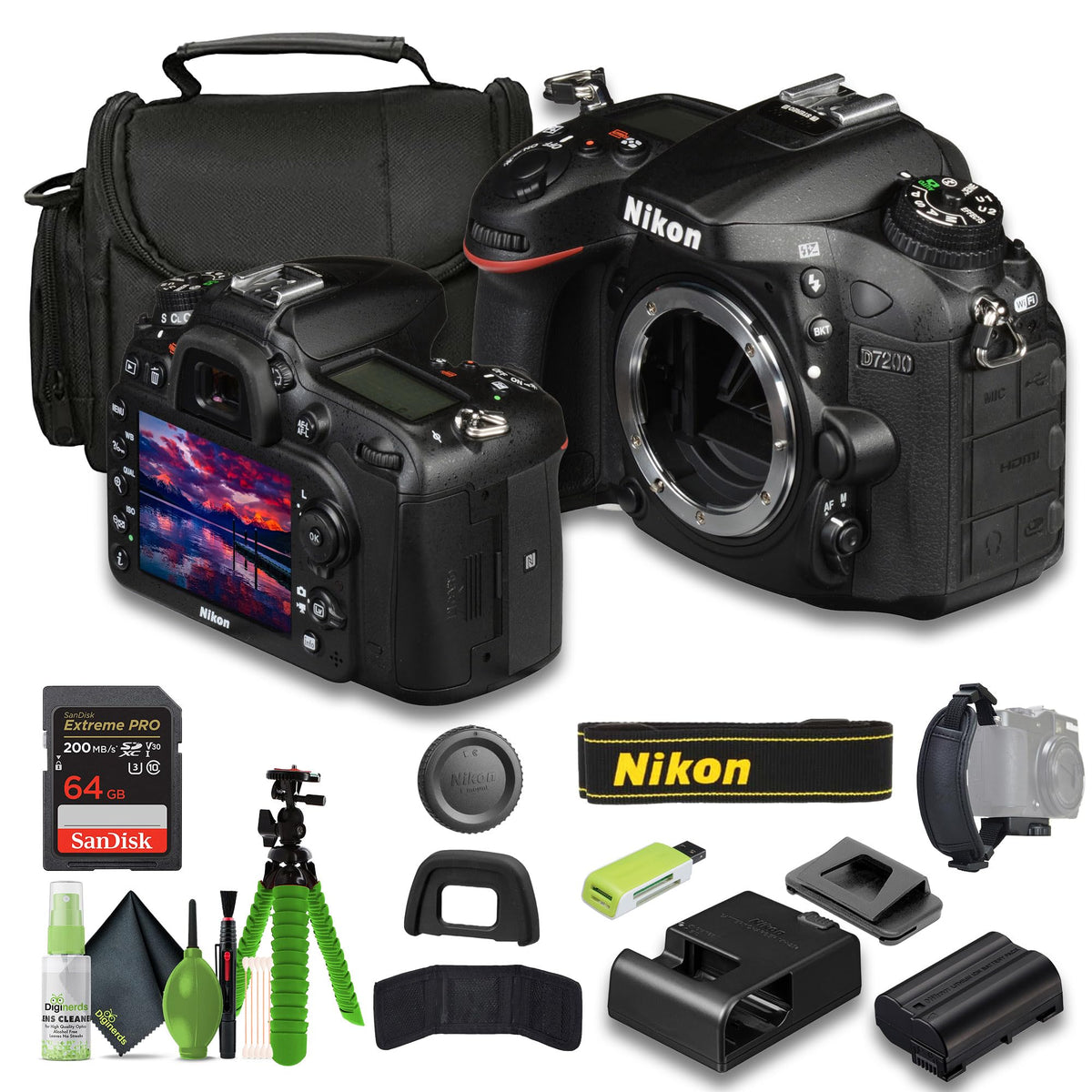
The D7200 uses the Nikon EN-EL15 battery family. Actual battery life depends on flash use, live view, video, wireless connections, temperature, and how often the screen is used. A used battery may hold less charge than a new one.
The camera has two SD card slots. Depending on the selected setup, the second slot can:
- Continue recording after the first card fills
- Create a backup copy
- Store JPEG files separately from RAW files
A backup setup is useful for paid work, but it is not a complete backup strategy. If the camera is lost or both cards fail, the files may still be gone. Copy important images to a computer or secure storage as soon as practical.
The body includes a top LCD, two control dials, an optical viewfinder, and many physical controls. These features can make the camera quick to operate after setup. The design is larger and heavier than many entry-level DSLRs, but that size can provide a more stable grip with large lenses.
Nikon marketed the D7200 as having weather sealing. Sealing reduces risk from light moisture when the camera is properly assembled, but it does not make the camera waterproof. Avoid rain, dust, sand, and moisture around open card or battery compartments.

Buying a Used Nikon D7200 in the United States
The camera’s age makes condition more important than the original specification sheet. A clean, fully working D7200 can still be useful, while a low-priced unit with a damaged shutter, weak battery, or sensor marks may cost more after repairs.
Check these points before purchase:
1. Inspect the exterior
Look for deep dents, cracks, loose ports, corrosion, and missing rubber grips. Moderate cosmetic wear is not always a problem, but impact damage can affect internal alignment.
2. Test the sensor and shutter
Photograph a plain bright surface at a small aperture, such as f/16, to check for dust spots. Dust can often be cleaned, but scratches or damage to the sensor assembly are more serious.
Ask for the shutter count when possible. Shutter count is useful context, not a guarantee. A camera with a low count can still have been stored poorly, while a higher-count camera may work normally.
3. Test autofocus
Use a known-good lens and photograph a detailed subject in good light. Test both single-shot autofocus and continuous autofocus. Confirm that the focus point responds as expected.
4. Test both card slots
Insert a compatible SD card into each slot. Confirm that the camera can write, review, and format cards correctly.
5. Check the LCD, viewfinder, and controls
Look for dead pixels, unusual lines, flicker, sticky buttons, and control dials that skip settings. Test the pop-up flash, hot shoe, ports, and battery door.
6. Confirm included items
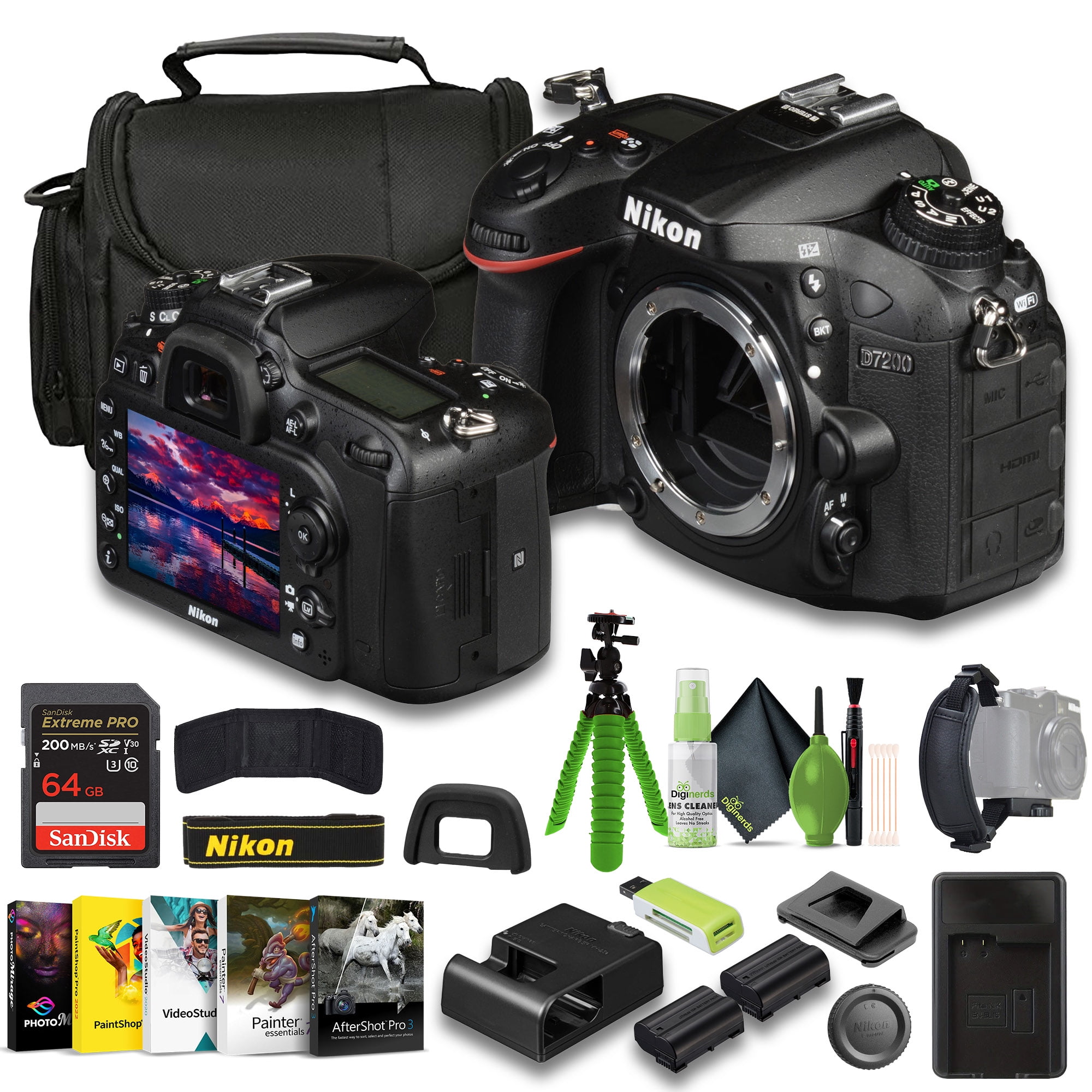
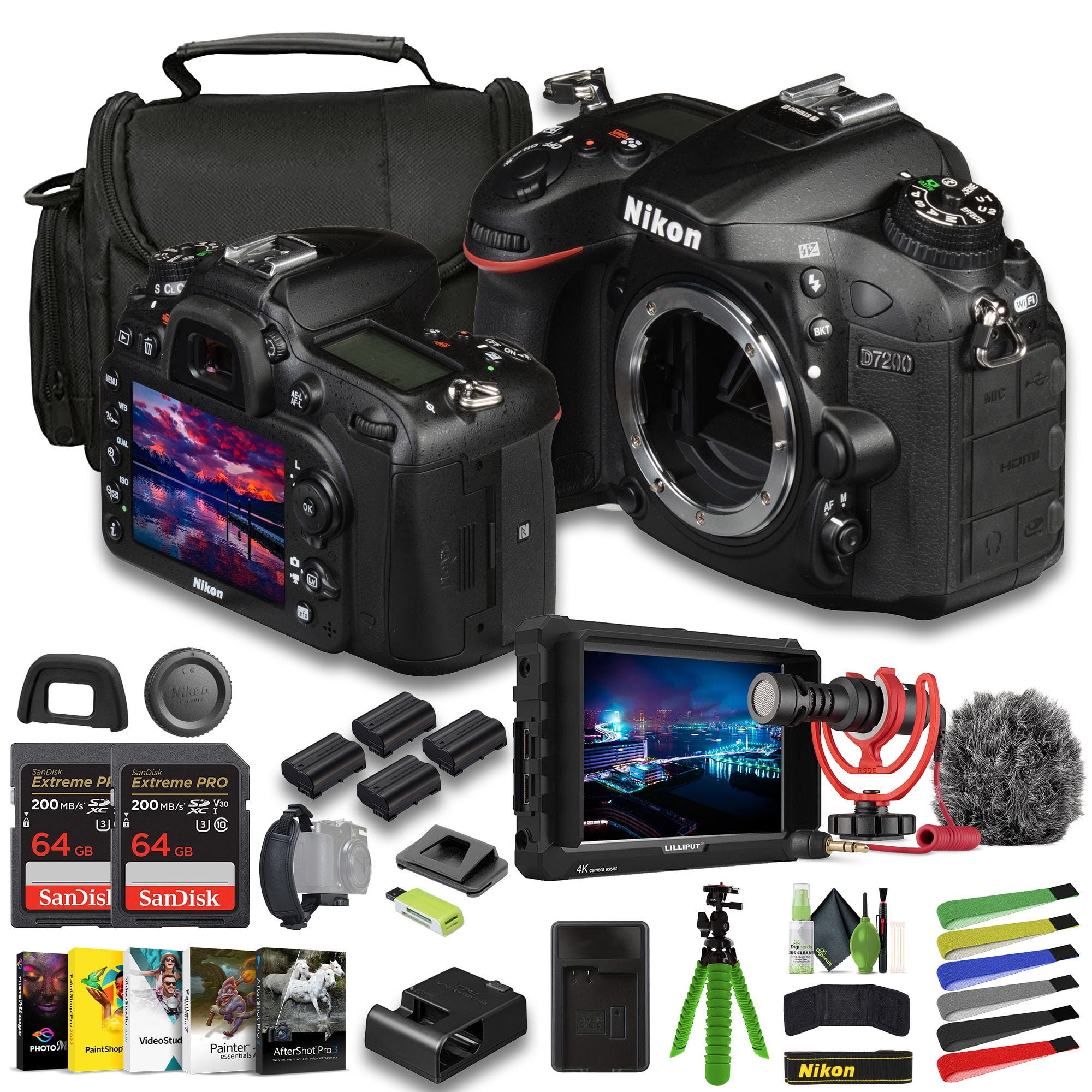
A useful kit may include:
- EN-EL15 battery
- Battery charger
- Body cap
- Eyepiece
- USB cable
- Original strap
- Instruction manual
Third-party batteries may work, but their performance and safety can vary. Buy from a seller with a clear return policy when possible.
Nikon D7200 vs. Newer Cameras
The D7200 is most attractive when its price is well below that of a newer camera and you already want Nikon F-mount equipment. Newer mirrorless cameras usually offer faster live-view autofocus, electronic viewfinders, better video options, USB charging, Bluetooth, and more advanced subject tracking.
The D7200 still has clear strengths:
- High-resolution 24.2 MP files
- Strong optical viewfinder
- Dual SD card slots
- Good physical controls
- Wide access to Nikon F-mount lenses
- Useful battery life
- Solid action autofocus for its generation
Its main disadvantages are equally clear:
- No 4K video
- No in-body image stabilization
- Older wireless features
- Limited live-view autofocus
- Larger body than many current mirrorless cameras
- Used-market condition can vary widely
Choose the D7200 if you value an optical viewfinder, physical controls, and affordable F-mount lenses. Consider a newer Nikon Z-series camera if video, silent shooting, eye detection, compact size, or long-term system growth matters more.
Common Nikon D7200 Problems and Practical Checks
The camera will not connect to a phone
Confirm that Wi-Fi is enabled in the camera menu and that the Nikon mobile app supports your phone and camera combination. Turn off other camera connections, restart both devices, and repeat the pairing process.
Autofocus hunts or misses
Check that the lens switch is set to autofocus, clean the electrical contacts, use a focus point over clear detail, and test in brighter light. If one lens fails but another works, the lens may be the cause.
Images show dark spots
Dust on the sensor or lens can create spots, especially at small apertures. Use the camera’s sensor-cleaning function first. Do not touch the sensor with a cloth or fluid unless you understand the correct cleaning method. For stubborn marks, use a qualified camera service provider.
The camera writes slowly
Check whether the card is old, nearly full, damaged, or too slow for the selected recording mode. Back up the files, format the card in the camera, and test with a reputable SD card.
The battery drains quickly
Wireless use, video, live view, cold weather, and an aged battery all reduce runtime. Test with a known-good EN-EL15 battery and turn off wireless functions when they are not needed.

Is the Nikon D7200 Still Worth Buying?
The Nikon D7200 is still worth considering for a U.S. buyer who wants an affordable, high-resolution DSLR for still photography. It is especially suitable for landscapes, portraits, wildlife, school sports, and users who already own Nikon F-mount lenses.
It is a weaker choice for buyers who need 4K video, dependable face and eye autofocus, small size, or simple smartphone connectivity. In those cases, a newer mirrorless camera may save time and provide a better long-term system.
The best purchase is a complete, tested body from a seller who provides accurate photos, shutter information, a return period, and clear details about the battery and charger. Compare the total cost of the body, lens, battery, memory card, and possible service—not just the listing price.

Frequently Asked Questions
Does the Nikon D7200 have Wi-Fi?
Yes. The Nikon D7200 has built-in Wi-Fi and NFC for compatible wireless transfer and remote-control functions. Phone and app compatibility should be checked before purchase.
Is the Nikon D7200 full frame?
No. It uses a 24.2 MP DX-format, or APS-C, sensor. Nikon DX cameras have an approximate 1.5× field-of-view factor compared with full-frame Nikon cameras.
Does the D7200 shoot 4K video?
No. The D7200 records Full HD video, with frame rates up to 60p under supported settings.
Can the D7200 use Nikon Z lenses?
No. Nikon Z lenses are designed for Nikon Z-mount mirrorless cameras and do not directly mount on the D7200. The D7200 uses Nikon F-mount lenses.
Is the D7200 good for wildlife photography?
Yes, it can be a strong budget wildlife camera because of its 1.5× DX field of view, 51-point autofocus system, 6-fps continuous shooting, and access to many Nikon telephoto lenses. Its performance is less advanced than that of newer cameras with modern subject detection.
What memory card does the Nikon D7200 use?
It uses SD, SDHC, and SDXC memory cards. Use reliable cards that match the camera’s supported speed and capacity requirements, and format them in the camera after backing up existing files.
Final Recommendation
The Nikon D7200 24.2 MP DX-format DSLR body with Wi-Fi and NFC remains a well-rounded used camera for still photographers in the United States. Its sensor, autofocus, dual card slots, optical viewfinder, and durable controls offer real value when the body is in good condition.
Buy it for photography first, and treat Wi-Fi as a useful extra rather than its main reason to purchase. If you need 4K video, modern mobile features, or advanced subject tracking, compare it with a newer mirrorless model before making a decision.

