
Introduction
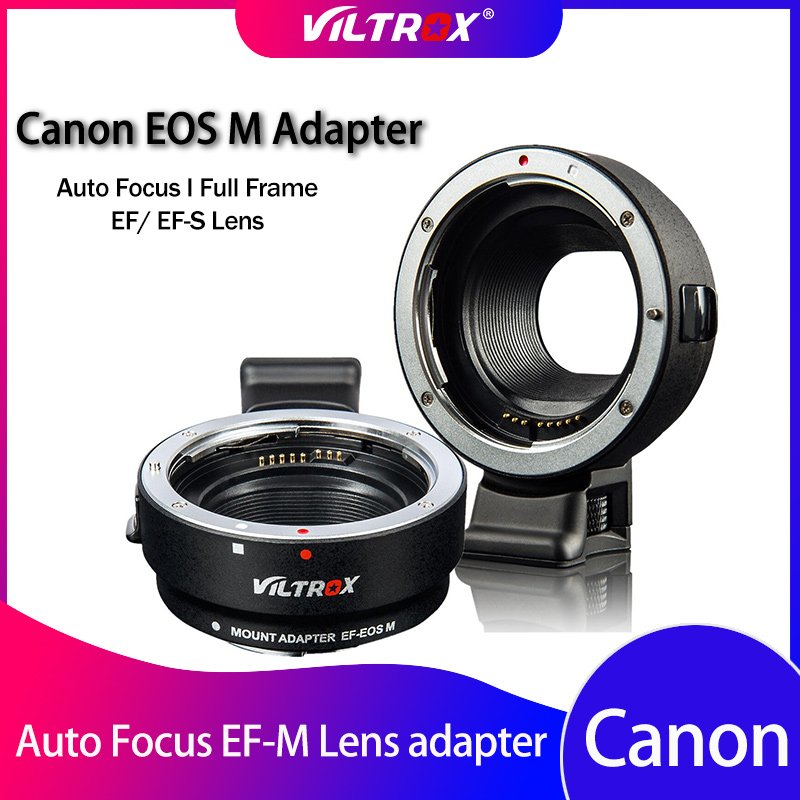
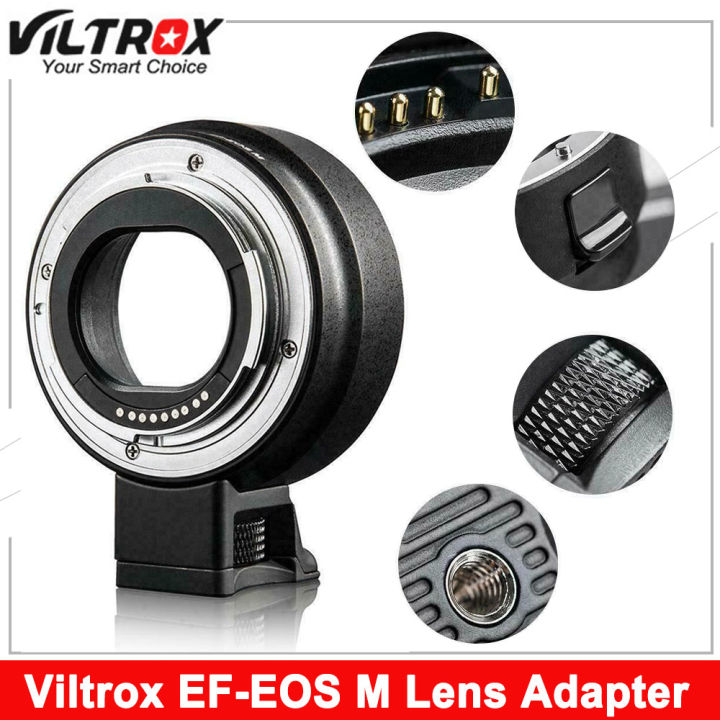
For photographers in the United States who own a Canon EOS M camera and Canon EF or EF-S lenses, the VILTROX EF-EOS M lens mount adapter can provide a practical way to use those lenses without replacing the camera body. The adapter is designed to connect Canon EF-mount lenses to Canon EOS M mirrorless cameras while retaining electronic functions such as aperture control, autofocus support, image stabilization, and EXIF data.
The exact result depends on the adapter version, camera body, lens model, and firmware. The VILTROX EF-EOS M2 version also includes a 0.71x focal reducer, while some standard EF-EOS M versions do not. Check the label and specifications before buying, because these adapters are not interchangeable with Canon RF, EF-M, or Nikon Z equipment.
What Is the VILTROX EF-EOS M Adapter?
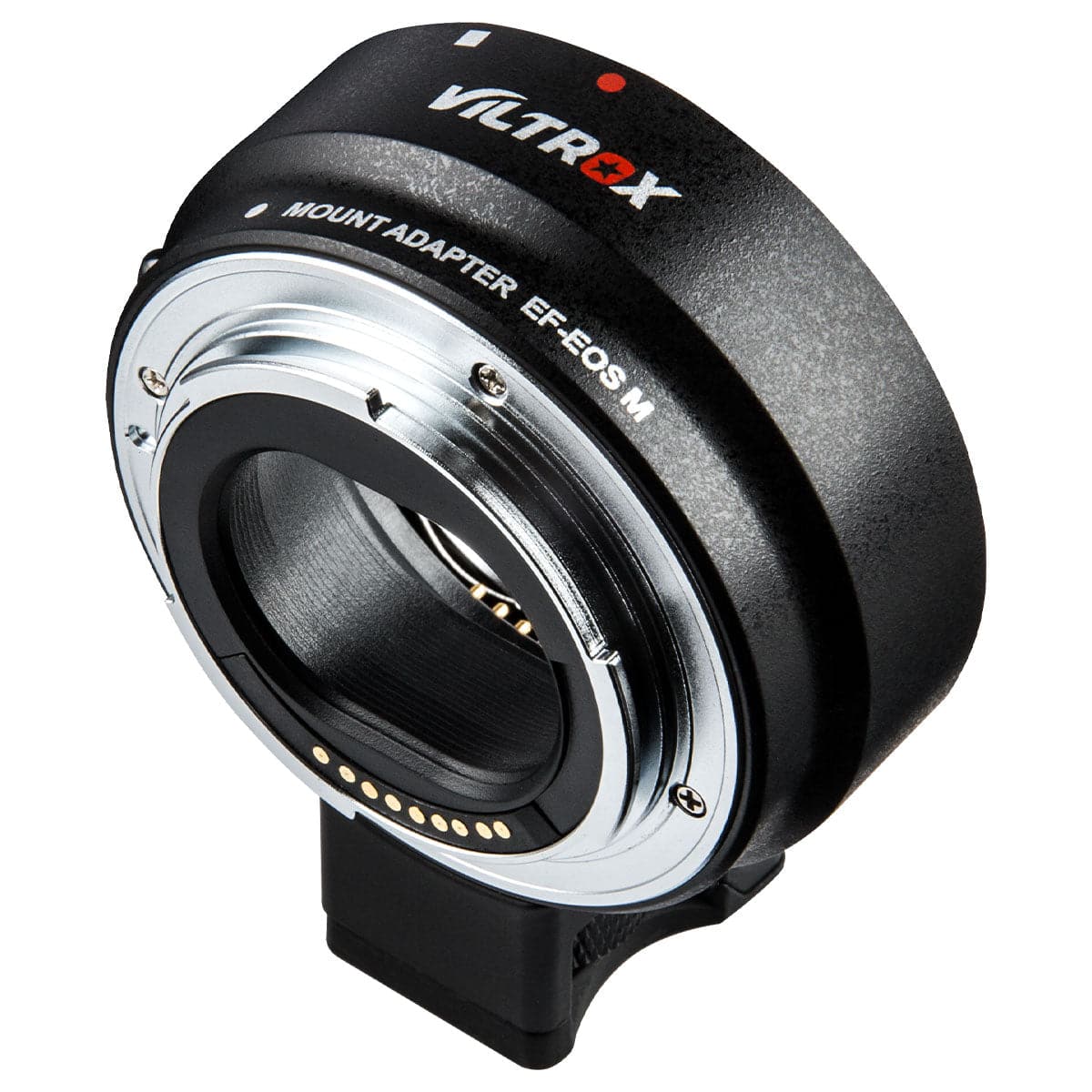
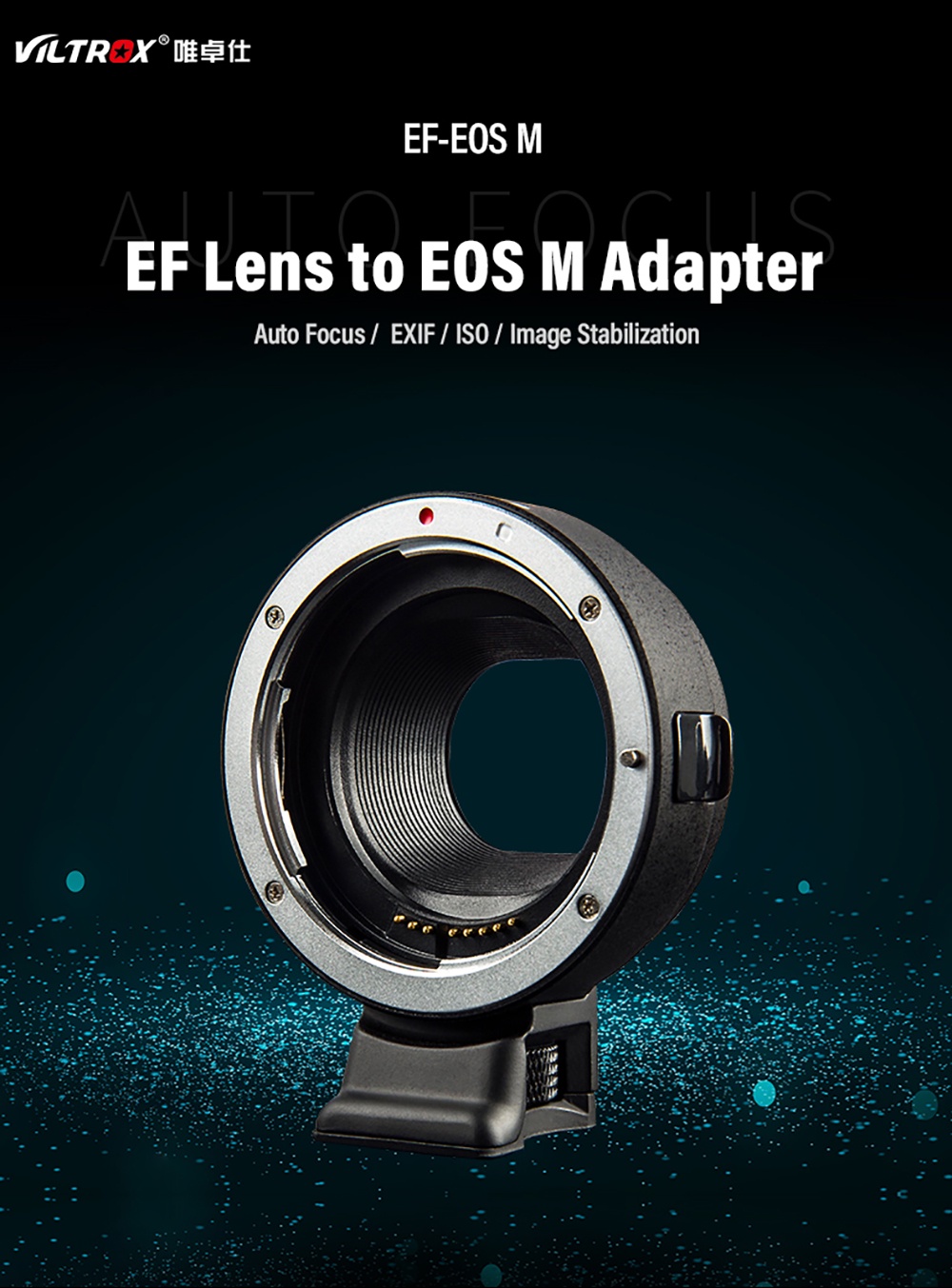
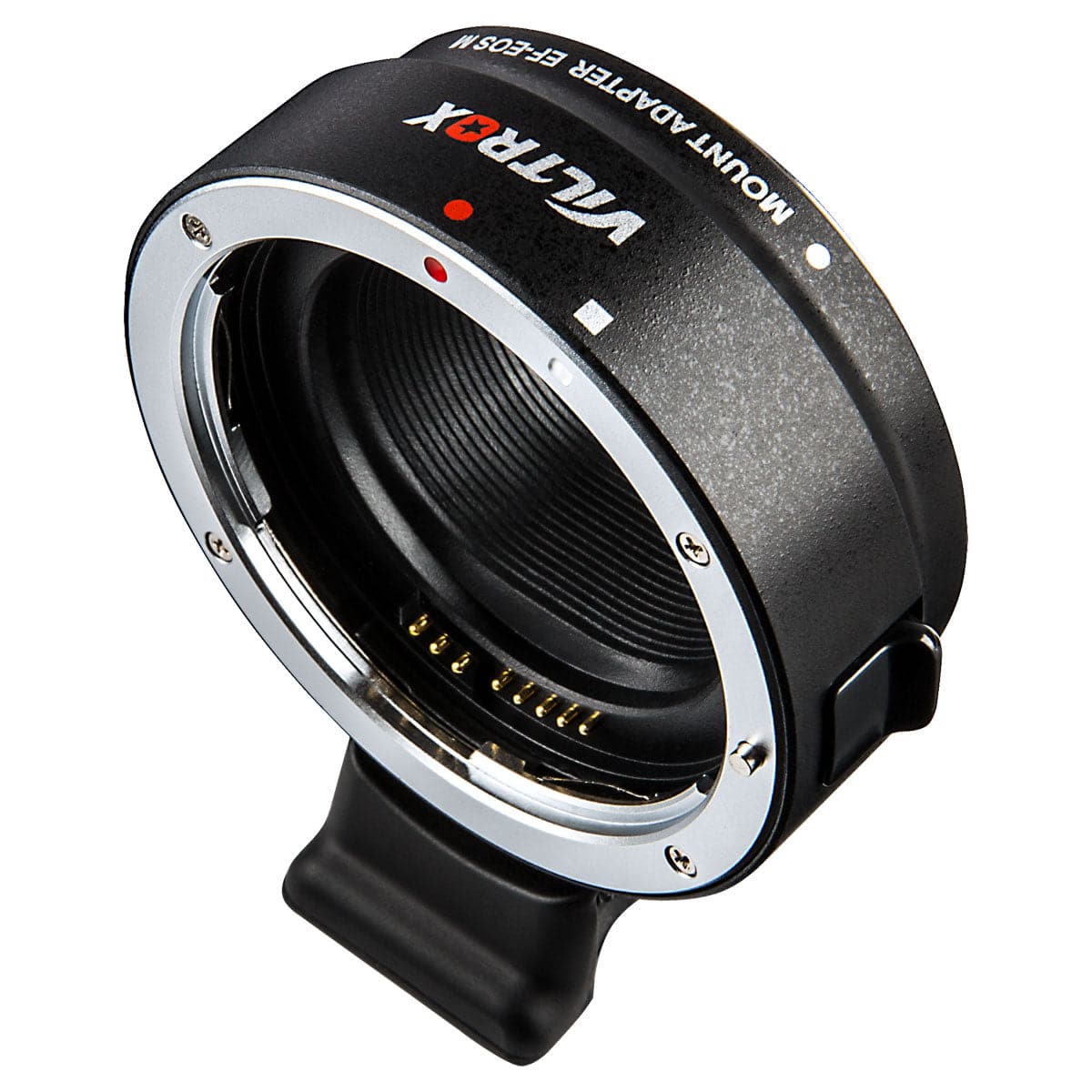
The VILTROX EF-EOS M is an electronic lens adapter for using Canon EF and EF-S lenses on Canon EOS M cameras. It bridges two different lens mounts:
- Lens side: Canon EF or EF-S
- Camera side: Canon EF-M
- Electronic connection: Transfers control signals between the lens and camera
- Main use: Adapts DSLR lenses for Canon EOS M mirrorless bodies
A basic adapter changes the physical mount. An electronic adapter goes further by allowing the camera and lens to communicate. That can support aperture control, autofocus, image stabilization, and lens data.
The VILTROX EF-EOS M2 adds a focal reducer. This optical element compresses the lens image so that more of the lens’s view reaches the smaller APS-C sensor. It also increases the effective amount of light reaching the sensor by about one stop under the manufacturer’s stated design principle.
The adapter does not turn an EOS M camera into a full-frame camera. The camera still uses its APS-C sensor, and the final image quality still depends on the camera body, lens, focus system, lighting, and shooting settings.
Which Cameras and Lenses Are Compatible?
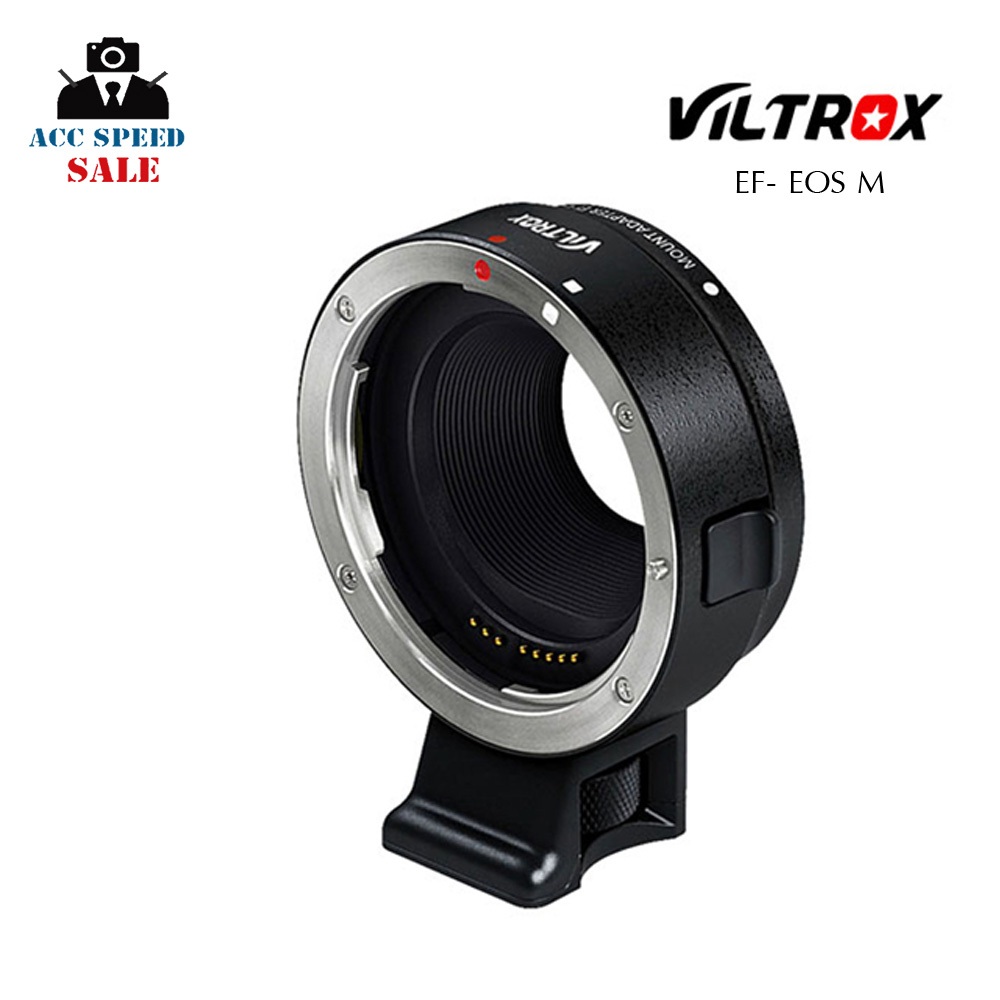
The adapter is intended for Canon EOS M cameras with the EF-M mount. Compatible camera families may include models such as:
- Canon EOS M
- Canon EOS M2
- Canon EOS M3
- Canon EOS M5
- Canon EOS M6
- Canon EOS M10
- Canon EOS M50
- Canon EOS M50 Mark II
- Canon EOS M100
- Canon EOS M200
Availability and support can differ by regional model name and firmware version. Confirm the camera body on the VILTROX compatibility list before purchase.
Compatible Canon lens types
The adapter is made for Canon EF and EF-S lenses. This generally includes:
- Canon EF prime lenses
- Canon EF zoom lenses
- Canon EF-S APS-C lenses
- Compatible third-party lenses made for the Canon EF mount
Examples include Canon EF 50mm lenses, EF 24–70mm lenses, EF-S 10–18mm lenses, and EF-S 18–55mm lenses. These examples describe the mount type, not a guarantee that every lens will offer the same autofocus performance.
Mounts that are not compatible
Do not confuse the adapter with adapters for other Canon systems. It is not designed for:
- Canon RF lenses
- Canon RF-S lenses
- Canon EF-M lenses
- Nikon F lenses
- Sony E-mount lenses
- Micro Four Thirds lenses
- Leica M lenses without another dedicated adapter
An EF-M lens already fits an EOS M camera and does not need this adapter. A Canon RF lens uses a different electronic and physical system and requires a different adapter.
EF-EOS M Versus EF-EOS M2: What Is the Difference?
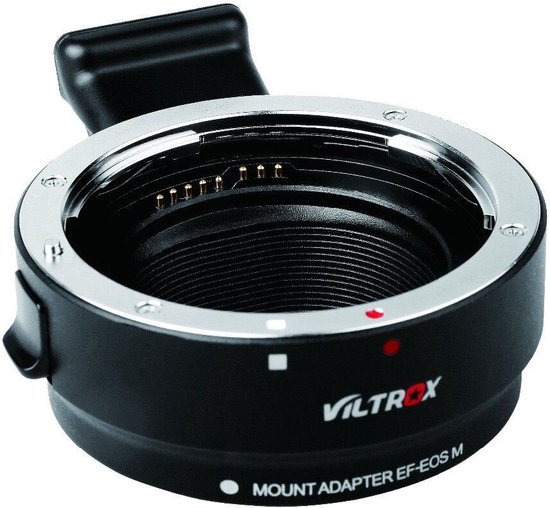
The key difference is the optical design. The standard VILTROX EF-EOS M adapter is mainly a mount and electronic interface. The EF-EOS M2 includes a 0.71x focal reducer.
| Feature | VILTROX EF-EOS M | VILTROX EF-EOS M2 |
|---|---|---|
| Connects EF lenses to EOS M cameras | Yes | Yes |
| Supports EF-S lenses | Usually listed as supported; verify model | Usually listed as supported; verify model |
| Electronic aperture control | Supported design | Supported design |
| Autofocus communication | Supported, with limits | Supported, with limits |
| Focal reducer | No | 0.71x design |
| Changes effective field of view | No optical reduction | Yes |
| Increases effective light transmission | No | About one stop by design |
| Best for | Simple adaptation | Wider view and lower-light use |
The M2 version is often more useful for video and low-light work because it gives a wider field of view and a brighter effective aperture. However, the extra optical element can affect edge sharpness, distortion, vignetting, and autofocus behavior.
If you want to preserve the original lens behavior, choose a non-reducer adapter. If you want a wider view from a full-frame EF lens, the M2 may be more suitable.
How the 0.71x Focal Reducer Changes a Lens
The focal reducer multiplies the lens’s focal length by approximately 0.71.
For example:
- A 50mm EF lens becomes approximately 35.5mm in optical focal length.
- A 24mm lens becomes approximately 17mm.
- A 100mm lens becomes approximately 71mm.
Canon EOS M cameras use an APS-C sensor with a field-of-view crop of about 1.6x compared with a 35mm full-frame reference. A 50mm lens on an EOS M body without a reducer gives a field of view similar to an 80mm lens on full frame.
With a 0.71x reducer:
50mm × 0.71 × 1.6 = approximately 56.8mm full-frame-equivalent field of view
This is why the EF-EOS M2 can make a 50mm lens feel closer to a normal lens on an EOS M camera rather than a short telephoto lens.
The reducer does not physically change the lens’s focal length. It changes how much of the lens image is projected onto the camera sensor. It also does not make the camera’s sensor larger.
Autofocus Performance and Electronic Features
The adapter can pass electronic signals between the camera and lens, but autofocus performance is not guaranteed to match a native Canon EF-M lens.
Autofocus may work well for:
- Single-shot photography
- Stationary subjects
- Center or single-point focus
- Moderate-light scenes
- Lenses with compatible electronic communication
Performance may be less reliable for:
- Continuous subject tracking
- Fast sports
- Rapidly changing distances
- Low-contrast subjects
- Low light
- Video autofocus
- Older or third-party lenses
- Cameras with older firmware
Autofocus speed depends on the lens motor, camera autofocus system, lighting, focus mode, and communication between the adapter and lens. The adapter cannot make an older lens focus like a modern native mirrorless lens.
Other electronic functions
Depending on the specific model and lens, the adapter may support:
- Electronic aperture adjustment
- Image stabilization communication
- Lens information in EXIF data
- Camera-controlled focus
- Automatic exposure modes
- Camera power control of the lens
These functions can vary. A feature listed for one lens may not work with another. Image stabilization can also behave differently when both the lens and camera use stabilization systems.
How to Install and Use the Adapter
Follow these steps to reduce the chance of damaging the mount or electronic contacts.
-
Turn off the camera.
Power down the EOS M body before changing the lens or adapter. -
Remove the rear lens cap and camera body cap.
Keep dust away from the contacts and optical surfaces. -
Attach the EF lens to the adapter.
Align the red mounting marks. Turn the lens until it clicks into place. -
Attach the adapter to the camera.
Align the adapter with the EOS M mount. Rotate it until the locking mechanism engages. -
Turn on the camera.
The camera should recognize the lens and display an aperture value if electronic communication is working. -
Set the shooting mode.
Aperture Priority or Manual mode can help confirm whether the camera changes the lens aperture. -
Test focus at a safe distance.
Use a stationary subject first. Check both autofocus and manual focus. -
Test image stabilization if present.
Take test images at a slow shutter speed. Do not assume stabilization is active just because the lens is mounted. -
Check the image corners.
With the EF-EOS M2, inspect for dark corners, softness, or unusual color at the edges.
The adapter should mount firmly without unusual force. Stop if it binds, feels loose, or leaves the lens at an incorrect angle.

Firmware Updates and Troubleshooting
A firmware update may improve compatibility with newer lenses or camera bodies, but it cannot guarantee support for every lens. VILTROX models commonly include a USB port for firmware updates, although the exact process depends on the product revision.
Before updating:
- Confirm the exact adapter model.
- Download firmware only from the official VILTROX support page.
- Read the instructions for the correct hardware revision.
- Use a stable USB connection.
- Do not disconnect power during the update.
- Test the adapter again after installation.
Common problems and solutions
| Symptom | Possible cause | What to check |
|---|---|---|
| Camera shows no lens | Poor contact or incomplete mounting | Remove and remount the adapter |
| Aperture cannot be changed | Electronic communication failure | Clean contacts and test another lens |
| Autofocus hunts | Low light, low contrast, or lens limitation | Use a focus point with stronger contrast |
| Image corners are dark | Lens or reducer mismatch | Test at a longer focal length or remove the reducer |
| Lens does not focus in video | Adapter or lens limitation | Use manual focus or a supported lens |
| Camera freezes | Firmware or communication issue | Power off, remove the battery, and test another setup |
| Image is soft at the edges | Optical reducer effect | Compare with a non-reducer adapter |
| Stabilization does not work | Lens or camera communication issue | Check the lens switch and test at a safe shutter speed |
Clean electronic contacts with a dry, clean method recommended by the camera or lens manufacturer. Do not spray liquid into the adapter or camera mount.

Image Quality, Vignetting, and Optical Limits
The EF-EOS M2 can make a lens wider, but the focal reducer adds glass between the lens and sensor. That design creates trade-offs.
Possible effects include:
- Reduced edge sharpness
- Corner darkening
- Increased flare
- Color fringing
- More visible distortion
- Uneven performance across different lenses
Full-frame EF lenses often provide more image coverage than the EOS M sensor needs. That can help reduce vignetting when using a reducer. Some lenses may still show dark corners, especially at wide apertures or short focal lengths.
EF-S lenses are designed for APS-C image sensors. They may work with the adapter, but their image circle and rear design can limit reducer use. Check each lens carefully, especially wide-angle models.
The best test is simple: photograph a plain wall or bright sky at several apertures. Inspect the corners at 100% magnification. This reveals problems that may not be obvious on the camera’s rear screen.
Is the VILTROX EF-EOS M Adapter Right for You?
The adapter makes sense when you already own Canon EF or EF-S lenses and want to use them on an EOS M body. It can save the cost of replacing a working lens set.
It may be a good fit for:
- Canon EOS M owners with existing EF lenses
- Photographers who need a lower-cost lens solution
- Video users who want a wider field of view from EF glass
- Users who accept slower or less predictable autofocus
- Shooters who are comfortable testing lens-by-lens compatibility
A native EF-M lens may be better when you need:
- Small size and low weight
- Reliable continuous autofocus
- Smooth video focusing
- Simple travel equipment
- Full compatibility with camera functions
An adapter adds length and weight to the camera. A large EF zoom can also make a small EOS M body front-heavy. For handheld work, support the lens rather than placing stress on the camera mount.

Buying Checklist for U.S. Shoppers
Before ordering the VILTROX EF-EOS M lens mount adapter in the United States, confirm these points:
- Camera mount: Your camera must use Canon EF-M.
- Lens mount: Your lens must use Canon EF or EF-S.
- Adapter version: Check whether the listing is the standard model or EF-EOS M2.
- Focal reducer: Choose the M2 only if you want the 0.71x optical reduction.
- Autofocus needs: Do not buy it for fast tracking without checking reports for your exact lens.
- Firmware: Look for current support from VILTROX.
- Return policy: Compatibility can differ between lens and camera combinations.
- Condition: Inspect used adapters for bent contacts, loose mounts, or scratched optics.
- Warranty: Confirm whether the seller provides U.S. warranty service.
- Product photos: Make sure the listing shows an EF-to-EOS M adapter, not an RF or EF-M product.
Avoid listings that use broad terms such as “Canon lens adapter” without naming both mounts. The mount names are the most important compatibility details.

Frequently Asked Questions
Does the VILTROX EF-EOS M adapter work with Canon EOS M50?
The adapter is designed for Canon EOS M cameras, and the EOS M50 uses the EF-M mount. However, autofocus and other electronic functions can vary by lens and firmware. Test the exact lens combination if dependable autofocus is important.
Does it support Canon EF-S lenses?
VILTROX lists EF-S compatibility for versions of the adapter, but the exact result can depend on the lens design. Check for physical clearance, corner shading, and electronic operation before relying on an EF-S lens for important work.
Does the adapter make an EF lens full frame?
No. The adapter does not enlarge the camera sensor. The EOS M body remains an APS-C camera. The EF-EOS M2 reduces the image circle and changes the field of view, but it does not create a full-frame image area.
Does the VILTROX EF-EOS M2 increase lens brightness?
The 0.71x focal reducer is designed to provide about one stop more light at the sensor than the same lens used with a simple adapter. Actual image results can vary with the lens, camera, exposure settings, and optical transmission.
Can I use the adapter for video autofocus?
You may be able to use autofocus for video, but performance is not guaranteed. Video autofocus can be slower, noisier, or less stable than with a native EF-M lens. Manual focus is often the more predictable choice for controlled video work.
Will image stabilization work through the adapter?
It may work when the lens, camera, adapter, and firmware communicate correctly. Confirm stabilization by testing the setup. Do not rely on it for critical shots until you have verified the result.
Final Recommendation
The VILTROX EF-EOS M lens mount adapter is a useful bridge for Canon EOS M owners who already have EF or EF-S lenses. The standard version is suited to basic electronic adaptation, while the EF-EOS M2 adds a 0.71x focal reducer that can provide a wider view and more effective light.
The main trade-off is predictability. Native EF-M lenses usually offer a simpler and more consistent experience, while adapted lenses may vary in autofocus, stabilization, video performance, and edge quality. Confirm the exact camera, lens, adapter version, and firmware before purchase, then test the combination before using it for paid or once-in-a-lifetime work.
Sources for Product Verification
For current specifications, firmware, and compatibility information, verify details with:
- VILTROX official website
- Canon U.S. support
- The instruction manual for the specific Canon EOS M camera
- The instruction manual and product page for the exact VILTROX EF-EOS M adapter version
Product revisions, firmware, regional availability, and seller descriptions can change. The official product documentation should take priority over a marketplace listing.

