
Introduction
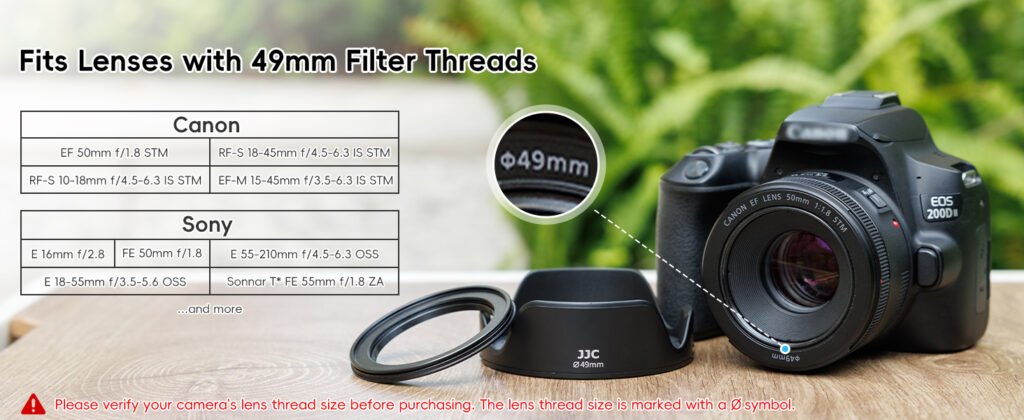
A JJC 58mm tulip flower lens hood can help protect a Canon EOS lens from stray light, glare, and minor bumps. It fits lenses with a 58mm front filter thread, not every Canon EOS camera or lens.
For photographers in the United States, the key check is simple: look for the Ø58mm symbol on the lens front or in the Canon manual. If the lens uses another size, such as 52mm, 55mm, 58mm, 67mm, or 72mm, this hood is not the correct match.
What the JJC 58mm Tulip Lens Hood Does
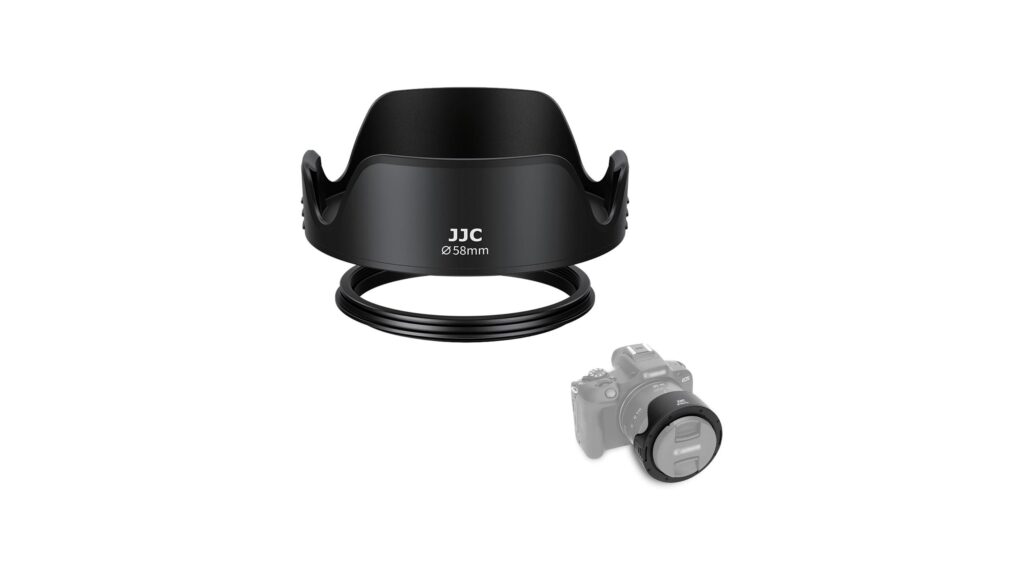
The JJC 58mm tulip hood is a screw-in lens accessory with curved petal edges. Its main job is to block light that enters the lens from outside the image area.
This can reduce:
- Veiling flare
- Loss of contrast
- Ghost images from bright lights
- Stray light from the sun or lamps
- Small bumps to the front of the lens
A lens hood does not make a lens faster. It also does not replace a clear protective filter, lens cap, or careful handling.
The “58mm” measurement refers to the filter thread size. It does not refer to the lens focal length, camera sensor size, or camera mount.
How a tulip hood differs from a round hood
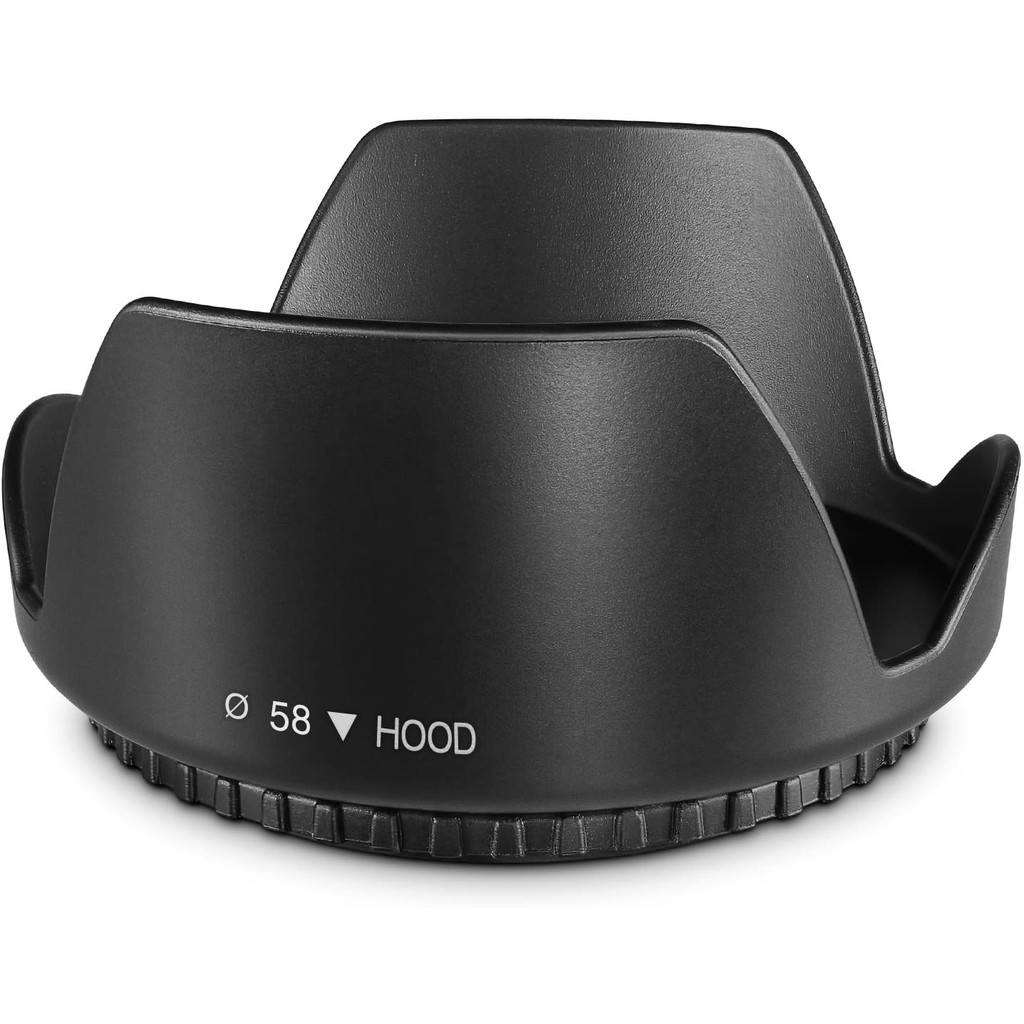
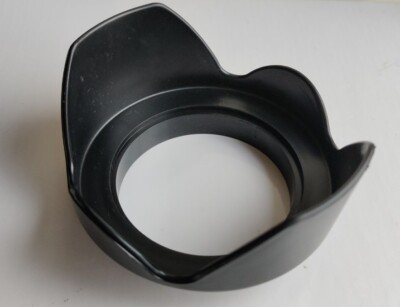
A tulip hood has cut-out petals. These petals are shaped to give the lens a wider view while blocking light from the top, bottom, and sides.
A round hood has a smooth circular edge. It can work well on lenses with a narrow or fixed field of view. A tulip hood is often more useful on a zoom lens because its shape can reduce the chance of dark corners at wider focal lengths.
The hood must face the correct way. If the petals are not aligned with the image frame, the hood may block part of the picture.
Canon EOS Lens Compatibility
The JJC 58mm hood is compatible with a Canon EOS lens only when that lens accepts a 58mm front accessory thread or the correct 58mm adapter.
Canon EOS is a camera system. It includes many camera bodies and lens types. The camera body alone does not determine whether a lens hood will fit.
Check the lens, not only the camera
Before buying, inspect the front of the lens. Look for one of these markings:
Ø58mm58mm- A filter symbol followed by
58 - A product manual that lists a 58mm filter size
The marking may appear on the lens rim, near the front glass, or beneath the lens cap.
Common Canon lens types that may use a 58mm filter thread
Some Canon lenses use a 58mm front thread, but compatibility can vary by exact lens version. Examples may include certain:
- EF-S zoom lenses
- EF telephoto zoom lenses
- Older Canon EF lenses
- Third-party lenses made for Canon EOS cameras
Do not rely on a lens name alone. Canon has released similar lens names with different filter sizes.
Compatibility checklist
| Check | What to confirm |
|---|---|
| Front thread | The lens says Ø58mm or lists a 58mm filter size |
| Attachment type | The JJC hood uses the same screw-in or mounting method |
| Lens design | The front barrel has enough clearance for the hood |
| Zoom range | The hood does not cause dark corners at the widest setting |
| Filter use | Your filter and hood can be used together |
| Exact product code | The seller lists the correct JJC version |
A 58mm hood will not screw directly onto a 52mm or 67mm lens. Do not force it. A step-up ring may allow some combinations, but it can change the hood’s position and may cause vignetting.

How to Install the JJC 58mm Lens Hood
Install the hood with the lens facing away from dust and bright light. A clean, dry setup reduces the chance of transferring dirt to the lens or hood threads.
- Remove the front lens cap.
- Check the lens thread and hood thread for dust or grit.
- Place the hood straight onto the 58mm front thread.
- Turn it slowly in the correct direction.
- Stop when the hood is snug.
- Rotate the hood until the tulip petals sit in the correct position.
- Look through the viewfinder or use the camera screen.
- Test the image at the lens’s widest focal length.
Do not tighten the hood with force. A lens hood should stay secure during normal use, but excessive pressure can damage plastic threads or make removal difficult.
Signs of correct installation
The hood is likely installed correctly when:
- It sits evenly on the lens
- It does not wobble
- The petals are aligned with the frame
- The front of the image has no dark corners
- The lens can still focus and zoom normally
- A compatible lens cap can still be used
Take a test photo of a plain wall or bright sky. Check all four corners at the widest zoom setting. This is a quick way to find vignetting.

Why the Hood Can Improve Outdoor Photos
Stray light can lower contrast before it creates an obvious flare spot. The result may look washed out, especially when the sun sits just outside the frame.
A hood creates a small shade over the front lens element. This works much like using a hand to block sunlight from your eyes. The hood cannot block light that enters the lens directly, but it can reduce light from off-axis sources.
The effect depends on:
- The position of the sun or light
- The lens design
- The focal length
- The angle of the camera
- The number of glass surfaces in the lens
- Whether a filter is attached
A hood may help most during outdoor portraits, travel photos, street scenes, and backlit landscapes. It is less useful when the light source is already far from the lens axis or when the lens is used indoors under soft light.
Using Filters With a 58mm Hood
A screw-in 58mm hood may share the lens’s front filter thread. This can affect how you use filters.
With a circular polarizer
A circular polarizer needs to rotate while it is attached. If the hood covers the filter, adjustment may become slow or difficult.
Before a photo, set the polarizer first. Then attach or position the hood if the design allows it.
With a variable neutral-density filter
A variable ND filter also needs frequent adjustment. The hood may limit access to the filter ring. Check the combined setup before a paid shoot or important trip.
With a protective or UV filter
A filter can add another threaded layer. Some hoods can attach to the front of the filter. Others may not fit securely when a filter is installed.
Stacking accessories also moves the hood farther from the lens. That can increase the risk of dark corners, especially at wide focal lengths.
Practical rule
Use only the accessories that serve the shot. Each extra ring or filter can add bulk, reflections, and possible vignetting.

Troubleshooting Common Problems
The hood will not screw on
Possible causes include:
- The lens uses a different thread size
- The hood has a different mounting type
- The threads are cross-threaded
- Dirt or grit is present
- A filter or adapter is already attached
Remove the hood and inspect both threads. Start again with the hood held straight. If it still does not fit easily, stop and verify the size.
The corners of the photo are dark
Dark corners are called vignetting. They may occur when:
- The hood is too deep for the lens
- The hood is not aligned
- A step-up ring changes the hood position
- Filters are stacked
- The lens is used at its widest focal length
- The hood is not designed for that lens
Test the lens without the hood, then with the hood. Test again with each filter removed. This can identify the cause.
The hood causes flare instead of reducing it
A hood cannot remove all flare. Reflections can come from the hood, a filter, or the lens itself.
Try changing the camera angle slightly. Clean the front lens element and filter. If the problem remains, remove the filter and compare the results.
The lens cap no longer fits
Some hoods allow the original cap to remain in use. Others require the cap to be placed through the hood or may need a compatible replacement cap.
Check the exact JJC model instructions. Do not assume that every 58mm hood supports every Canon lens cap.
The hood is hard to remove
Do not use pliers or metal tools. Hold the lens barrel firmly and turn the hood by hand. A rubber grip can add traction without scratching the accessory.
If the hood was forced or cross-threaded, inspect the lens before further use.

JJC 58mm Tulip Hood Versus Other Options
The JJC hood is one of several ways to shade a Canon EOS lens. The best choice depends on the lens and shooting style.
| Hood type | Main advantage | Main limitation |
|---|---|---|
| Tulip screw-in hood | Compact and often useful on zoom lenses | Must match the lens and align correctly |
| Round screw-in hood | Simple design and firm thread fit | May vignette on a wide lens |
| Canon bayonet hood | Made for a specific lens | Usually less universal |
| Collapsible rubber hood | Can fold down for storage | May be less rigid |
| Hand or flag | Flexible control of stray light | Not as convenient during handheld shooting |
A lens-specific Canon hood may be the safer choice when the manufacturer specifies one. A universal JJC 58mm hood may be useful when the lens clearly supports the size and the hood’s depth suits the focal range.
The main trade-off is flexibility versus exact fit. A universal hood may cost less and work with more than one lens, but a dedicated hood is usually easier to verify.

Buying Guide for a JJC 58mm Lens Hood
Check these details before ordering from a U.S. retailer or marketplace seller.
1. Confirm the exact JJC model
JJC sells many similar-looking hoods. Product names may include a model code, version number, or lens-specific label.
Compare the listing with:
- The thread size
- The mounting method
- The hood depth
- The lens models named by the seller
- The included cap or adapter
- The return policy
2. Confirm the thread size
A listing that says “for Canon EOS” is not enough. The lens still needs the correct 58mm front connection.
3. Read the mounting instructions
Some hoods attach by screw thread. Others use a bayonet mount or a separate adapter. These systems are not interchangeable.
4. Check the return terms
Compatibility errors are common when a seller uses broad camera-system wording. A clear return policy helps if the hood does not fit or causes vignetting.
5. Inspect the hood when it arrives
Look for:
- Clean, even threads
- No cracks
- No loose parts
- Correct petal shape
- A flat mounting surface
- Smooth rotation
Test it at home before an important event. This gives you time to return it if the fit is wrong.

Care and Storage
Keep the hood attached during normal outdoor use when it does not interfere with filters or lighting. It can protect the front of the lens from light contact, but it is not a shock guard.
For storage:
- Reverse the hood on the lens if the design permits
- Keep threads free of sand and dust
- Store it in a pouch or camera bag
- Avoid leaving it in high heat for long periods
- Check the threads after beach or dusty use
Clean the hood with a soft, dry cloth. If the hood has grease or dirt on its threads, clean it before attaching it to the lens. Dirt can transfer into the lens’s front thread.
Key Takeaways
- The JJC 58mm tulip hood fits a lens with a compatible 58mm front thread.
- “Canon EOS” describes the camera system, not one universal hood size.
- Check the exact lens marking or manual before buying.
- Test the hood at the widest focal length for dark corners.
- Filters, step-up rings, and stacked accessories can change fit and cause vignetting.
- Do not force the hood if it does not turn smoothly.
- A lens-specific Canon hood may be better when exact compatibility matters most.
Frequently Asked Questions
Does a JJC 58mm hood fit every Canon EOS camera?
No. Lens hoods attach to lenses, not directly to most Canon EOS camera bodies. The lens must have a compatible 58mm front thread or mounting system.
Is a 58mm hood the same as a 58mm lens?
No. The 58mm figure describes the front filter thread. It does not describe focal length. A lens can have a 58mm filter thread and a focal length such as 55–250mm or 75–300mm.
Can I use a 58mm hood on a 52mm lens?
Not directly. You would need an appropriate adapter, but the added distance may cause vignetting or make the hood less effective. A hood made for the lens is usually the better option.
Can I use the original Canon lens cap with the JJC hood?
Often, but not always. The answer depends on the exact hood design. Check the product instructions and test the cap before relying on the setup.
Will the hood stop all lens flare?
No. It can block some off-axis light, but it cannot stop direct light entering the lens. Camera angle, lens coatings, filters, and the location of the light source still affect flare.
Should I leave the hood on all the time?
You can leave it on during many outdoor shoots if it does not interfere with filters, flash, or storage. Remove or reverse it when it blocks filter controls or makes the camera harder to pack.
Conclusion
The JJC 58mm tulip flower lens hood is a practical accessory for a compatible Canon EOS lens. Its value comes from the correct match between the hood depth, lens focal range, and 58mm front thread.
Before ordering, read the marking on the lens and compare it with the exact JJC product code. After installation, test the hood at the widest focal length and with any filters you plan to use. If the hood fits smoothly, stays aligned, and produces no dark corners, it can provide useful shade and added front-lens protection during everyday photography.

