

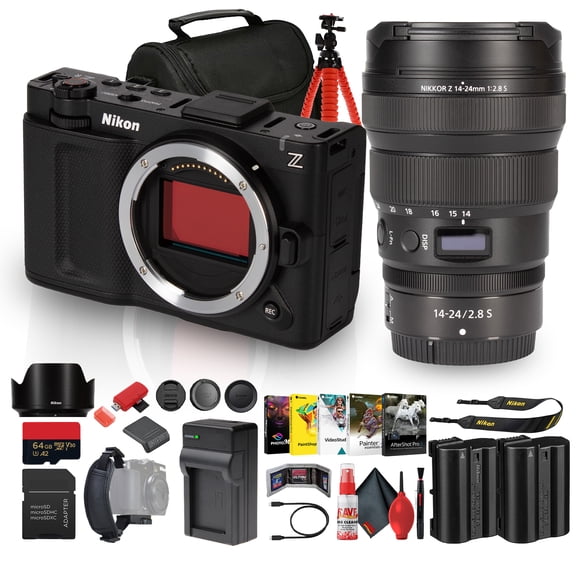
For filmmakers in the United States, the Nikon ZR is Nikon’s compact cinema camera for the Z mount. It combines a full-frame sensor, internal RAW recording, RED-derived R3D NE video, and 32-bit float audio in one body. The phrase “Nikon RED Z Cinema ZR Cinema Camera 32 Bit Float Audio RED C” refers to several of these features, but “RED C” is not the official recording name. The correct term is R3D NE, a RED RAW format adapted for the Nikon ZR.
The Nikon ZR is designed for documentaries, short films, branded work, music videos, interviews, and small crews that need strong video tools without a large cinema rig. It is not simply a Nikon mirrorless camera with a video mode. Its recording formats, audio system, cooling design, monitoring tools, and RED partnership place it firmly in the modern compact cinema camera class.

What Is the Nikon ZR Cinema Camera?
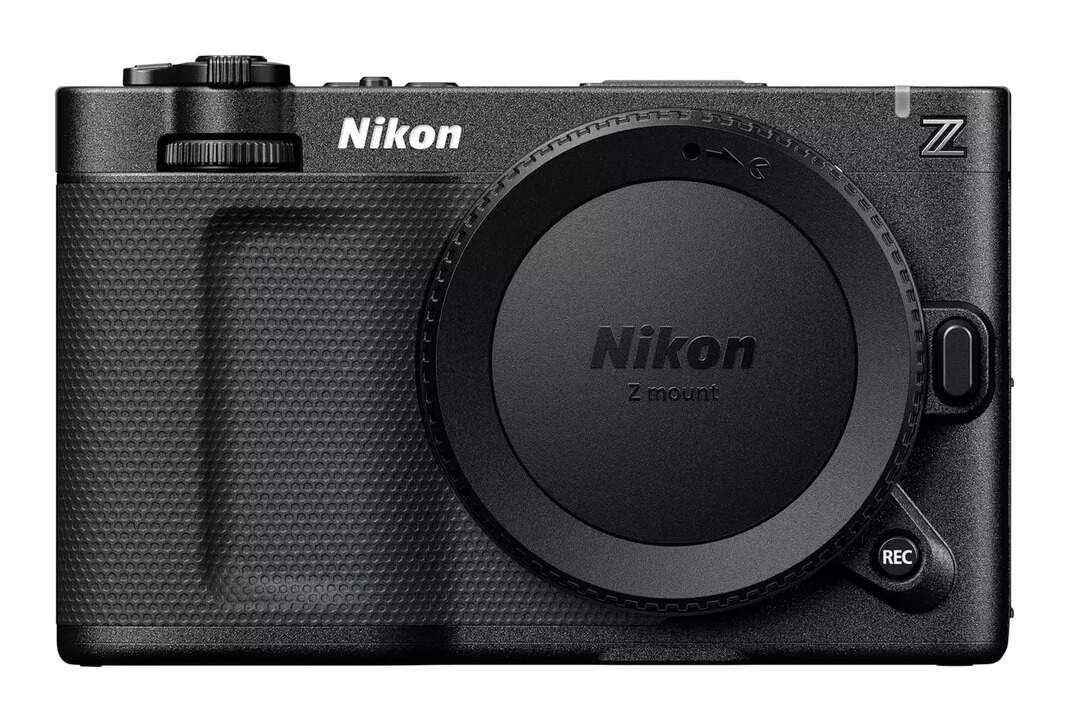
The Nikon ZR is a full-frame digital cinema camera built around the Nikon Z mount. It supports Nikon NIKKOR Z lenses and offers professional video features that are uncommon in small hybrid cameras.
Its key functions include:
- Internal recording in R3D NE RAW
- Nikon N-RAW recording
- Apple ProRes RAW support
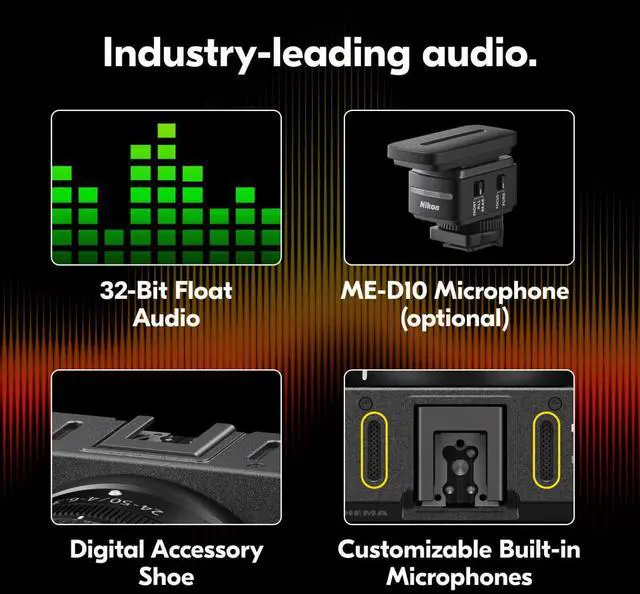
- 32-bit float audio recording
- High-frame-rate recording, including 4K video at up to 120 frames per second
- Full-frame video capture
- A large, high-resolution touch display
- Active cooling for extended video recording
- Nikon autofocus and subject-detection tools
- Electronic stabilization options for handheld work
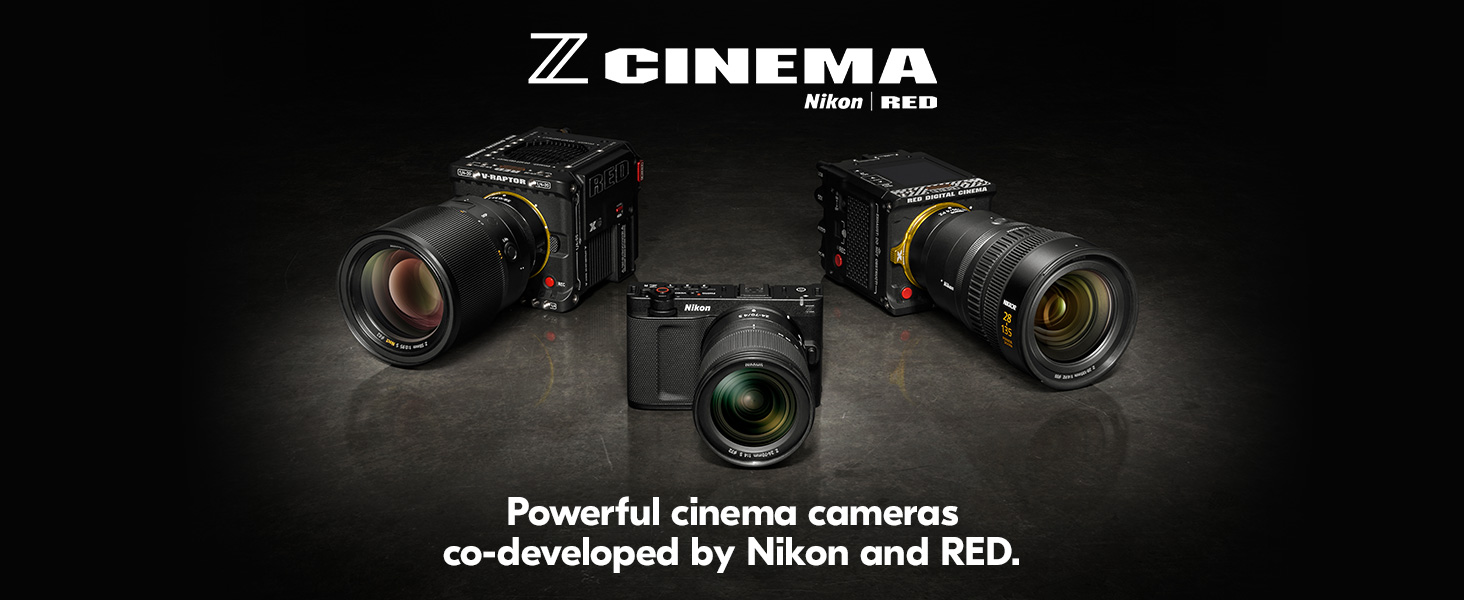
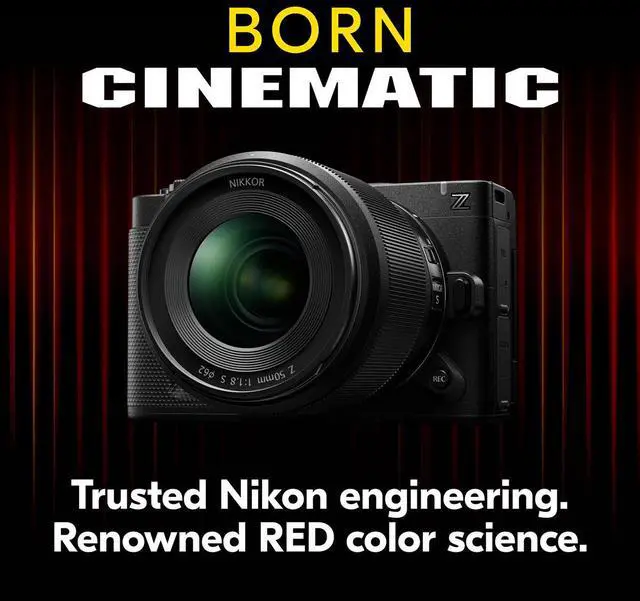
The camera is part of Nikon’s Z CINEMA product line. Nikon’s purchase of RED Digital Cinema helped bring RED’s RAW technology and color science into Nikon’s camera system. That does not make the ZR the same camera as a RED KOMODO, V-RAPTOR, or V-RAPTOR XL. It is a Nikon camera with Nikon hardware, Nikon controls, Nikon autofocus, and selected RED technologies.
Nikon ZR terminology at a glance
| Search phrase or term | Correct meaning |
|---|---|
| Nikon RED Z Cinema | A general description of Nikon’s Z CINEMA and RED connection |
| Nikon ZR | The official camera model |
| 32-bit float audio | High-dynamic-range audio recording that reduces clipping risk |
| RED C | Not the official ZR recording format name |
| R3D NE | The RED RAW format supported by the Nikon ZR |
| RED color science | RED image technology used as part of the camera’s video workflow |
| Nikon Z CINEMA | Nikon’s cinema-focused camera system and product direction |
The main buying question is not whether the ZR contains RED technology. It does. The better question is whether its workflow, lens system, audio features, and recording formats fit your production.
What Does RED R3D NE Mean on the Nikon ZR?
R3D NE is a RED RAW recording format supported by the Nikon ZR. It records image data with more flexibility than a finished video file. That flexibility can help when you need to adjust exposure, white balance, color, and contrast during post-production.
RAW recording does not automatically create a better film. It creates a file with more image information and more grading options. The final result still depends on lighting, exposure, lens choice, focus, movement, and editing skill.
R3D NE and other Nikon ZR formats
| Format | Main strength | Best use |
|---|---|---|
| R3D NE | RED RAW workflow and broad grading control | Narrative work, commercial shoots, high-end documentary work |
| Nikon N-RAW | Nikon RAW workflow with strong image flexibility | Shooters who want RAW with Nikon tools |
| ProRes RAW | Edit-friendly RAW option in supported software | Post-production teams already using ProRes RAW |
| ProRes | Intra-frame editing performance | Professional editing and finishing |
| H.265 | Smaller files and efficient delivery | Events, interviews, web video, and long-form recording |
The exact frame rates, resolutions, crop modes, bit depths, and compression choices depend on the selected recording mode and camera firmware. Always check the current Nikon USA specifications and user manual before planning a paid production.
Is R3D NE the same as REDCODE RAW?
R3D NE belongs to the RED RAW family, but it should not be assumed to match every feature of a dedicated RED cinema camera. A dedicated RED model may offer different resolutions, data rates, monitoring tools, frame-rate options, timecode features, media choices, and firmware controls.
The Nikon ZR’s advantage is integration. You get RED RAW recording in a smaller Nikon body with Nikon Z lenses and Nikon autofocus tools. Its limitation is that it remains a distinct Nikon product, not a low-cost version of every RED camera.
How Does 32-Bit Float Audio Work?
32-bit float audio gives the recorder far more digital headroom than standard 16-bit or 24-bit recording. It helps protect against clipped audio when sound levels change quickly or when a speaker suddenly becomes louder.
Traditional recording requires careful gain setting. If the gain is too low, the recording may contain more noise. If the gain is too high, loud sounds can clip. Once digital audio clips, the lost detail is usually difficult or impossible to restore.
32-bit float recording changes this risk. It stores audio in a format that can preserve very quiet and very loud signals across a wide range. In post-production, you can often raise or lower the recorded level without the same damage caused by under-recording or clipping.
What 32-bit float audio does not do
32-bit float audio does not fix every sound problem. It does not remove:
- Wind noise
- Clothing rustle
- Handling noise
- Room echo
- Electrical interference
- Bad microphone placement
- Distortion caused inside the microphone capsule
- Distortion caused before the signal reaches the camera
- Background noise from a poor recording location
A microphone can overload before the camera receives the signal. In that case, 32-bit float recording cannot restore clean sound.
When 32-bit float is useful
32-bit float audio is especially useful for:
- Weddings and live events
- Documentary interviews
- Run-and-gun shooting
- Wildlife and nature work
- Moving subjects
- Speeches with unpredictable volume
- Shoots where one operator handles both camera and sound
For a controlled interview, good microphone placement and proper monitoring still matter more than the bit-depth label. A well-placed 24-bit recording can sound better than a badly placed 32-bit recording.
How to Use the Nikon ZR for a Reliable Audio Workflow
A strong Nikon ZR audio workflow begins with the microphone, not the recording format. Choose the microphone for the subject, place it close to the speaker, and protect it from wind and handling noise.
Basic setup steps
-
Choose the correct microphone.
Use a shotgun microphone for focused camera-top sound, a lavalier for a speaker, or a wireless system for movement. -
Connect the microphone securely.
Check the cable, connector, and input setting before recording. -
Enable the correct audio mode.
If the camera offers 32-bit float recording for the selected input, confirm that the mode is active. -
Monitor with headphones.
Listen for hum, crackle, clothing noise, wind, and unwanted background sounds. -
Record a short test clip.
Speak at the expected loudness. Create the loudest likely sound before the main take. -
Review the test in an editor.
Raise and lower the waveform level to confirm that the file behaves as expected. -
Use a backup when the project matters.
A second recorder, scratch track, or separate wireless receiver can protect an important interview or event.
The sign of success is not merely a “32-bit” label. The real test is clean speech, usable ambience, no handling noise, and enough headroom for the loudest expected sound.
Nikon ZR Video Features That Matter for Cinema Work
The Nikon ZR’s most useful cinema features are the ones that reduce production problems. Resolution alone does not determine whether a camera works well on set.
Full-frame capture
The full-frame sensor can provide a wide field of view with compatible lenses and may help create a shallow depth of field. Depth of field still depends on focal length, aperture, subject distance, and framing.
Full-frame capture is helpful for:
- Interviews in small rooms
- Wide establishing shots
- Low-light scenes
- Cinematic separation between subject and background
- Using existing full-frame Nikon Z lenses
A full-frame sensor does not guarantee a cinematic image. Lighting and lens choice remain major factors.
6K recording
The Nikon ZR supports 6K video recording in selected modes. Higher-resolution capture can help with:
- Reframing a 4K delivery
- Digital stabilization
- Cropping wide interview shots
- Creating alternate compositions
- Preserving detail for post-production
The trade-off is larger files, greater storage use, and a heavier editing load. A 6K RAW workflow may require fast storage and a capable computer.
High-frame-rate video
The ZR supports high-frame-rate recording, including 4K at up to 120 frames per second in supported modes. Slow motion can add emphasis to movement, sports, action, and product shots.
High-frame-rate modes may change the available crop, autofocus behavior, codec, audio function, or image quality. Confirm those limits before building a shot list around them.
Nikon autofocus
Nikon’s autofocus system can help when a subject moves toward or away from the camera. Subject detection may be useful for people, animals, vehicles, and other supported subjects.
For scripted cinema, many operators still prefer manual focus or a controlled focus pull. Autofocus is a tool, not a substitute for focus planning. Test it with your lens, subject, lighting, and movement before a critical shoot.
Stabilization and electronic tools
The camera may offer electronic stabilization and other video-assist tools. These can help with handheld work, but stabilization can introduce a crop or change the look of motion.
A tripod, monopod, shoulder rig, gimbal, or proper handheld technique may still produce better results for a specific shot.
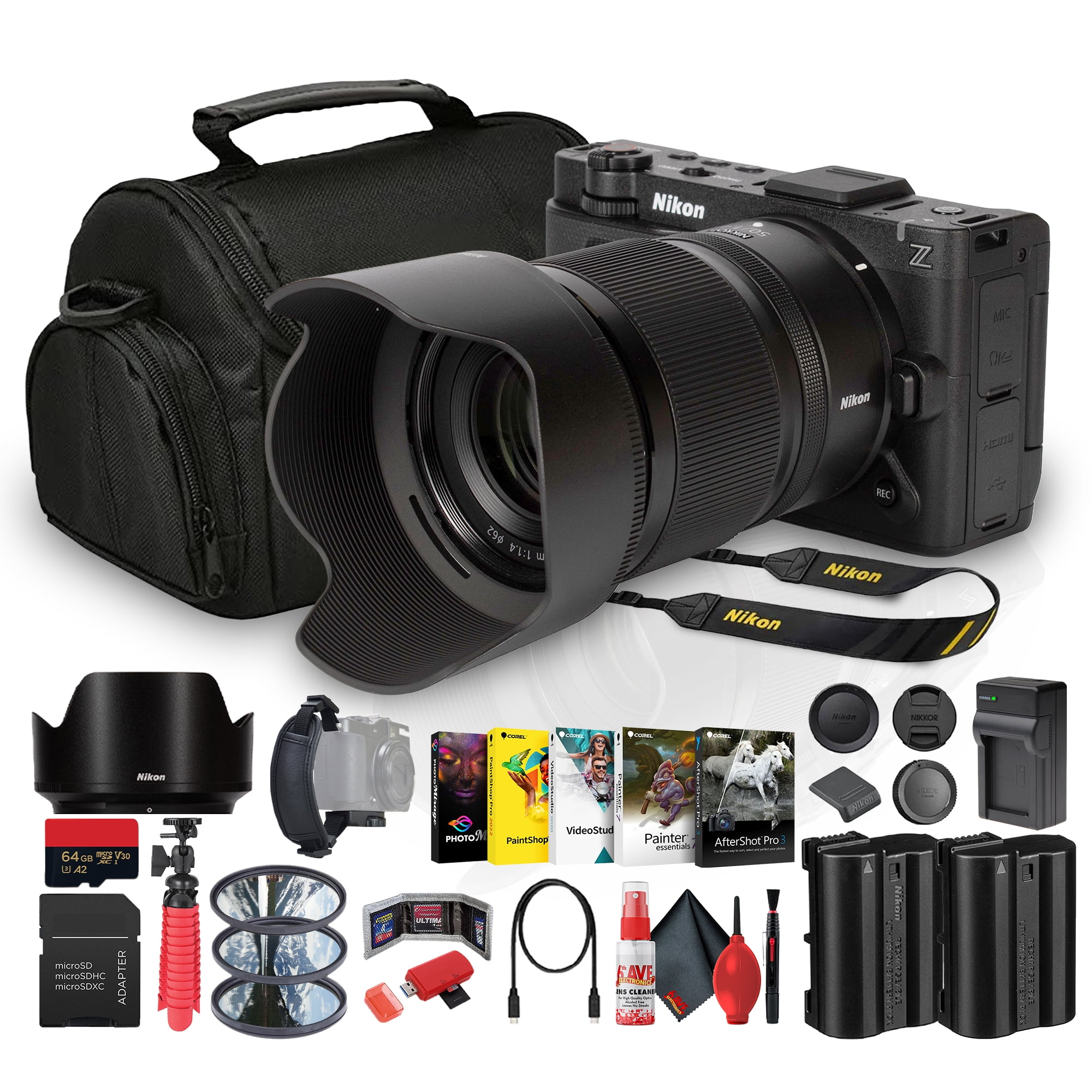
Nikon ZR Compared With a Dedicated RED Cinema Camera
The Nikon ZR and a dedicated RED camera serve different production needs. The ZR is built for a smaller, more integrated setup. A RED cinema body may provide a more modular professional system for crews that need extensive rigging and production control.
| Production need | Nikon ZR | Dedicated RED cinema camera |
|---|---|---|
| Small handheld setup | Strong fit | Often needs more accessories |
| Nikon Z lens access | Direct fit | Depends on mount and adapter |
| Nikon autofocus | Available in supported modes | Model-dependent and often less central |
| R3D workflow | Supported as R3D NE | Broader RED ecosystem on many models |
| 32-bit float audio | Built for simplified camera audio | Often paired with external production sound |
| Large cinema rig | Possible with accessories | Usually better suited |
| Fast solo shooting | Strong fit | May require more setup |
| Large crew production | Depends on project | Often better for modular workflows |
The Nikon ZR may be the better choice when one operator needs video, autofocus, compact size, and direct-to-camera audio. A dedicated RED camera may be better when the production uses a separate sound team, extensive accessories, cinema lenses, external monitoring, and a larger data workflow.
Neither option is automatically superior. The right choice depends on crew size, delivery format, lens inventory, storage, post-production, and the need for a compact body.
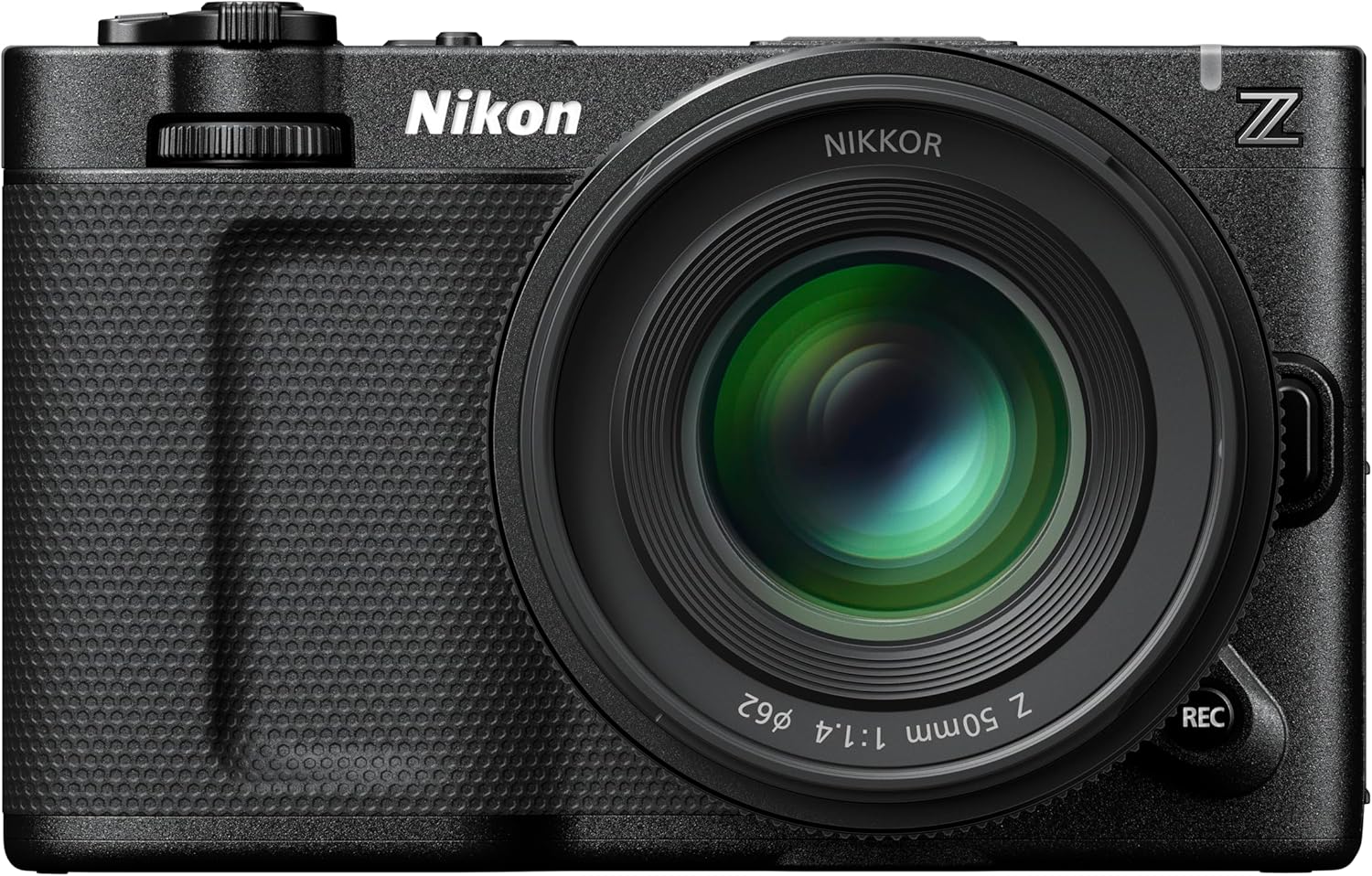
Lenses and Accessories for the Nikon ZR
The Nikon ZR uses the Nikon Z mount, which gives users access to NIKKOR Z lenses and compatible third-party Z-mount lenses. Lens choice affects the image more directly than many menu settings.
Useful lens categories
- Wide-angle zooms: Establishing shots, interiors, travel, and gimbal work
- Standard zooms: Interviews, events, and documentary coverage
- Fast primes: Low-light scenes and shallow depth of field
- Telephoto zooms: Sports, wildlife, and distant subjects
- Macro lenses: Product details and close-up work
- Cine-oriented lenses: Manual focus, geared rings, and consistent focus behavior
Accessories worth planning
A practical cinema kit may include:
- Extra batteries
- High-speed, compatible recording media
- A USB-C power source or AC power solution
- ND filters for outdoor exposure control
- A camera cage
- A top handle
- A reliable microphone
- Headphones
- Wind protection
- A small on-camera monitor or recorder
- A tripod, monopod, or gimbal
- Fast backup storage
Variable ND filters can help maintain a chosen shutter speed and aperture outdoors. Test a filter before a paid shoot because low-quality filters may cause color shifts, uneven density, or a cross pattern at stronger settings.
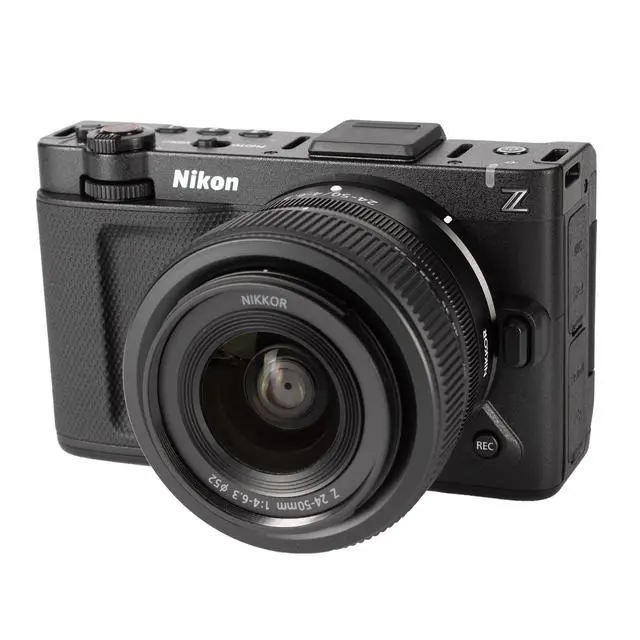
Storage and Post-Production Planning
RAW video creates a post-production obligation. Before selecting R3D NE, N-RAW, or ProRes RAW, confirm that your storage and editing system can handle the files.
A simple storage estimate
Use this planning formula:
Storage required = data rate × recording time × 0.125
For example, if a mode records at 1,000 megabits per second for 60 minutes:
- 1,000 megabits per second ÷ 8 = 125 megabytes per second
- 125 megabytes × 3,600 seconds = 450,000 megabytes
- The result is about 450 GB, before backup copies and file overhead
This is a hypothetical calculation. The actual data rate depends on the Nikon ZR recording mode, resolution, frame rate, compression, and firmware.
A safer media plan
For important projects, plan for:
- The original camera files
- A working copy
- A backup copy on a separate drive
- Proxy files for smoother editing
- Extra space for exports and project files
Do not format a card until the footage has been copied and checked. Open several clips from the backup, not just the folder itself.
R3D NE compatibility can also depend on the editing application and its current version. Check support in your preferred editor before the shoot. If the software cannot open the selected files, the camera’s recording capability will not solve the workflow problem.
Nikon ZR Buying Guide: Who Should Consider It?
The Nikon ZR makes the most sense for creators who need a compact full-frame camera with serious video formats and flexible audio.
It may fit you if you:
- Already own Nikon Z lenses
- Shoot alone or with a very small crew
- Need internal RAW recording
- Record interviews or events with changing sound levels
- Want 6K capture for reframing
- Need high-frame-rate options
- Prefer one camera for stills and video work
- Want access to a RED-based RAW workflow without using a larger RED body
Consider another setup if you:
- Need built-in electronic ND filters
- Require extensive SDI or broadcast connectivity
- Use a dedicated sound mixer and timecode system
- Need the highest sustained data rates of a larger cinema camera
- Prefer a fully modular body
- Need a proven workflow with a specific lens or accessory system
- Mostly deliver simple HD or 4K video and do not need RAW
The camera’s strongest value comes from combining several features. If you only need basic 4K recording, a less expensive Nikon Z model may meet your needs. If you need a full cinema rig with extensive production connections, a larger camera may be more efficient.

Common Nikon ZR Mistakes to Avoid
Assuming 32-bit float fixes poor sound
It does not. Place the microphone near the subject and use wind protection. The format protects level flexibility, not the entire audio chain.
Calling the format “RED C”
Use R3D NE when discussing the Nikon ZR’s RED RAW recording. “RED C” may be a mistaken shorthand or a confusion with RED’s broader cinema technology.
Choosing RAW without a storage plan
RAW files can fill media quickly. Estimate storage before production and create a backup plan before recording.
Ignoring heat and power
Long takes, high frame rates, bright screens, wireless devices, and warm locations can increase power and heat demands. Test the exact recording mode for the expected duration.
Treating autofocus as cinema focus control
Autofocus can be useful, but it may shift at the wrong time or react to a foreground object. Use manual focus when a planned focus point matters.
Using an untested firmware or software combination
Firmware updates can change features, compatibility, or workflow behavior. Test the camera, lenses, media, microphones, and editing software together before a major shoot.

Nikon ZR FAQs
Is the Nikon ZR a RED camera?
No. The Nikon ZR is a Nikon cinema camera. It supports RED R3D NE RAW recording and uses RED-related imaging technology, but it is not a RED-branded camera.
Does the Nikon ZR record 32-bit float audio?
The Nikon ZR supports 32-bit float audio recording in supported audio configurations. Confirm the exact input, microphone, accessory, and firmware requirements in the current Nikon documentation.
What is the correct name for the Nikon ZR RED format?
The correct name is R3D NE. “RED C” is not the official name of the Nikon ZR recording format.
Can the Nikon ZR use Nikon Z lenses?
Yes. The camera uses the Nikon Z mount and is designed for compatible NIKKOR Z and third-party Z-mount lenses. Check lens firmware and feature compatibility before a professional shoot.
Is the Nikon ZR good for solo filmmakers?
It can be a strong fit for solo filmmakers because it combines autofocus, internal RAW options, high-resolution video, compact design, and flexible audio. The final choice depends on your storage, lens needs, stabilization method, and editing system.
Does 32-bit float audio remove the need for headphones?
No. Headphones remain essential. They can reveal wind, cable faults, clothing noise, electrical hum, and room problems that 32-bit float recording cannot repair.
Key Takeaways
- The official camera name is Nikon ZR.
- It belongs to Nikon’s Z CINEMA system.
- The camera supports RED R3D NE RAW, not “RED C.”
- 32-bit float audio helps manage sudden changes in recording level.
- Microphone placement and monitoring still determine sound quality.
- The ZR supports Nikon Z lenses and full-frame video production.
- RAW recording requires more storage and a compatible editing workflow.
- The camera suits solo filmmakers, documentaries, interviews, branded work, and compact cinema crews.
- Dedicated RED cameras may remain better for larger, highly modular productions.
Conclusion
The Nikon ZR brings several high-end production tools into a compact Nikon Z-mount body. Its most notable combination is R3D NE RAW recording, full-frame video, high-frame-rate capture, Nikon autofocus, and 32-bit float audio.
For U.S. filmmakers, the key decision is workflow fit. Choose the ZR when you value a small setup, Nikon lens access, flexible recording formats, and simplified field audio. Before buying, confirm current Nikon USA specifications, firmware support, recording limits, media requirements, and compatibility with your editing software.

