

The Nikon Z6 III is a full-frame mirrorless camera for photographers and video creators in the United States who need strong image quality, fast autofocus, and high-resolution video in one body. Its key feature is internal 6K/60p RAW recording, supported by a 24.5-megapixel partially stacked sensor, advanced subject detection, and a bright electronic viewfinder.
The phrase “with 6” most likely refers to 6K video, not a six-inch display. The Nikon Z6 III has a 3.2-inch vari-angle touchscreen.
This guide explains the Nikon Z6 III’s main features, still-image performance, 6K video modes, autofocus system, storage needs, limitations, and the type of creator it suits best.
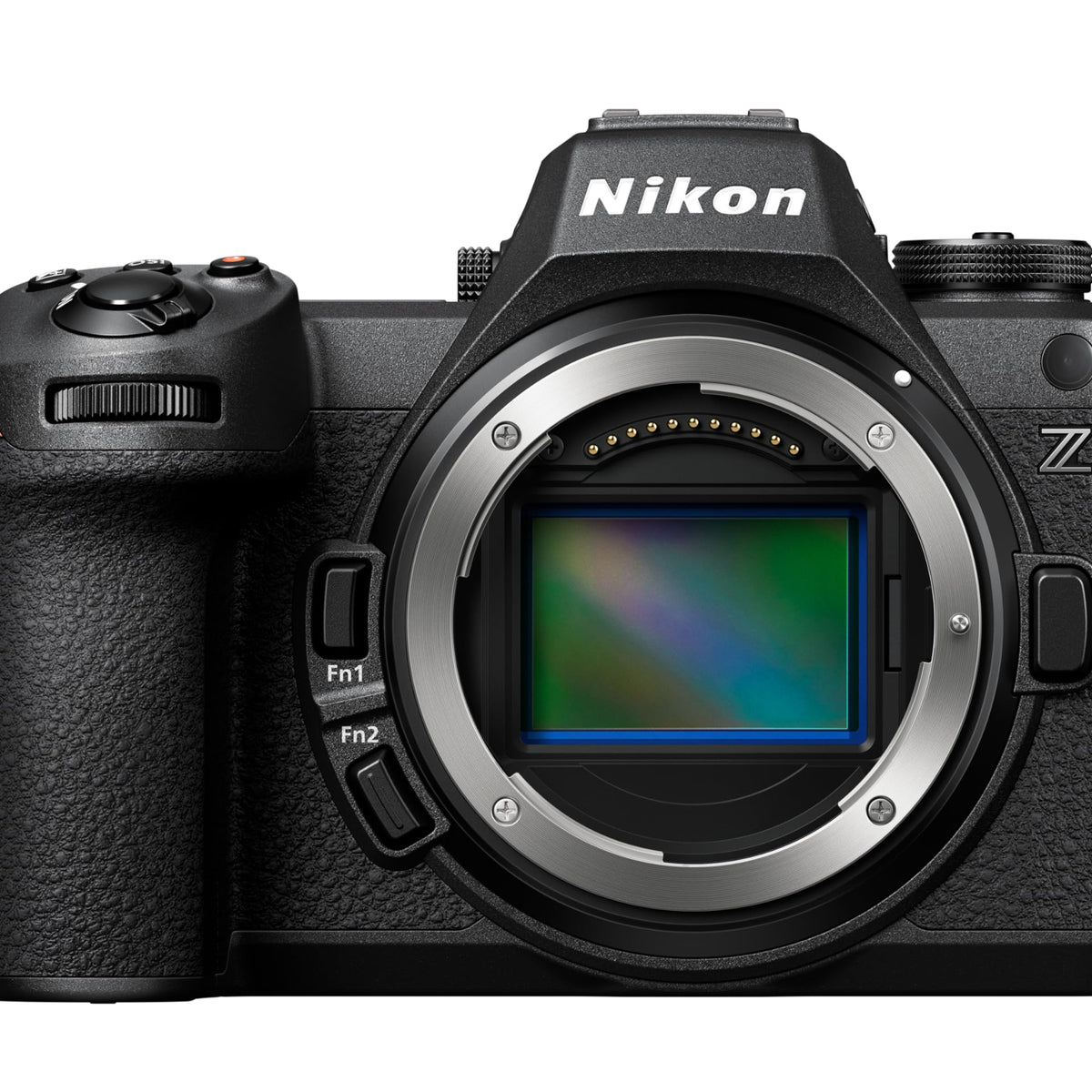
Nikon Z6 III Key Specifications
The Nikon Z6 III combines a 24.5MP full-frame sensor with a fast readout design. Nikon calls it a partially stacked CMOS sensor. This design helps reduce rolling shutter distortion and supports faster shooting and video capture than a traditional sensor design.
| Feature | Nikon Z6 III specification |
|---|---|
| Camera type | Full-frame mirrorless |
| Sensor | 24.5MP partially stacked CMOS |
| Lens mount | Nikon Z mount |
| Still-image format | JPEG, HEIF, NEF RAW |
| Maximum still resolution | 6048 × 4032 pixels |
| Internal video | Up to 6K/60p RAW |
| 4K video | Up to 4K/120p, with crop conditions depending on mode |
| ISO range | ISO 100–64,000, expandable to ISO 50–204,800 |
| Autofocus | Hybrid phase-detect and contrast-detect AF |
| Image stabilization | Five-axis in-body vibration reduction |
| Viewfinder | 5.76-million-dot electronic viewfinder |
| Rear screen | 3.2-inch, four-axis tilt touchscreen |
| Memory cards | CFexpress Type B/XQD and SD UHS-II |
| Battery | Nikon EN-EL15c rechargeable battery |
| Weight | About 760 g with battery and memory card |
The camera is positioned between the Nikon Z5 II and higher-resolution models such as the Nikon Z8. Its 24.5MP sensor favors speed, low-light work, and manageable file sizes instead of maximum resolution.
Nikon lists the Z6 III’s launch price at approximately $2,499.95 for the body only in the United States. Prices, kits, rebates, and availability can change, so check Nikon USA before buying.

What Makes the Nikon Z6 III Different?
The Nikon Z6 III stands out because it combines a fast sensor, internal RAW video, and a high-resolution viewfinder in a relatively compact body.
Partially stacked sensor
A stacked sensor places additional circuit layers close to the imaging area. The Z6 III uses a partially stacked design rather than the fully stacked sensor found in some more expensive cameras.
This design helps the camera read image data faster. In practice, that can reduce skew in fast-moving subjects, support faster bursts, and make electronic-shutter shooting more useful.
It does not remove rolling shutter in every situation. Very fast movement, rapid camera pans, and certain electronic-shutter modes can still produce distortion.
Internal 6K RAW recording
The camera can record 6K/60p RAW internally. This is a major feature for filmmakers who want to crop, reframe, or color-grade footage after recording.
RAW video retains more processing flexibility than a finished JPEG-style video file. It can preserve greater control over exposure, white balance, and color during post-production. It also creates larger files and requires a computer and editing program that support the selected RAW format.
The Z6 III supports Nikon’s N-RAW format and can also work with ProRes RAW workflows under supported conditions. Check Nikon’s current firmware notes and the documentation for your editing software before planning a professional production.
Bright electronic viewfinder
The 5.76-million-dot electronic viewfinder offers a clear view for still photography and video work. Nikon also rates the display for high brightness, which can help when working outdoors.
A bright viewfinder does not replace a lens hood or proper screen protection. Strong sunlight can still affect what you see on any display.
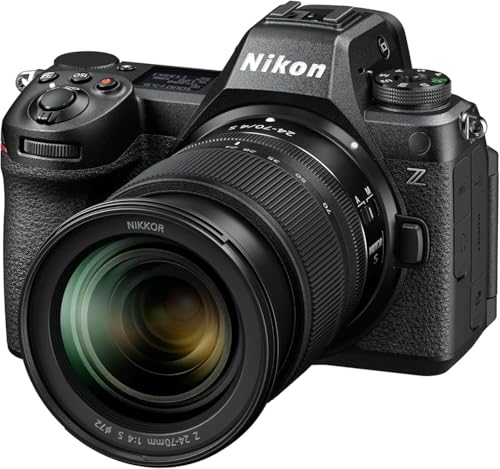
Nikon Z6 III for Still Photography
The Nikon Z6 III is well suited to portraits, weddings, events, travel, wildlife, sports, and general-purpose photography. Its 24.5MP resolution is enough for large prints and most online publishing while keeping RAW files smaller than those from a 45MP camera.
The sensor also provides useful room for cropping, but it does not offer the same cropping freedom as the Nikon Z8 or Z9. Photographers who often crop distant wildlife may prefer a higher-resolution body or a longer lens.
Continuous shooting
The Z6 III offers several burst options, including:
- Up to 14 frames per second with full-resolution RAW using the mechanical shutter.
- Faster electronic-shutter modes for supported file types.
- High-speed capture at reduced resolution, including a 120-frame-per-second mode that produces approximately 11MP JPEG images.
- Pre-release capture for recording frames just before the shutter button is fully pressed.
The exact speed depends on the file format, shutter type, autofocus setting, card performance, and camera menu configuration. High frame rates are not always the best choice. A slower burst can make it easier to manage files and select the sharpest frame.
Pre-release capture
Pre-release capture is useful for moments that are difficult to predict, such as a bird taking flight or a runner crossing a finish line. The camera can begin saving frames while the shutter button is partly pressed, depending on the selected mode.
This feature can fill the memory card quickly. It also requires a careful workflow because the saved sequence may contain many similar images.
In-body image stabilization
The Z6 III includes five-axis in-body vibration reduction. Stabilization can help reduce blur caused by small camera movements when shooting still subjects at slower shutter speeds.
It does not freeze a moving person, animal, or vehicle. For moving subjects, shutter speed remains important. Lens-based stabilization and in-body stabilization may also work together with compatible Z lenses.
Native and adapted lenses
The Nikon Z mount supports Nikon Z lenses. Nikon’s FTZ II Mount Adapter allows many Nikon F-mount lenses to be used, although autofocus speed, autofocus tracking, and available functions vary by lens.
Before adapting an older lens, check Nikon’s compatibility information. Some manual-focus lenses may work well for controlled video or landscape work but may not provide the same autofocus experience as a native Z lens.

Nikon Z6 III for 6K and 4K Video
The Nikon Z6 III is one of Nikon’s strongest hybrid cameras for creators who need both stills and video. Its main video advantage is the ability to record 6K RAW internally without requiring an external recorder for that mode.
6K/60p RAW
6K provides more pixels than 4K. That extra resolution can help with:
- Cropping a wide shot into a tighter frame.
- Reframing interviews after recording.
- Creating stabilized output.
- Producing detailed 4K exports.
- Capturing high-resolution footage for future edits.
The benefit depends on the entire workflow. A fast card, enough storage, a capable computer, and compatible editing software are essential.
RAW video also creates more work. It is not automatically better for every project. For quick delivery, standard 4K recording may be easier to edit, store, and share.
4K/120p slow motion
The Z6 III can record 4K video at up to 120 frames per second in supported settings. When played back at 24p or 30p, this creates slow-motion footage.
High-frame-rate modes can involve a crop, reduced autofocus performance, or other mode-specific limits. Review the camera’s menu guide for the exact resolution, crop, audio, and autofocus conditions before a paid shoot.
Video file formats
The camera supports several video options for different production needs. These can include RAW, ProRes, H.265, and H.264-based workflows, depending on the selected mode and firmware.
A practical choice depends on the project:
| Video need | Sensible starting point |
|---|---|
| Maximum editing flexibility | Internal RAW |
| High-quality professional workflow | ProRes or supported RAW option |
| Smaller files and easier editing | H.265 or H.264 mode |
| Slow motion | 4K/120p where the crop and workflow are acceptable |
| Fast turnaround | Standard 4K mode with a practical bitrate |
N-RAW and ProRes files can be large. Use high-capacity cards and plan a backup system before recording important footage.
Audio connections
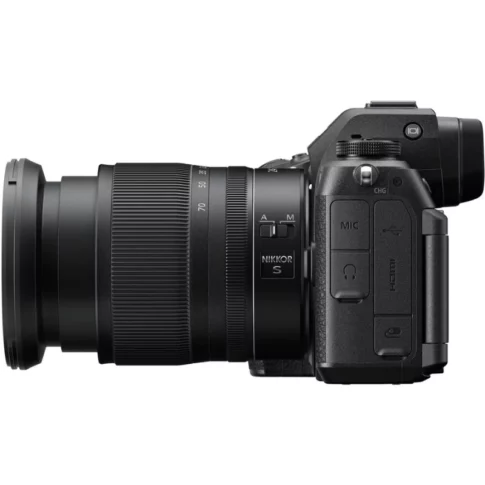
The Z6 III includes microphone and headphone connections for video production. A microphone input supports external recording, while a headphone output lets the operator monitor sound.
A camera microphone can capture usable reference audio, but a dedicated microphone placed near the subject usually produces better results. Always monitor audio when the recording matters.

Autofocus and Subject Detection
The Nikon Z6 III uses a hybrid autofocus system with subject detection for people, animals, vehicles, and other subjects. Its low-light autofocus capability can also help in dark scenes, although autofocus performance depends on contrast, lens brightness, subject movement, and available light.
Subject detection is useful, but it is not infallible. The camera can select the wrong subject when several people or objects overlap. Photographers should learn how to move the focus area, switch subject categories, and use single-point or dynamic-area AF when automatic detection becomes unreliable.
For video, face and eye detection can help with interviews and people moving through the frame. A wide aperture, low light, backlighting, or a subject turning away can still cause focus errors.
A good starting setup is:
- Use subject detection for predictable people or animal work.
- Select a smaller focus area when the scene is crowded.
- Test autofocus with the actual lens before a paid assignment.
- Watch the focus box and review clips at full size.
- Switch to manual focus when autofocus hunts or chooses the wrong subject.

Handling, Screen, Ports, and Storage
The Z6 III has a body design aimed at both photo and video use. Its four-axis tilt touchscreen can be useful for low-angle and portrait-orientation shooting while keeping the screen close to the camera body.
The screen is different from a fully side-opening vari-angle display. A tilt design can be faster for many still-photo positions, while a side-hinged screen may be more flexible for self-recording and unusual video angles.
Memory card choices
The camera uses two card slots:
- One CFexpress Type B/XQD-compatible slot.
- One SD card slot supporting UHS-II media.
The faster card slot is the practical choice for demanding 6K RAW and high-bitrate recording. Not every card can sustain the required write speed. A card may fit physically yet fail during long recording.
Before a production:
- Format the card in the camera.
- Confirm the camera recognizes the card.
- Record a test clip at the planned settings.
- Check the remaining recording time.
- Use a spare card from a trusted brand.
- Copy footage to at least two locations after the shoot.
Do not remove a card while the camera is writing. A corrupted card can damage more than one clip.
Battery and heat
The Z6 III uses Nikon’s EN-EL15c battery and can also work with certain related EN-EL15-series batteries, though features and charging behavior may vary.
Battery life changes with screen brightness, autofocus, wireless functions, temperature, and video settings. Carry spare batteries for long shoots.
High-resolution RAW video places more load on the camera. Recording time can also depend on temperature, card speed, resolution, frame rate, and power settings. Test the exact setup rather than relying only on a general battery or recording estimate.

Nikon Z6 III Pros and Limitations
The Z6 III is a strong hybrid camera, but its best features come with trade-offs.
Main strengths
- Internal 6K/60p RAW recording.
- 24.5MP full-frame image quality.
- Fast partially stacked sensor design.
- Strong subject-detection autofocus.
- Five-axis in-body stabilization.
- High-resolution, bright electronic viewfinder.
- 4K/120p slow-motion capability.
- Dual card slots.
- Full-size HDMI connection for video workflows.
- Compatibility with Nikon Z lenses and many F-mount lenses through an adapter.
Important limitations
- It does not provide the 45MP resolution of the Nikon Z8.
- 6K RAW files require significant storage and computer power.
- Some high-frame-rate modes may use a crop.
- Electronic-shutter shooting can still show rolling-shutter distortion.
- Autofocus tracking is not guaranteed in low contrast or crowded scenes.
- The rear display is a tilt design rather than a fully articulated side-hinged screen.
- Performance varies with lens, card, firmware, and recording format.
The main buying decision is simple: choose the Z6 III for speed, video flexibility, and moderate file sizes. Choose a higher-resolution model if large crops and maximum detail matter more than file size and cost.
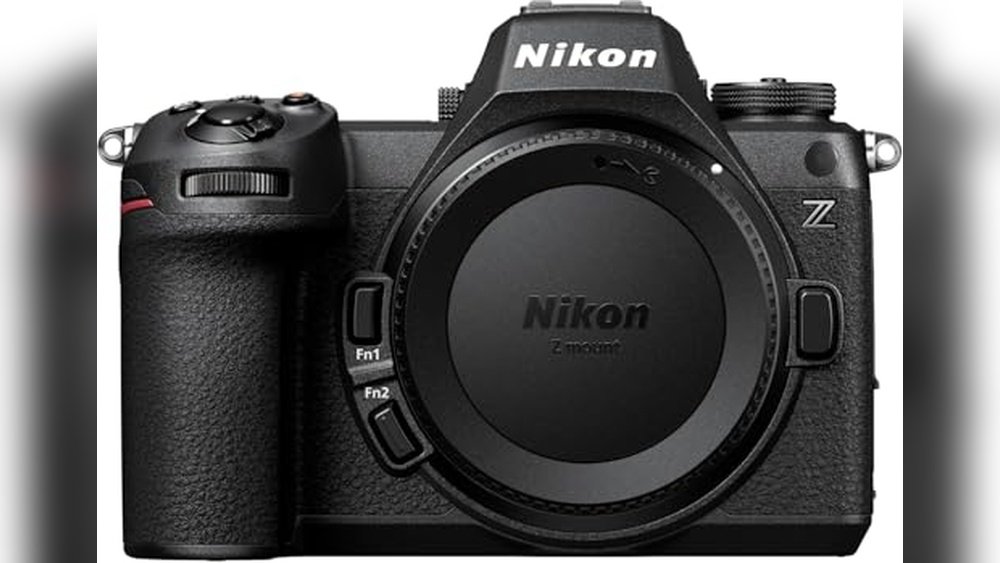
Who Should Buy the Nikon Z6 III?
The Nikon Z6 III is a good fit for:
- Hybrid photographers who shoot stills and video.
- Wedding and event professionals.
- Documentary and travel creators.
- Portrait photographers who also produce video.
- Wildlife and action shooters who value fast readout.
- Filmmakers who want internal 6K RAW.
- Nikon DSLR users moving from the F mount to the Z system.
It may not be the best fit for:
- Photographers who need the highest possible resolution.
- Beginners who only want a simple camera for casual snapshots.
- Video teams that require built-in cinema accessories or extensive thermal ratings.
- Buyers who do not have storage and editing hardware for RAW video.
- Users who need a fully articulated screen for frequent self-recording.
The camera’s value depends on how often its fast sensor and video features will be used. If the work is mostly simple JPEG photography, a less expensive model may meet the need.
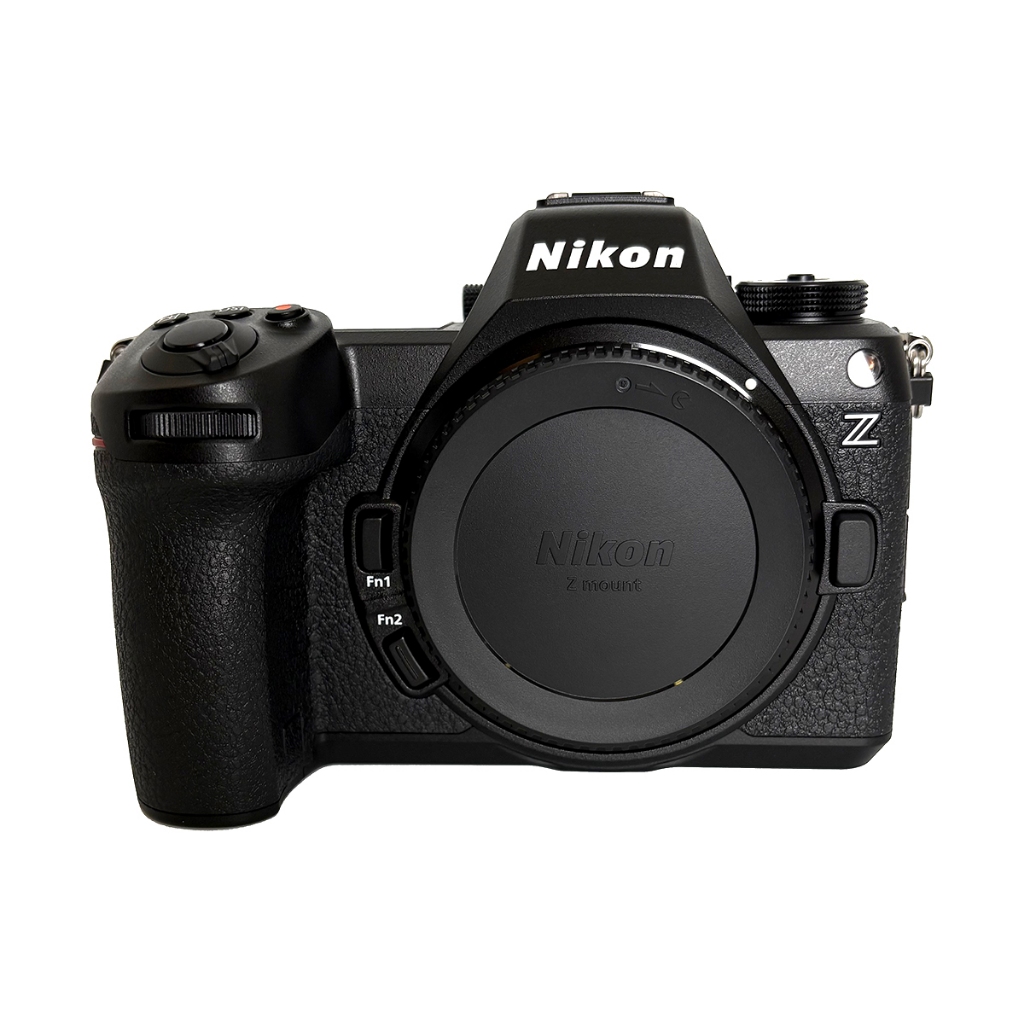
Nikon Z6 III vs. Nikon Z8
The Nikon Z6 III and Z8 share the Z mount and many modern Nikon features, but they serve different priorities.
| Category | Nikon Z6 III | Nikon Z8 |
|---|---|---|
| Resolution | 24.5MP | 45.7MP |
| Sensor design | Partially stacked | Stacked |
| File size | Smaller | Larger |
| Cropping flexibility | Good | Excellent |
| Internal RAW video | Up to 6K/60p | Up to 8K/60p in supported modes |
| Best advantage | Speed and manageable workflow | Detail and high-resolution production |
| Typical buyer | Hybrid creator and action shooter | High-resolution professional creator |
The Z8 is the better choice for large crops, commercial images, landscape detail, and higher-resolution video. The Z6 III is easier on storage and offers enough resolution for many professional assignments.
Neither camera is universally better. The right choice depends on the final output, lens selection, computer hardware, and budget.
Common Nikon Z6 III Buying Mistakes
Buying slow memory cards
A low-cost card may work for photographs but fail during high-bitrate video. Confirm the card’s sustained write performance and test it in the camera.
Assuming 6K RAW is always the best mode
RAW is useful when you need grading and reframing control. It may be unnecessary for short social clips or quick client delivery.
Ignoring crop factors
Some 4K and high-frame-rate modes may use a crop. A wide lens can become less wide. Test the planned lens and recording mode before filming.
Choosing a lens only by price
The lens affects autofocus, stabilization, low-light performance, background blur, and image character. A cheaper lens may be a good choice, but compare its actual use case with the project.
Forgetting backup storage
6K footage can fill a drive quickly. Estimate storage before a trip or production. For example, if a recording mode averages 500 megabits per second, one hour of footage uses about 225 gigabytes before additional copies and editing files.
Treating autofocus as a guarantee
Autofocus is a tool, not a promise. Check focus during recording and use manual focus when the scene is difficult.

Frequently Asked Questions
Is the Nikon Z6 III a full-frame camera?
Yes. The Nikon Z6 III uses a full-frame FX-format sensor. It can also use DX-format lenses and crop modes, although the captured image area and resolution will be reduced.
Does the Nikon Z6 III record 6K video internally?
Yes. The camera can record up to 6K/60p RAW internally in supported settings. RAW recording needs fast media, large storage, and compatible editing software.
Is the Nikon Z6 III good for photography?
Yes. Its 24.5MP sensor, fast readout, subject detection, burst shooting, and stabilization make it suitable for portraits, events, travel, wildlife, and everyday professional work.
Does the Nikon Z6 III have a six-inch screen?
No. It has a 3.2-inch four-axis tilt touchscreen. The “6” in many search phrases most likely refers to 6K video.
Can the Nikon Z6 III use older Nikon lenses?
Many Nikon F-mount lenses can be used with the FTZ II adapter. Compatibility varies by lens. Native Z lenses generally provide the most complete autofocus and camera-control experience.
Is the Nikon Z6 III better than the Nikon Z8?
It depends on the job. The Z6 III offers lower-resolution files, fast readout, and internal 6K RAW. The Z8 offers much higher resolution and up to 8K video in supported modes. Choose the Z6 III for speed and workflow efficiency; choose the Z8 for maximum detail and cropping flexibility.
Final Verdict
The Nikon Z6 III is a capable full-frame mirrorless stills and video camera built around speed and flexibility. Its 24.5MP partially stacked sensor, internal 6K/60p RAW, strong autofocus, stabilization, and bright viewfinder make it a practical choice for hybrid creators.
Buy it when you need one camera for professional photography and high-quality video. Consider the Nikon Z8 instead when maximum resolution, heavy cropping, or 8K production matters more. Before purchase, confirm the current Nikon USA price, lens compatibility, card requirements, firmware, and editing support for your planned workflow.

